
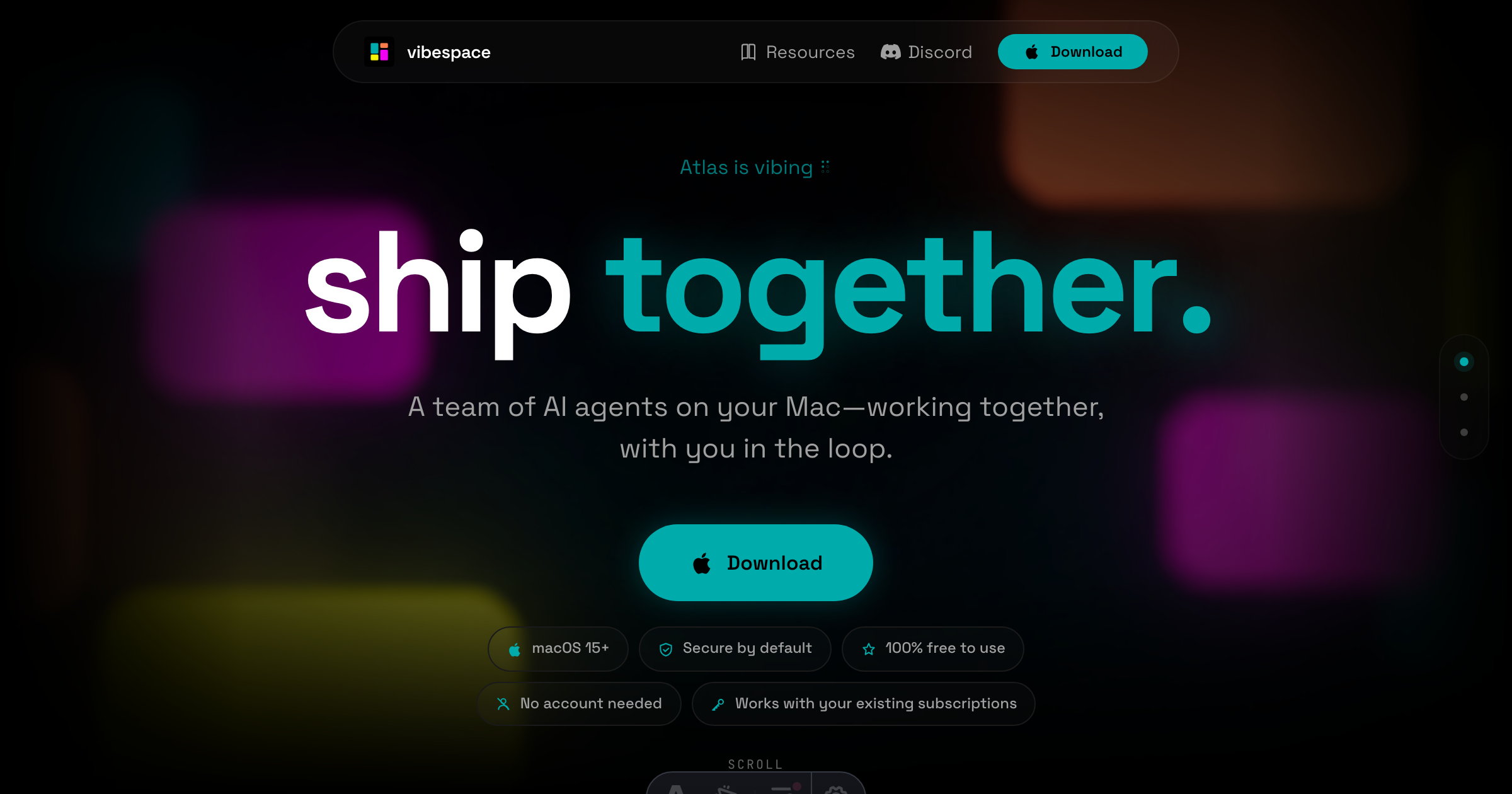
The Problem and the Verdict
If you run an online store, you already know the bottleneck: between the brief and the finished landing page, there are endless rounds of prompting, regenerating, and copying assets between tools. Vibespace claims it solves this by running teams of AI agents that collaborate on your Mac, handling everything from brand guides to market research briefs in a single workflow.
After spending three days testing it with a real product launch scenario, I can tell you exactly where it delivers and where it falls short. The tech is genuinely novel, but it is not for everyone.
Score: 3.5 out of 5 stars. Use Vibespace if you need multiple AI agents working in parallel on complex deliverables and you already pay for Claude or Codex subscriptions. Skip it if you want a simple, single-agent chatbot interface or if your team cannot run macOS 15.
What Vibespace Actually Is
Vibespace is a macOS desktop application that runs teams of AI agents in isolated containers on your local machine. These agents communicate with each other in real time, building landing pages, market briefs, and brand guides while you watch a live feed of their output. It integrates with your existing Claude and Codex subscriptions rather than replacing them, meaning you pay for the agents on top of what you already spend on AI. The promise is that a single prompt spins up a specialized team that collaborates without you manually feeding outputs between tools.
My Hands-On Test: What Surprised Me
I set up Vibespace on a MacBook Pro running macOS Sequoia and gave it a real brief: generate a brand guide and landing page for a fictional Shopify supplement brand. Here is what happened.
The setup took under five minutes. No account creation, no browser tab to manage. I downloaded the app, pasted in my existing API keys for Claude and Codex, and the agents spun up in isolated containers. Within 90 seconds, the live feed showed the primary agent delegating tasks to two specialists, one focused on copy structure and one handling visual hierarchy suggestions.
The live preview of the landing page updated in real time as agents debated layout choices. I could interject with a comment, and the agents would adjust within seconds. The artifact quality for the market brief was solid, covering competitor positioning and target audience pain points without me asking for it twice.
Here is what caught me off guard.
- The container isolation worked as promised. When I fed the agent a malformed product description, it recovered gracefully and asked clarifying questions rather than hallucinating an entire product catalog. That is harder to do than it sounds, and most single-agent tools would have plowed ahead with confident nonsense.
- Latency spiked during complex tasks. When the brand guide reached the typography section, the live feed lagged by 12 to 15 seconds. The agents were clearly thinking, but watching a loading spinner while waiting for a font recommendation feels tedious when you are used to instant chat responses.
- The landing page output required significant cleanup. The HTML was structurally sound, but the CSS needed manual adjustment for mobile breakpoints. Vibespace generated the skeleton; I still spent 45 minutes tweaking spacing and font sizes. If you need pixel-perfect output without touching code, you will be disappointed.
The agents also do not remember context across sessions unless you explicitly save the project file. Closing the app and reopening meant re-explaining that the brand used a specific shade of teal. The documentation mentions this but buries it in a footnote.
Who This Is Actually For
Profile A: The Ecommerce Operator Running Lean
If you are a solo founder or a two-person team juggling product launches, Vibespace slots into your workflow as a rapid prototyping tool. You brief it once, let the agents iterate in parallel, and use the output as a first draft that you refine rather than build from scratch. It replaces the back-and-forth with copywriters and designers for early-stage assets.
Profile B: The Growing Brand With a Small Ops Team
If you have three to five people handling marketing, Vibespace can act as an always-available production assistant. The catch is that your team needs to be comfortable reviewing AI-generated code and copy. Anyone expecting plug-and-play deliverables will push back on the cleanup time. Teams already using Claude or Codex will adapt fastest.
Profile C: The Agency or Team Needing Client-Facing Output
Skip Vibespace. The mobile responsiveness issues and the lack of built-in collaboration features make it a poor fit for client deliverables. The isolated container model also means you cannot easily share agent configurations across projects without exporting and reimporting settings manually. For agency workflows, you are better off with tools designed for team environments, like those covered in my review of MiroMiro v2 or the alternatives analysis I published after testing Behuman Online alternatives.