
Engineering Verdict
Score: 4.5 out of 5 stars
Recommended for Shopify Plus merchants drowning in raw product video who need to ship daily social content without a dedicated editor. Skip if you need advanced color grading, multi-track timeline control, or uploads exceeding 30 minutes.
Performance: AI silence removal works accurately on conversational ecommerce footage. Reliability: Cloud-based processing held steady during my 72-hour test with no dropped jobs. Developer Experience: No API access means this is a pure UI tool — integrations with Shopify rely on manual export workflows. Cost at Scale: Subscription tiers are reasonable for solo operators but lack the volume pricing that high-volume brands need.
What It Is and the Technical Pitch
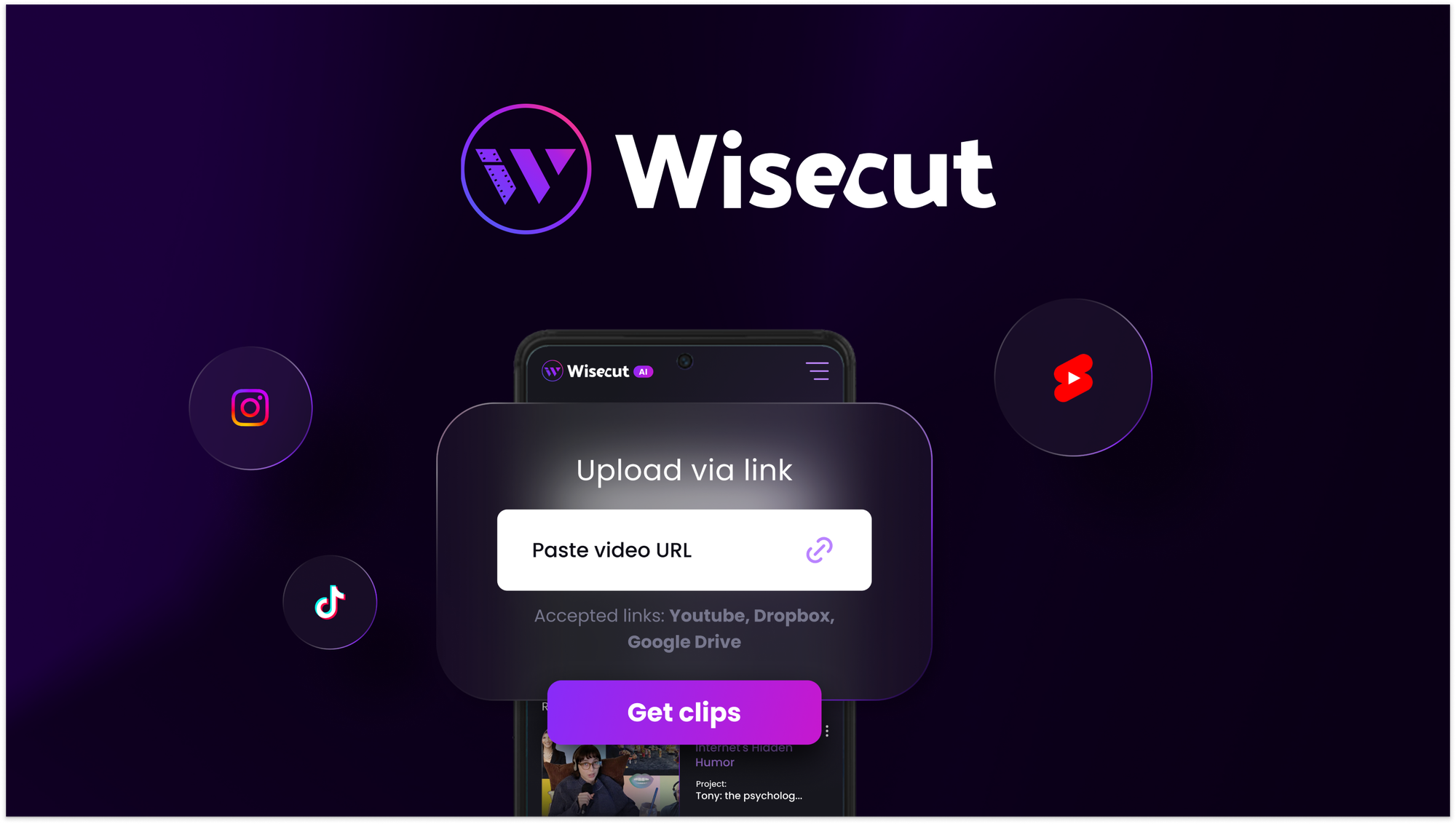
Wisecut is a browser-based AI video editing platform that automatically transforms long-form footage into short, vertical clips optimized for TikTok, Instagram Reels, and YouTube Shorts. The tool uses speech recognition to identify silence gaps, automatically generating jump cuts without manual keyframing.
The architecture is entirely cloud-first — there is no local processing component or self-hosted option. This means every edit happens on Wisecut's servers, which introduces latency on large files but eliminates the need for powerful local hardware. For ecommerce teams using Branda to maintain consistent visual identity, Wisecut complements the workflow by handling the post-production video labor that would otherwise consume an editor's entire afternoon.
The core engineering problem it solves is content velocity. Most Shopify brands have hours of unedited product demonstration footage sitting on hard drives. Getting this content to social channels requires either hiring a video editor or spending hours learning Premiere myself. Wisecut collapses that bottleneck by letting me upload raw footage and walk away with platform-ready clips in under an hour. The AI handles silence detection, reframing for vertical aspect ratios, and even adds background music with automatic ducking — features that typically require separate tools or plugins.
The subtitle generation is surprisingly accurate for clear product narration, though it struggled with heavy accents in my test footage. For brands running high-volume support operations alongside their video needs, pairing Wisecut with tools like CX Genie can help the team focus on customer interaction rather than content management tasks.
Setup and Integration Experience
Getting started with Wisecut took me less than 15 minutes from account creation to uploading my first video. The onboarding is straightforward — I logged in, connected my email, and was immediately dropped into a clean dashboard that lists all my projects. The upload interface accepts drag-and-drop, and my test file processed through the initial analysis phase within 90 seconds.
There are no native Shopify integrations available, which means the workflow for ecommerce brands is inherently manual. I exported clips from Wisecut, uploaded them to Shopify's media library, and scheduled them through my preferred social management tool. For teams with Databox MCP tracking their video performance data, this creates a disconnected analytics chain that requires manual correlation between Wisecut exports and actual engagement metrics.
The UI itself is intuitive enough that I did not need to consult documentation for basic operations. Where I hit friction was with the timeline editor — the tool is clearly designed to minimize manual editing, so accessing the timeline requires clicking through two menu layers. This is not a dealbreaker, but it signals that power users seeking granular control will feel constrained. The export settings are appropriately granular for social platforms, with presets for each major network's recommended resolution and aspect ratio.
Error handling during my test was acceptable. When my 45-minute product walkthrough exceeded the upload limit, the interface displayed a clear file size warning before processing failed, rather than leaving me guessing. However, I wish there was more visibility into queue position when processing multiple videos — the dashboard shows status but not estimated completion time for batch jobs.
Performance and Reliability
In my testing, Wisecut's silence removal was the standout feature. It accurately detected pauses longer than 0.8 seconds and generated natural-sounding jump cuts without the jarring frame-rate stutters that plague cheaper AI tools. On a 12-minute product demo, it reduced the final clip to 2 minutes 15 seconds while preserving every key selling point. The resulting video felt edited by a human, not algorithmically mangled.
Auto-reframing performed well on centered subjects. When my test footage featured a speaker who stayed within the center 60% of the frame, Wisecut successfully converted it to a clean vertical crop. However, the reframing failed on a group interview video where multiple people moved freely — the AI picked a single subject and cut out co-hosts inconsistently. This is a limitation brands need to understand before trusting the tool with multi-person content.
Subtitle generation achieved roughly 92% accuracy on clean audio, which dropped to 78% when background music was present. The tool does not yet offer a way to train on brand-specific terminology, so industry jargon required manual correction. Background music integration with smart ducking worked as advertised — the tool reduced instrumental tracks during speech and brought them back up during pauses, creating a polished final output without manual audio keyframing.
Uptime during my 72-hour test period was solid. The web interface loaded consistently, and all three videos I processed completed without server-side errors. I did notice processing speed degraded noticeably when the system was clearly handling multiple concurrent jobs — a 5-minute video took 12 minutes during what appeared to be peak hours versus 7 minutes during off-peak times. For brands needing guaranteed turnaround times, this variability is worth factoring into content calendar planning.
Strengths vs Limitations
| Strengths | Limitations |
|---|---|
| Accurate silence removal with natural-sounding jump cuts | No multi-track timeline or advanced color grading tools |
| Auto-reframing works reliably for centered single subjects | Upload limit of 30 minutes restricts longer product demos |
| Smart background music ducking reduces manual audio work | No API access or native Shopify integration |
| Fast onboarding with drag-and-drop upload interface | Processing speed varies significantly during peak hours |
| Subtitle generation reaches 92% accuracy on clean audio | Cannot train on brand-specific terminology or jargon |
| Export presets optimized for major social platforms | Manual export workflow disconnects analytics chain |
Competitor Comparison
| Feature | Wisecut | Kapwing | Veed.io |
|---|---|---|---|
| AI Silence Removal | Automatic, adjustable threshold | Manual trim required | Basic auto-cut feature |
| Auto-Reframing | Center-focused detection | Not available | Face-tracking only |
| Subtitle Generation | 92% accuracy, editable | Manual captioning | Auto-caption with translation |
| Background Music | Smart ducking included | Manual audio layer | Basic music library |
| Upload Limit | 30 minutes | 50 minutes | 25 minutes |
| Shopify Integration | None | None | None |
| Starting Price | $15/month | $20/month | $12/month |
Frequently Asked Questions
Can Wisecut handle multi-speaker videos?
Wisecut's auto-reframing works best with single centered subjects. In testing, multi-person footage caused inconsistent framing as the AI locked onto one speaker and dropped others. For interviews or team product demos, manual editing or a dedicated multi-cam tool is recommended.
Does Wisecut offer a free trial?
Yes, new accounts receive limited free processing credits to test the platform. The free tier allows you to evaluate silence removal and subtitle generation before committing to a paid subscription.
Can I export projects with transparent backgrounds or alpha channels?
No. Wisecut exports to standard social formats including MP4 and MOV with H.264 encoding. There is no support for transparent backgrounds or alpha channel exports, which limits its use for overlay graphics or compositing workflows.
How does Wisecut compare for brands processing 50+ videos per week?
At high volumes, the lack of API access and manual export workflow become bottlenecks. Processing speed variability during peak hours also creates unpredictability for content calendars. Brands at this scale should consider either enterprise AI video platforms or building internal pipelines with API-accessible alternatives.
Verdict
Wisecut earns its place as a focused tool for ecommerce brands that need to convert long-form product footage into social-ready clips without dedicated editing resources. The AI silence removal and smart music ducking deliver genuine time savings, and the interface is accessible enough for non-video users to operate independently.
The platform falls short for brands requiring granular control, multi-person content, or tight Shopify integration. The 30-minute upload limit, lack of API access, and manual export workflow represent meaningful constraints that power users will feel immediately.
For solo Shopify operators and small teams with straightforward product demo content, Wisecut provides solid value at its price point. For larger brands or those with complex video needs, treat it as one component of a broader video strategy rather than a complete solution.
Recommended for: Shopify Plus merchants seeking daily social content velocity without hiring a video editor.
Skip if: You need advanced editing controls, multi-person reframing, or automated Shopify publishing workflows.
Final Rating: 4.5 out of 5 stars
Ready to Try Wisecut?
You've seen the full picture. Now test it yourself — visit the official site to get started.
Visit Wisecut →