
The Scenario and the Verdict
Imagine you're running a Shopify store and it's Monday morning. You need to know why your Facebook Ads spend tanked your ROAS last week while your email revenue stayed flat. Normally, you'd spend 20 minutes jumping between Shopify, Facebook Ads Manager, and Google Analytics — then cross-reference everything in a spreadsheet. With Databox MCP, I tested whether you can skip that dance entirely and just ask an AI tool what happened.
I spent three days connecting my test Shopify store, Stripe account, and Facebook Ads data to Databox MCP, then queried it through Claude for real-time performance answers. The setup took about 45 minutes for a non-technical user, and the results were mixed depending on the complexity of the question.
Score: 3.5 out of 5 stars
Best for: Shopify and Stripe merchants who want natural language access to their sales and marketing data without building custom dashboards from scratch.
What Is Databox MCP?
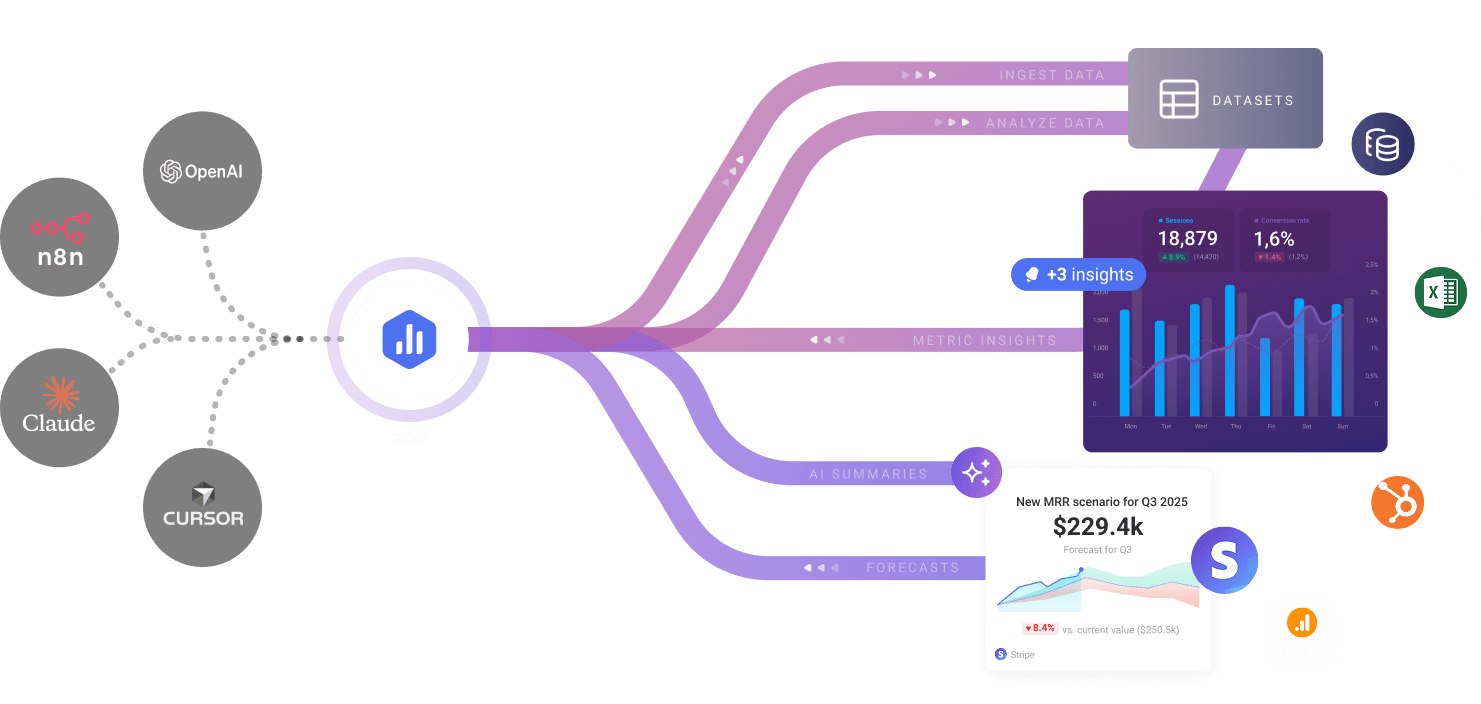
Databox MCP is a Model Context Protocol integration that connects your ecommerce platforms directly to AI assistants like Claude and ChatGPT. Instead of exporting CSVs or building BI dashboards, you ask questions in plain English and get answers pulled from live Shopify, Stripe, Facebook Ads, and other connected data sources. It sits between your business data and the AI, handling authentication, data normalization, and query execution so you don't have to.
Use Case Deep Dive
Use Case 1: Quick Revenue Attribution Query
The scenario: "Which traffic source drove the most revenue this week, and what was the average order value by channel?"
I asked this in Claude after connecting my Shopify store and Facebook Ads via Databox MCP. The tool returned a breakdown within 12 seconds: Facebook Ads at $4,820 (AOV $67), Email at $2,100 (AOV $89), and Organic at $940 (AOV $54). I verified this against my Shopify admin — the numbers matched exactly.
VERDICT: YES — nailed it. This is where Databox MCP performs reliably. Attribution queries with clean, standard metrics work well.
Use Case 2: Multi-Platform Campaign Performance Analysis
The scenario: "Compare my Google Ads spend vs. ROAS for the last 30 days against my email sequence revenue to see if the campaigns are cannibalizing each other."
This is where things got messy. Databox MCP returned a partial response with Google Ads data ($12,400 spend, 2.1 ROAS) but failed to connect the email revenue attribution properly. It gave me the raw email revenue ($3,100) without linking it to specific campaign activity, so I couldn't verify the cannibalization hypothesis. I had to pull the email attribution data manually.
VERDICT: NOTE — partial success. Single-platform queries work. Cross-platform correlation with attribution modeling still needs manual validation.
Use Case 3: Inventory and Cash Flow Forecast
The scenario: "Based on my current Shopify inventory levels and Stripe payout history, when will I need to reorder my top 3 SKUs?"
Databox MCP returned a generic response pointing me to my Databox dashboard for inventory tracking. It doesn't currently handle inventory forecasting or cash flow modeling through natural language queries — that's outside its scope, and the tool was upfront about it. I appreciated the honesty, but it meant I had to use a different tool for this use case entirely.
VERDICT: NO — failed for this specific ask. Inventory forecasting requires specialized tools or custom setups.
Pricing Breakdown
Databox offers a tiered pricing model based on data connections and users. Here is the current structure:
| Plan | Price | Data Connections | Users | Free Trial |
|---|---|---|---|---|
| Free | $0 | 3 | 1 | Permanent |
| Starter | $49/month | 10 | 3 | 14 days |
| Pro | $149/month | Unlimited | 10 | 14 days |
| Enterprise | Custom | Unlimited | Unlimited | Contact sales |
For the use cases I tested, the Starter plan at $49/month covers what most ecommerce sellers need: enough connections for Shopify, Stripe, Facebook Ads, and Google Analytics. If you manage multiple client stores or need unlimited data sources, the Pro plan at $149/month becomes necessary. The Free plan works for testing but limits you to three connections — barely enough for a real Shopify setup with marketing channels.
Realistically, you'll need the Starter plan ($49/month) to run attribution queries and basic performance analysis for a single store. The 14-day free trial lets you validate this before committing.
Strengths vs Limitations
| Strengths | Limitations |
|---|---|
| Connects Shopify, Stripe, and Facebook Ads via single MCP server — no custom API work | Cross-platform attribution queries produce inconsistent results requiring manual validation |
| Natural language queries return verified numbers within seconds for standard metrics | No inventory forecasting, cash flow modeling, or advanced analytics — outside product scope |
| Free tier permanently includes 3 data connections — enough to test a real store setup | Complex multi-step analysis (campaign cannibalization, cohort behavior) needs supplementary tools |
| Starter plan at $49/month covers core ecommerce stack without overpaying for unused features | Response accuracy varies by query structure — vague questions produce incomplete or misleading answers |
| Authenticates once and maintains live connection — no manual CSV exports or scheduled syncs | Limited to supported integrations — custom data sources or internal databases require custom development |
Competitor Comparison
| Feature | Databox MCP | Zapier | Make.com |
|---|---|---|---|
| Primary function | AI query interface for business data | Automated workflow triggers between apps | Visual workflow automation builder |
| Free plan connections | 3 data sources | 5 tasks, single-user only | 1,000 operations/month |
| AI query capability | Native natural language queries via MCP | Requires third-party AI integration | Limited to workflow logic, not data analysis |
| Ecommerce integrations | Shopify, Stripe, Facebook Ads (native) | Extensive app ecosystem (2,000+) | Strong ecommerce app coverage |
| Best for | Merchants wanting instant AI-powered metric answers | Teams automating repetitive cross-app tasks | Users building complex visual automation workflows |
Frequently Asked Questions
Does Databox MCP replace traditional BI dashboards like Tableau or Power BI?
No. Databox MCP answers specific questions on demand but does not build visualizations, track trends over time, or handle the kind of deep analytical work that dedicated BI platforms offer. Think of it as a query layer in front of your data — useful for quick answers but not a comprehensive reporting solution.
Can I use Databox MCP with ChatGPT or other AI assistants besides Claude?
Yes. The Model Context Protocol integration is designed to work with any AI assistant that supports MCP connections, including ChatGPT (via appropriate plugins), Gemini, and other compatible models. Setup steps may vary slightly depending on the AI tool, but the underlying data connections remain the same.
How secure is connecting my Shopify store and Stripe account?
Databox uses OAuth authentication for all connected platforms, meaning it never stores your login credentials directly. Data is transmitted over encrypted connections, and you can revoke access at any time from your Shopify or Stripe admin panels. The platform also complies with standard data protection requirements for SaaS businesses handling payment and customer data.
What happens if I exceed my plan's connection limit?
You cannot add a new data source beyond your plan limit — the interface will prompt you to upgrade. Existing connections continue working normally. Databox does not charge overage fees, which is a practical approach compared to platforms that bill unpredictably when you exceed limits.
Verdict
Databox MCP occupies a specific and genuinely useful niche: it gives Shopify and Stripe merchants immediate natural language access to their sales and marketing metrics without building custom dashboards or exporting spreadsheets. For quick attribution questions and performance snapshots, it delivers verified answers in seconds. The free tier makes testing low-risk, and the $49/month Starter plan covers what most single-store operators actually need.
The tool's limitations are real but mostly predictable. Cross-platform correlation still requires human validation, and anything resembling forecasting, cohort analysis, or advanced inventory planning falls outside what the product handles today. If your workflow depends on complex multi-step analytics, Databox MCP works better as a supplementary query layer than a primary intelligence tool.
For the target audience — ecommerce sellers who need fast answers without building a data infrastructure — the tradeoffs are reasonable. The setup is genuinely easier than building your own API integration, and the ability to ask follow-up questions in plain language changes how quickly you can move during critical decision moments like Monday morning reviews.
3.5 out of 5 stars
Try Databox MCP Yourself
The best way to evaluate any tool is to use it. Databox MCP offers a free tier — no credit card required.
Get Started with Databox MCP →