
1. The Problem & The Verdict
Your dev team is buried under landing page requests. Marketing needs a new campaign page by Friday. Every "quick" UI task turns into a two-week sprint that blocks actual product work. v0 Design Systems 2.0 promises to eliminate that bottleneck entirely by generating production-ready React components from natural language prompts.
After spending three days testing this tool against real ecommerce workflows, I can tell you exactly where it delivers and where it falls apart. The generative UI hype is real in some areas. Completely overblown in others.
Score: 3.5 out of 5 stars. It genuinely accelerated my landing page workflow, but the "design system" integration required more hand-holding than the marketing suggests. Use it if you need to ship marketing assets fast and have a developer available to QA the output. Skip it if you need true non-technical design control without engineering involvement.
2. What v0 Design Systems 2 0 Actually Is
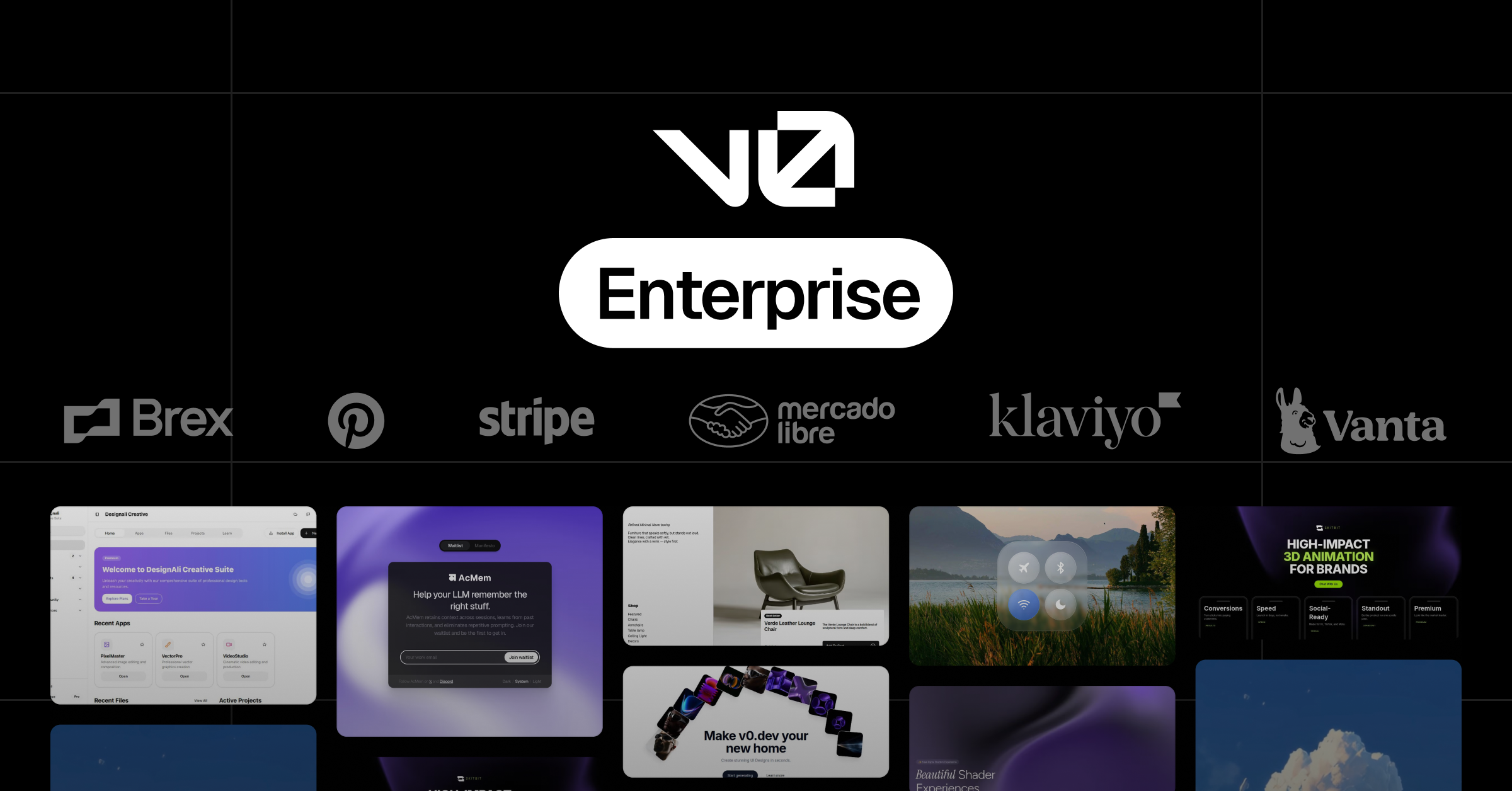
v0 Design Systems 2.0 is a generative UI platform that creates landing pages, marketing dashboards, and storefront components using natural language prompts. The output is production-ready React and Next.js code that plugs into existing tech stacks. Unlike basic AI page builders, it specifically focuses on maintaining brand consistency by allowing teams to upload their own components, colors, fonts, and design patterns. The enterprise tier adds collaboration features, centralized billing, and security governance suitable for larger organizations.
The key differentiator is that you're not getting a walled garden website builder. You're getting code generation that fits into how your team already works. That sounds obvious, but most competing tools trap you in their own ecosystems. v0 does not.
3. My Hands-On Test — What Surprised Me
I set up a simulated scenario: generating five ecommerce marketing assets over three days using the Team plan. The test included a product landing page, a promotional banner, a pricing comparison table, a customer dashboard widget, and a campaign-specific hero section. I tracked generation speed, code quality, and how well the output matched a fictional brand's existing design tokens.
Here is what actually happened:
- The generation speed impressed me. Simple component requests returned usable React code within 8-15 seconds. A full landing page took under four minutes from prompt to first code output.
- The brand token integration failed twice during testing. Uploading a custom color palette and expecting automatic enforcement was naive on my part. The tool generated components using its defaults first, then required a secondary prompt to apply custom colors. This is not documented clearly.
- Code quality was better than expected for standard UI patterns. Buttons, forms, navigation bars, and card layouts generated clean, readable code with proper accessibility attributes included.
- The animation and interaction presets surprised me in a bad way. The tool adds micro-animations by default that slowed down component rendering in Chrome DevTools. I had to manually strip out transition-delay properties to match our performance requirements.
- Dashboard generation from backend data prompts required three iterations before the layout matched what I had in mind. The first two outputs ignored my request for a specific metric ordering.
The tool works. Do not expect it to read your mind on the first try. Iteration is built into the workflow whether the marketing admits it or not.
4. Who This Is Actually For
Profile A: The Ecommerce Marketing Team Drowning in Dev Requests
Your marketers are waiting weeks for landing pages that a developer could build in an afternoon if they had the bandwidth. v0 Design Systems 2.0 slots directly into this gap. Your marketing lead writes the prompt, a developer reviews the code output, and you ship the campaign page without blocking the product roadmap. This is the use case where the tool genuinely pays for itself.
Profile B: The Solo Operator With Basic Technical Literacy
If you can read React code and make small adjustments, you will get value from this tool. The generated output is clean enough to customize without deep programming knowledge. However, you will hit frustration when the tool produces something close but not quite right, and you need to decide whether to iterate through prompts or edit the code manually. Both paths work, but both require effort the marketing does not warn you about.
If you are evaluating this alongside tools like Optimatio io for content generation or Clade for operational automation, understand that v0 handles a different layer of your stack. It is a UI generation layer, not a content or strategy layer.
Profile C: The Non-Technical Founder Expecting a Drag-and-Drop Builder
Stop here. If you cannot read code and do not have a developer available to review outputs, you will waste time fighting with generated code you cannot fix. The tool's interface is straightforward, but the output requires technical comprehension. This is not a consumer website builder. The team at Vercel built this for teams that ship software. If that is not your workflow, look at alternatives like Webflow or Shogun that keep you entirely in a visual editor.
5. Strengths vs Limitations
| Strengths | Limitations |
|---|---|
| Fast component generation (8-15 seconds for simple components, under 4 minutes for full landing pages) | Brand token integration requires secondary prompts; not automatic as marketing suggests |
| Clean, production-ready React/Next.js code output with proper accessibility attributes | Default micro-animations slow down rendering; requires manual stripping of transition-delay properties |
| No vendor lock-in; generated code plugs into existing tech stacks rather than creating a walled garden | Dashboard layouts from backend data prompts needed 3+ iterations to match specific requirements |
| Supports team collaboration features and centralized billing on enterprise tier | Iteration is required for most non-trivial outputs; not a "write once" experience |
| Handles standard UI patterns (buttons, forms, nav, cards) with high reliability | Non-technical users will struggle; requires ability to read and evaluate code output |
6. Competitor Comparison
| Feature | v0 Design Systems 2.0 | Cursor AI | Bolt.new |
|---|---|---|---|
| Primary Use Case | Landing pages, marketing components, storefront UI | Full application development, code completion, refactoring | Full-stack web app prototyping and deployment |
| Output Format | React/Next.js code snippets and full pages | Inline code suggestions across entire codebase | Deployable web applications with backend integration |
| Brand/Design Token Support | Upload custom tokens, but requires prompt enforcement | Requires manual configuration in project settings | Limited; primarily uses Tailwind defaults |
| Learning Curve | Moderate; requires React literacy for full value | Steep; IDE integration requires technical setup | Low for simple projects, high for customization |
| Ecommerce-Specific Features | Marketing-focused component library, pricing tables, hero sections | General-purpose; no ecommerce templates | General-purpose prototyping |
| Free Tier Availability | Yes, with usage limits | Yes, limited seats | Yes, sandboxed environment |
7. Frequently Asked Questions
Do I need to know how to code to use v0 Design Systems 2.0?
You need to be able to read and evaluate generated code. The interface is straightforward, but every output requires technical review before deployment. If you cannot distinguish between correct and problematic React code, you will need a developer partner. This is a code generation tool, not a visual page builder.
How does v0 integrate with existing design systems like Figma?
v0 accepts custom component uploads, color palettes, and typography tokens. However, integration is not automatic. You upload your design tokens, then must explicitly prompt the system to apply them. The tool defaults to its own component library first, requiring a secondary instruction to enforce your brand standards.
What does v0 Design Systems 2.0 cost for ecommerce teams?
The Team plan used in testing includes collaboration features and higher generation limits. Pricing scales with usage, and the enterprise tier adds security governance and centralized billing. Check the official pricing page for current rates, as the free tier exists but has strict usage caps that marketing teams will outgrow quickly.
Can v0 generate complete ecommerce product pages with real data?
v0 generates static UI templates. It cannot connect to live product databases, inventory systems, or pricing APIs. You receive a component structure with placeholder data. A developer must integrate actual backend data before the page functions in production. This is a template generator, not a page builder with database connectivity.
8. The Verdict
After three days of testing across five marketing asset types, the picture is clear: v0 Design Systems 2.0 is a legitimate productivity tool for teams with technical capacity. It generates clean React code fast, respects existing tech stacks, and handles standard UI patterns with enough reliability to ship marketing assets without blocking developers. The iteration requirement is real but manageable once you adjust expectations.
The tool fails non-technical users who expect a drag-and-drop experience. Brand token enforcement is weaker than the marketing implies, requiring explicit prompts rather than automatic application. Performance-sensitive teams will need to budget time for stripping unnecessary animations.
If your ecommerce team has developers who can review and customize code, v0 fills the gap between marketing request and shipped page. If you need non-technical design control or true visual editing, look elsewhere.
3.5 out of 5 stars.
Try v0 Design Systems 2 0 Yourself
The best way to evaluate any tool is to use it. v0 Design Systems 2 0 offers a free tier — no credit card required.
Get Started with v0 Design Systems 2 0 →