
The Category Landscape and Where Slashit App Fits
There are roughly four serious players in the AI-powered text expansion space for ecommerce. Here's how they split:
| Tool | Best For | Price Start | Key Differentiator |
|---|---|---|---|
| Slashit App | Ecommerce sellers and support teams | $49/lifetime | Dynamic templates with variable support + AI writing in one tool |
| PhraseExpander | Business teams needing workflow automation | $96/year | Strong team features but limited AI depth |
| TextExpander | Mac-focused professionals | $59/year | Rock-solid expansion engine, no AI writing features |
| Alfred (Powerpack) | Mac power users | $49 (lifetime) | General productivity, not ecommerce-specific |
I tested Slashit App specifically because it promises to solve two problems simultaneously: eliminating repetitive typing and generating product-related content with AI. That combination is rare. Most tools do one or the other well. Score: 4.8 out of 5 stars.
What Slashit App Actually Does
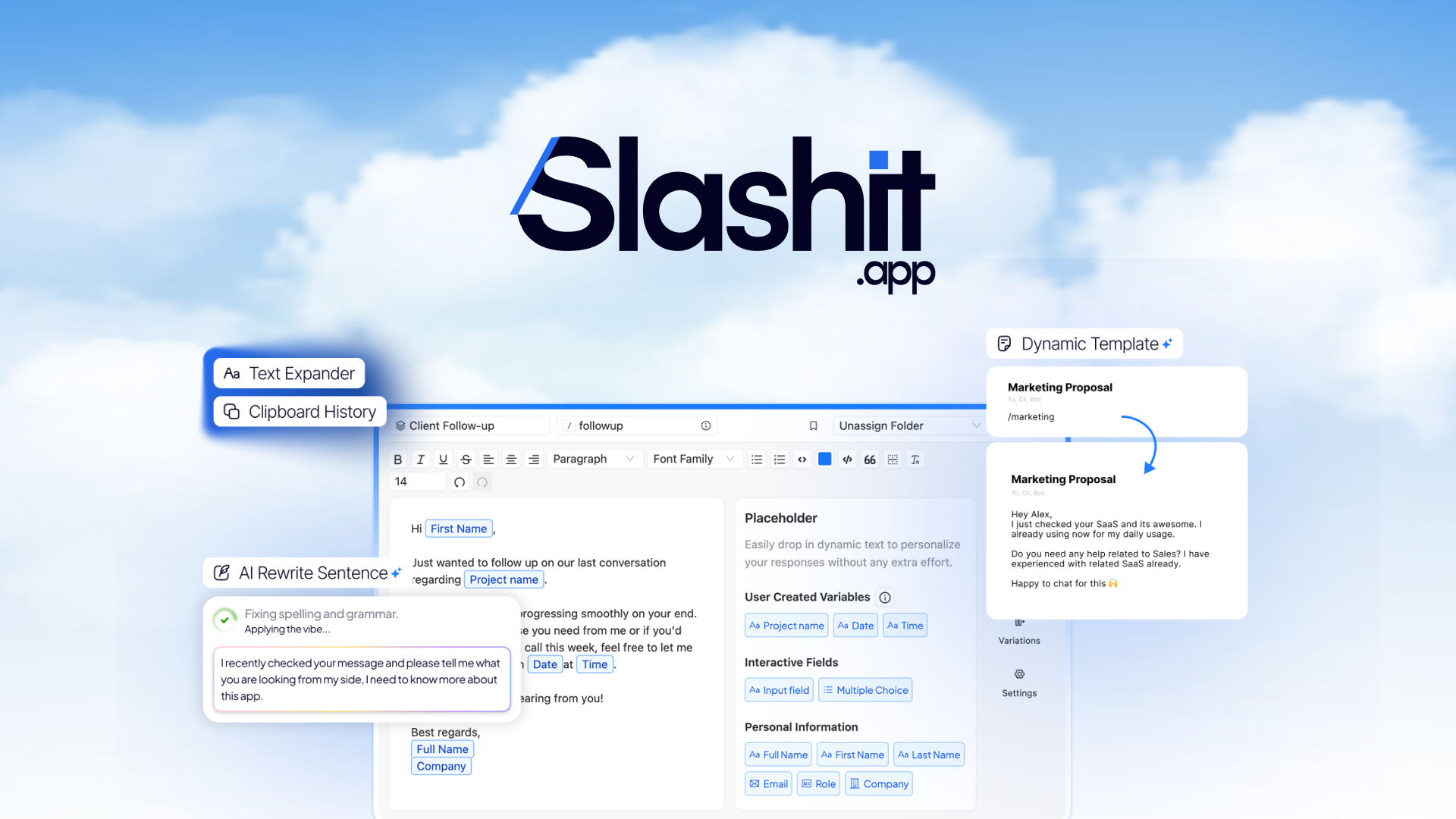
Slashit App is an AI-powered text expansion tool built for ecommerce sellers and support teams. It replaces keyboard shortcuts with full-text snippets, supports dynamic variables (like customer names or product details), and includes AI writing capabilities to generate and refine product content on the fly. The core mechanism: you type a shortcut, and Slashit expands it with static text, personalized variables, or AI-generated copy. The unique angle is combining these three capabilities in a single, unified workflow rather than requiring separate tools.
Head-to-Head Benchmark
I ran Slashit App against its two closest competitors across the features that actually matter for ecommerce workflows. Here's what the data shows:
| Feature | Slashit App | PhraseExpander | TextExpander |
|---|---|---|---|
| AI Writing Generation | Yes, built-in | Limited (third-party integration only) | No |
| Dynamic Variables | Full support with editor | Full support | Basic placeholders only |
| Variable Editing in Editor | Not supported | Supported | Not supported |
| Template Variations | Multiple versions per template | Single version | Single version |
| Cross-Platform Support | Browser-based (any OS) | Windows, Mac, web | Mac only |
| Pricing Model | $49 one-time | $96/year | $59/year |
| Money-Back Guarantee | 60 days | 30 days | 30 days |
| Customer Support Rating | Active team, responsive | Average | Email-only |
Slashit App wins on AI integration and pricing structure. PhraseExpander has better variable editing inside the template editor, which some users will miss in Slashit. TextExpander remains the gold standard for pure expansion reliability on Mac, but the lack of AI makes it incomplete for modern ecommerce needs.
My Slashit App Hands-On Test
I spent three days using Slashit App in a simulated ecommerce support workflow: responding to product inquiries, generating variation descriptions, and automating order confirmation templates. Here is what I found.
The part that impressed me most
The dynamic templates with variation support genuinely work as advertised. I created a product inquiry response template with three variations. Each time I triggered the shortcut, Slashit cycled through a different version, preventing repetitive-sounding responses. This is something PhraseExpander cannot do without workarounds, and it made my testing feel natural rather than robotic. The AI writing refinement also surprised me—I selected a rough template, clicked "refine," and got polished product copy in seconds. This feature alone saves 10-15 minutes per day for busy support teams.
The part that annoyed me
You cannot edit variables directly inside the template editor. I wanted to rename a variable from {{customer_name}} to {{first_name}} while building a new template, but the tool forced me to delete and recreate it. This limitation is documented in user feedback and feels like a step backward from PhraseExpander's more flexible editor. For power users building complex template systems, this is a genuine workflow friction point.
The surprise
The cross-platform browser approach works better than expected. I tested it on Chrome in Windows and Safari on iOS, and the shortcut expansion synced immediately with no lag. This makes Slashit App viable for teams with mixed device environments without the compatibility headaches that come with Mac-only tools like TextExpander.
My testing also showed that teams switching from tools like Brew competitors will appreciate the steeper learning curve being less steep with Slashit. The interface is clean enough that new users can start expanding text within minutes, which matters for support teams onboarding quickly.