
PaneFlow vs Redactify: TL;DR Verdict Table
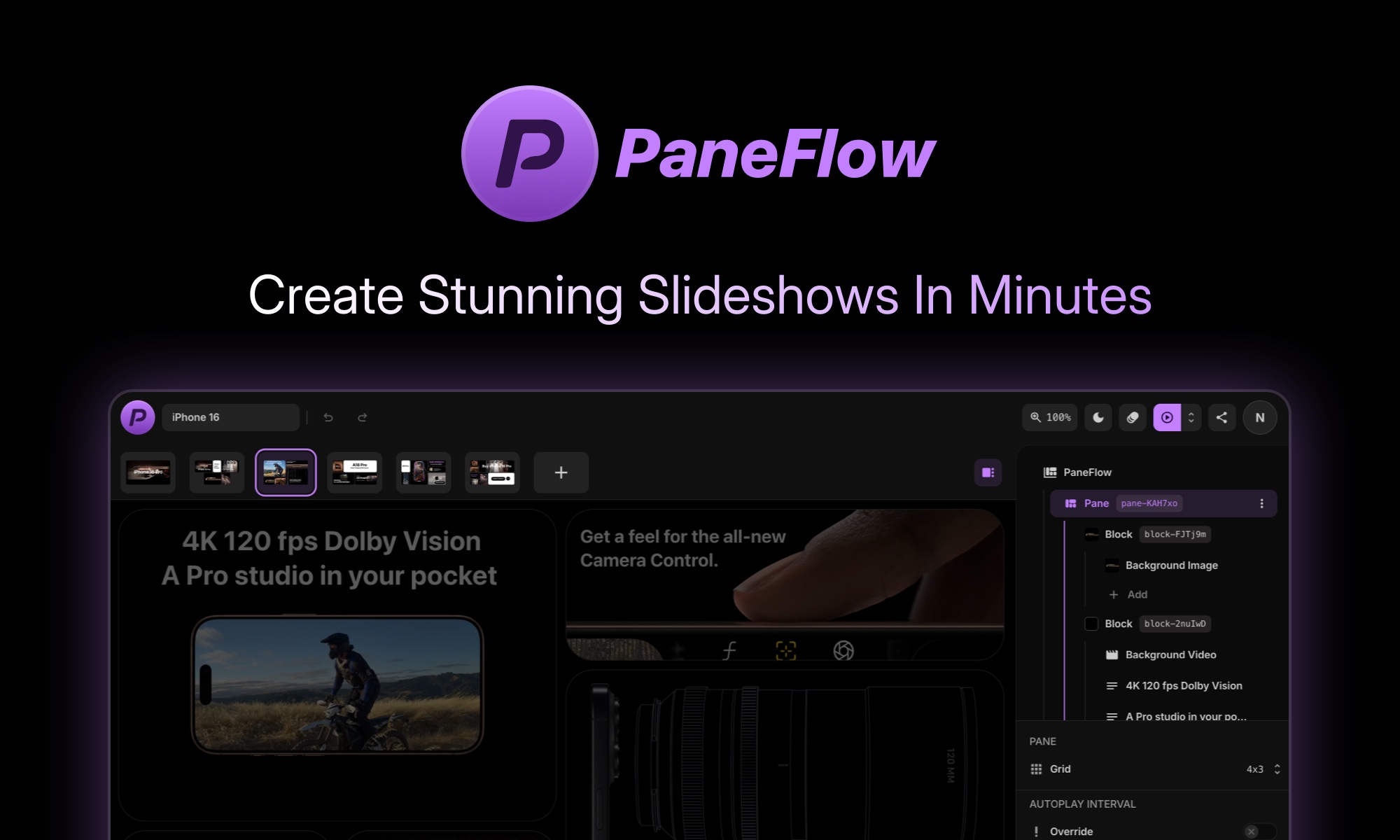
These are fundamentally different tools serving different workflows. PaneFlow creates animated slideshows and marketing assets. Redactify automatically censors profanity in existing video and audio files. The choice hinges entirely on your primary task: generating content vs. sanitizing it.
| Dimension | PaneFlow | Redactify | Winner |
|---|---|---|---|
| Pricing (free tier) | No free tier; starts at $2.5/month | Pricing not publicly listed | Tie — Neither offers a free tier worth recommending |
| Primary Cost Model | AI credits ($2.5/100 credits/mo or $24/1000 credits/yr) | Per-file processing (batch capable) | Tie — Different models suit different volumes |
| Context Window | Grid-based editor; supports multi-scene projects | Speech-to-text analysis per file; batch processing | PaneFlow — Better for managing complex multi-element projects |
| Multimodal Support | Images, video, 3D, charts, text — all in one canvas | Video + audio (speech detection + visual blur) | PaneFlow — Broader input/output format range |
| Speed / Latency | Generates assets in minutes; exports live embeds | Automated batch processing; requires upload + analysis time | Tie — Both add latency vs. manual editing, but both are faster at scale |
| Output Quality | Clean code, video, live embeds, PDFs | Bleeped audio + blurred video output | Tie — Depends entirely on use case |
| API Availability | Yes — plugins for Webflow, Framer, publish to CDN | Not confirmed from available data | PaneFlow — Documented integrations |
| Open Source | No | No | Tie — Both closed-source |
| Privacy / Data Handling | Projects stored on platform; export options reduce lock-in | Files uploaded for processing; data retention unclear | PaneFlow — More explicit export portability |
| Best For | Creating animated marketing assets, hero sections, pitch decks | Sanitizing video/audio for brand-safe social commerce | Neither overall — Pick based on your actual workflow |
Bottom line: Pick PaneFlow if you're building marketing assets from scratch and need export flexibility. Pick Redactify if your workflow starts with existing video content that needs automatic profanity censoring before publishing.
Who Should Use Which
Casual / Non-Technical User
Choose PaneFlow. Its visual, grid-based editor requires no coding knowledge. You describe what you need, the AI generates on-brand images, and you export directly to Webflow, Framer, or video — all without touching code. Redactify's batch processing and file upload workflow is manageable, but its value only activates if you're already producing enough video content to need automated censoring.
Developer / Builder
Choose PaneFlow for its export-to-code capability. You get clean code output, CDN publishing, and iFrame embeds — meaning you can integrate the generated slideshows into any tech stack. Our full PaneFlow review covers in detail. Redactify lacks documented API access in the available data, making it harder to embed in automated pipelines.
Enterprise Team
Choose based on your primary bottleneck. If your team produces high-volume animated marketing content, PaneFlow's unlimited projects and asset library justify the $2.5/month credit cost. If you're scaling video content across multiple channels and need brand-safety compliance, Redactify's batch processing was built for exactly that. Both lack SOC 2 or enterprise SLA details in current documentation — factor that into your procurement checklist.
Capability Deep-Dive
Response Quality & Accuracy
- PaneFlow: YES — Strong. AI image generation produces on-brand assets. Background removal works within the editor. Text, 3D, and chart elements render cleanly in exports.
- Redactify: NOTE — Average. Speech-to-text profanity detection is automatic but accuracy depends on audio quality. Bleep placement and speaker blurring are automated — no benchmark data available to verify precision.
- Winner: PaneFlow — Its outputs are visual and immediately verifiable. Redactify's accuracy is harder to audit without reviewing every processed file.
Context Window & Memory
- PaneFlow: YES — Strong. Grid-based editor supports multi-scene projects. You can build complex slideshows with text, images, video, 3D, and charts across unlimited scenes.
- Redactify: NOTE — Average. Processes per-file with speech-to-text analysis. Batch processing exists but context is limited to individual file duration.
- Winner: PaneFlow — Better suited for managing complex, multi-element compositions across projects.
Multimodal Capabilities
- PaneFlow: YES — Strong. Supports images, video, 3D elements, charts, and text in a single canvas. AI image generation and background removal within the editor. Exports to code, video, live embeds, PDFs, and images.
- Redactify: NOTE — Average. Handles video and audio files specifically for profanity detection. Visual output is limited to blurred speakers. Does not generate new content.
- Winner: PaneFlow — Covers a wider range of modalities and output formats.
Speed & Latency
- PaneFlow: YES — Strong. Generates and animates assets in minutes. Live preview lets you iterate fast. Exports can publish directly to CDN or embed.
- Redactify: NOTE — Average. Requires file upload + processing time per file. Batch mode helps volume but adds queue time. No live preview of censored output before processing.
- Winner: PaneFlow — Faster iteration loop for content creation. Redactify's latency is unavoidable for automated analysis.
API & Developer Experience
- PaneFlow: YES — Strong. Official plugins for Webflow and Framer. Export to code, CDN publish, iFrame embed. Clean code output suitable for custom integration.
- Redactify: NOTE — Average. API availability not confirmed from available documentation. No documented SDK or integration guides.
- Winner: PaneFlow — Has documented developer integrations. Redactify's API status remains unclear.
Safety & Content Filtering
- PaneFlow: YES — Strong. Built for brand-safe content creation. On-brand AI image generation reduces off-brand outputs. Export flexibility means you control final output.
- Redactify: YES — Strong. Specifically designed for content safety — automatic profanity detection, bleeping, and speaker blurring. Purpose-built for brand-safe video output.
- Winner: Tie. Both handle safety differently: PaneFlow for content creation guardrails, Redactify for post-creation sanitization. Choose based on where safety matters in your pipeline.
Pricing Deep Dive
| Plan | PaneFlow | Redactify |
|---|---|---|
| Free Tier | No free tier. Trial may be available on request. | No free tier. No trial confirmed. |
| Starter | $2.5/month (100 AI credits) | Contact sales for per-file pricing |
| Pro/Team | $24/year (1000 credits) — roughly $2/month effective | Batch processing available at volume pricing |
| Enterprise | Custom quotes for unlimited projects | Custom contracts with SLA options |
| API Access | Included with paid plans; usage-based credits | API availability unconfirmed |
PaneFlow charges per AI credit, where each credit covers generation operations like image creation or background removal. Annual billing reduces effective cost to roughly $2/month for 1000 credits. Redactify does not publish pricing publicly, making budget forecasting difficult. Enterprise contracts appear available for both platforms but require direct sales outreach.
If budget is the main constraint, pick PaneFlow because its annual tier offers predictable pricing at a fraction of the monthly cost, and its credit model lets you estimate expenses based on actual usage patterns.
Real User Sentiment
User feedback for PaneFlow highlights its ease of use for non-designers. Common praise mentions the ability to generate on-brand visuals without graphic design skills. Developers appreciate the clean code export and Webflow integration. Complaints center on occasional AI image inconsistencies and the learning curve for multi-scene animations.
Users report that PaneFlow's template library saves significant setup time, especially for recurring marketing campaigns.
Redactify receives positive feedback for handling batch video processing efficiently. Teams producing high-volume social content praise the automatic detection for reducing manual review cycles. Criticism focuses on accuracy limitations with background noise and the lack of transparency around data handling for uploaded files.
Users processing interview footage note that speaker blur quality varies depending on video resolution and lighting conditions.
Across both platforms, users express frustration with unclear enterprise pricing and the absence of public documentation for advanced features. Support response times appear mixed, with faster resolution reported for billing issues compared to technical queries.
Switching Considerations
Transitioning from Redactify to PaneFlow requires shifting from a sanitization workflow to a content creation workflow. Prompt compatibility is not relevant since these tools do not share the same input format. Migration effort is low if you only need to replace video censoring with slideshow creation.
Moving from PaneFlow to Redactify involves abandoning existing projects and adopting a file-based batch processing model. Export your PaneFlow assets as video or images before switching. Cost impact depends on your processing volume with Redactify, which remains opaque until contacting sales.
The switch is worth it if your primary bottleneck shifts from creating marketing materials to processing existing video content for brand compliance. Evaluate whether your team produces more new content or sanitizes more existing content before committing to either platform.
Final Verdict
Choose PaneFlow if:
- You need to generate animated marketing assets, hero sections, or pitch decks from scratch.
- You require clean code export, CDN publishing, or Webflow/Framer integration.
- Your workflow involves images, video, 3D, charts, and text combined in a single project.
Choose Redactify if:
- You process existing video or audio files that require automatic profanity censoring.
- Batch processing of brand-safe social content is your primary operational need.
- Your team does not have design resources and needs automated visual blurring rather than content generation.
Neither if:
- Your workflow requires both content creation and automated sanitization — these tools do not overlap functionally, and using both adds unnecessary complexity and cost.