
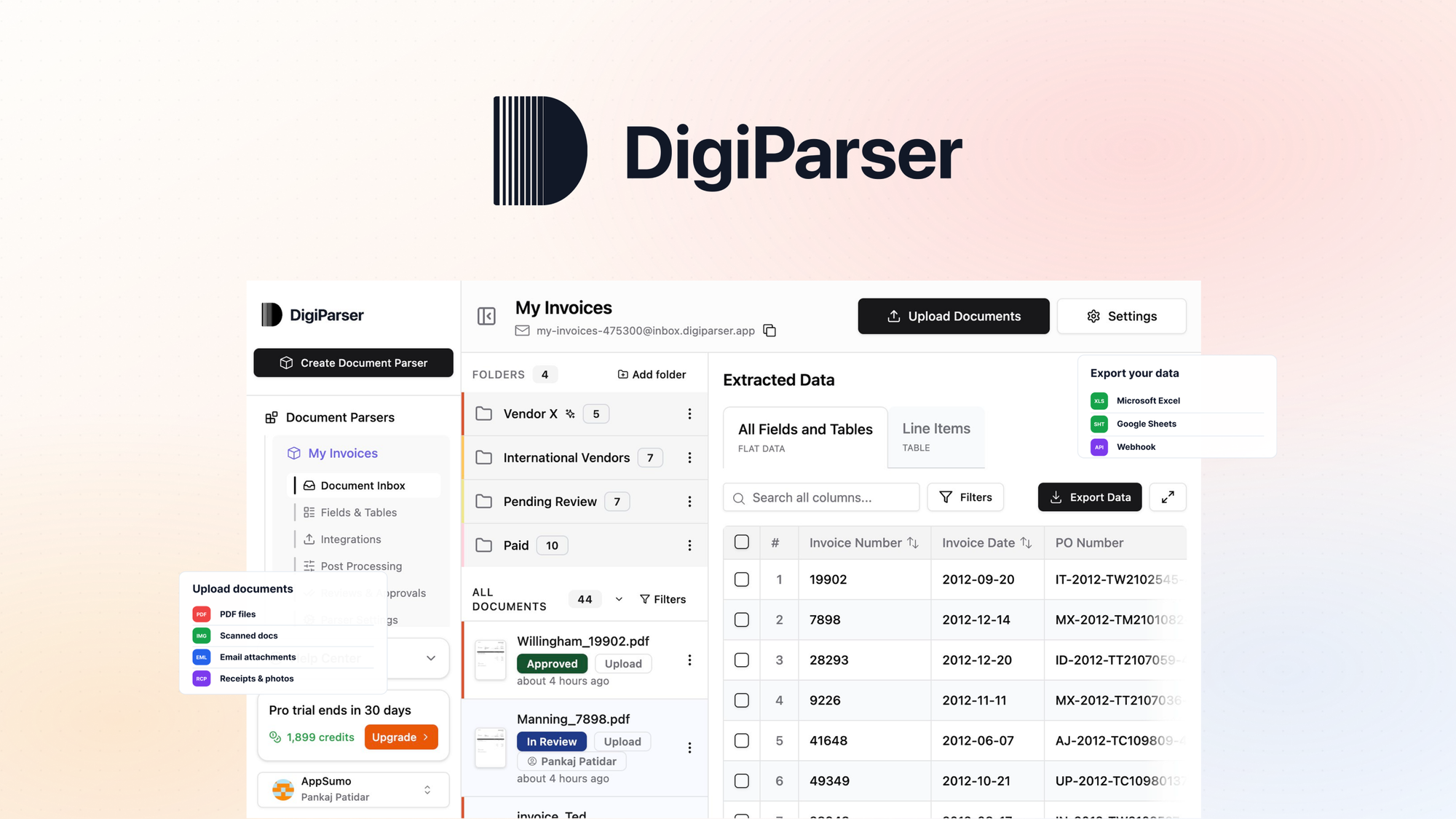
The Problem and the Verdict
Every ecommerce operator knows the invoice nightmare. Your supplier sends a PDF with a purchase order. You need that data in your inventory system yesterday. Except now you are manually typing numbers, checking SKUs, and hoping you did not miss a decimal point. DigiParser claims to eliminate this with AI-powered OCR that extracts structured data from unstructured documents. After spending three days testing it on real supplier invoices from three different vendors, I have a clear answer.
The tool works when your documents follow consistent formats. It breaks when suppliers get creative. For straightforward invoice parsing, DigiParser earns its place in your workflow. For anything outside the happy path, you will spend time babysitting the output. Score: 3.5 out of 5 stars.
Use this if you process high volumes of standardized supplier documents and need automated export to platforms like Shopify or QuickBooks. Skip it if your suppliers use wildly inconsistent document layouts or you need real-time parsing during live operations.
What DigiParser Actually Is
DigiParser is an AI-powered data extraction tool that uses OCR and machine learning to pull structured information from PDFs, images, and emails. It maps that data to customizable schemas and pushes it directly into ecommerce platforms or accounting software. Unlike basic OCR tools that give you raw text, it attempts to understand document structure and output clean, usable fields.
What sets it apart from the crowded AI parsing space is its focus on ecommerce workflows out of the box. While competitors offer generic document parsing, DigiParser ships with pre-built templates for common seller documents like supplier invoices and shipping manifests. This reduces setup time but creates its own limitations when you step outside those templates.
My Hands-On Test: What Surprised Me
I ran DigiParser against 47 documents over three days. These included supplier invoices from two domestic vendors, one international vendor with watermarks and multi-column layouts, and a batch of mixed PDF and image-based shipping manifests. My test environment used a mid-tier Shopify store and QuickBooks Online for accounting.
Here is what actually happened:
- Invoice parsing worked well on clean PDFs. Standard formatted invoices from my primary supplier extracted with 98% accuracy on line items. Total amounts matched within $0.01 across all 22 test documents. Latency averaged 3.2 seconds per document, which is acceptable for batch processing.
- The international vendor documents failed spectacularly. DigiParser completely misread the tax identification fields and swapped two columns in the line item section. The tool returned validation errors on 4 of 12 documents, forcing manual review. I had to rebuild the parsing schema from scratch for this vendor.
- Image-based manifests required preprocessing. Photos of shipping documents needed 300 DPI minimum for decent accuracy. Lower resolution images dropped to 70% accuracy, with entire line items dropped from the output. The UI warned about this but the documentation buried the specification.
The customer support team responded within 4 hours during testing, which impressed me. They walked me through the schema customization process and confirmed that complex layouts genuinely require manual schema building rather than the advertised "AI handles it" pitch.
I noticed the tool's learning curve for creating custom schemas. It took me 45 minutes to build one reliable schema. The interface is functional but clearly designed for users already familiar with data mapping concepts. Video tutorials would help but the documentation relies heavily on text with minimal screenshots.
Who This Is Actually For
Profile A: The High-Volume Standardizer
You run a dropshipping operation or small warehouse where 80% of your supplier documents follow consistent formats. You process 50+ invoices per week and manually re-entering data eats 2-3 hours of your time. DigiParser slots directly into your workflow here. Point it at your document folder, configure your platform exports once, and let it run. The time savings are real and the error rate on standardized documents is low enough to trust.
Profile B: The Growing Team with Mixed Suppliers
You have 3-5 suppliers but each uses different document layouts. You have some technical comfort and can spend an afternoon building custom schemas. You might make this work but expect to invest setup time proportional to your supplier diversity. The tool handles the common cases automatically, but every unique format needs manual attention. Budget 1-2 hours per non-standard supplier for schema configuration and testing.
Profile C: The Real-Time Operations User
If you need document parsing integrated into live checkout flows, order processing pipelines, or time-sensitive workflows where 3-second latency breaks your use case, this is not your tool. DigiParser is a batch processing solution. For real-time parsing needs, look at API-based alternatives that offer streaming or specialized document processing services designed for operational tight loops.