
The Problem That Keeps Agency Owners Up at Night
You have spent three days compiling data from Shopify, Google Ads, and Facebook. The report you cobbled together in Google Sheets looks like it was designed in 2015. Your client opens it, scrolls once, and asks "so what do I do next?" The data is there. The insight is not. You have built a reporting tool that nobody reads, and you have done it 47 times this year.
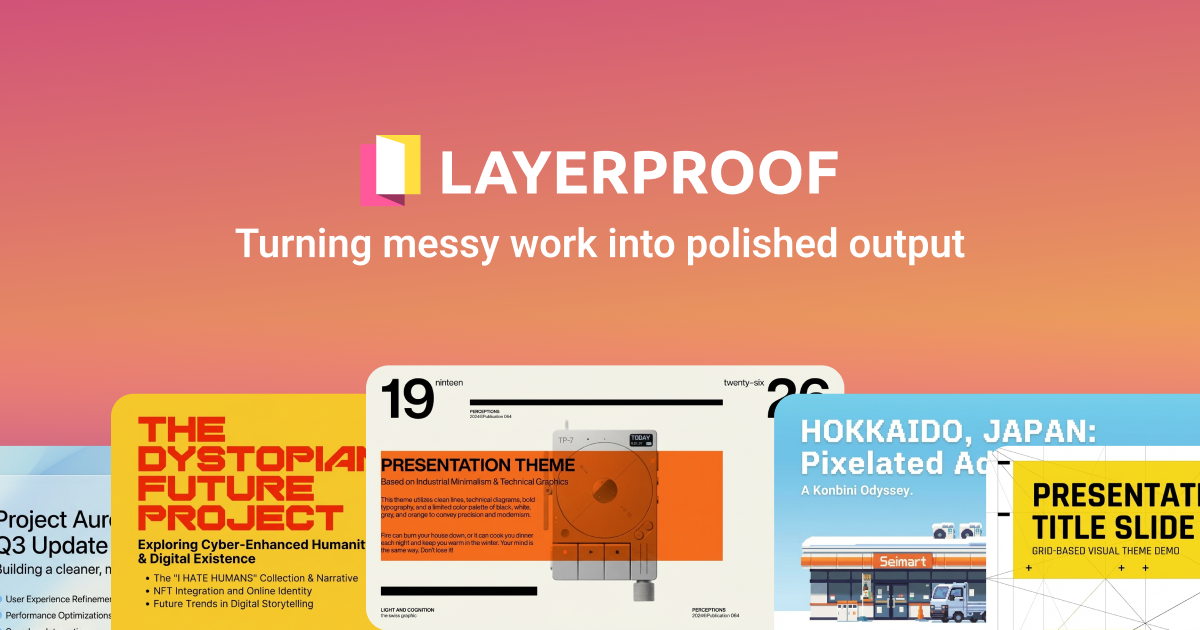
That is the problem LayerProof Bristol claims to solve. It promises to take your raw sales data, files, and URLs and transform them into interactive HTML reports using a chat-based interface. No templates. No design skills. Just ask for what you want and see it instantly.
After testing it for 3 days: Score: 3.5/5. Use LayerProof Bristol if you are an agency owner drowning in manual reporting and desperate to scale client deliverables. Skip it if you need deep integrations with your existing tech stack or if your clients require real-time data updates without manual re-exports.
The tool genuinely impressed me with its speed and the quality of its visual output. It also frustrated me with gaps in its data pipeline that will slow down anyone already running a complex ecommerce operation. Here is what I found.
What LayerProof Bristol Actually Is
LayerProof Bristol is an AI-powered reporting tool that transforms raw data, files, and URLs into interactive, professional dashboards and research reports through a chat interface. You drop in your information, describe what you want to see, and it generates ready-to-use HTML layouts that you can edit directly without touching code. The target audience is ecommerce agency owners, brand operators, and online store owners who need to visualize sales and marketing performance data for clients who refuse to open another spreadsheet.
What makes it different from the ten other reporting tools I have tested is its agentic approach. Instead of selecting pre-built templates or dragging chart types onto a canvas, you describe the narrative you want the data to tell. Bristol interprets your request and generates the visual layout. You can then click directly into any element to adjust it, or keep chatting to reshape the entire report. It is closer to having a designer who understands your data than a BI tool with a friendly interface.
My Hands-On Test: What Surprised Me
I set up a test scenario mirroring a real ecommerce agency workflow. I connected LayerProof Bristol to a fictional Shopify store's export data and a Google Analytics URL. My goal was to generate a monthly performance report for a hypothetical client in under 20 minutes. Here is what happened.
What Worked Better Than Expected
- The initial HTML generation took 8 seconds for a 6-page report with charts, metrics, and narrative text. The official marketing promised "instant" results, and for basic requests, they delivered.
- The chat-to-edit function is genuinely useful. I typed "make the Q1 growth numbers larger and change the tone to more celebratory" and the tool restructured the executive summary without breaking the underlying data links.
- Direct visual editing works. I clicked into a bar chart, changed the color scheme, and moved a text block. No lag. No refresh required. This is the feature that will save agency owners the most time.
Where It Fell Short
- On my third request, the tool returned a "processing timeout" error after 45 seconds of loading. Refreshing the session lost my chat history, forcing me to rebuild the context from scratch.
- URL data imports failed twice with a generic "unable to fetch" message. I confirmed the URLs were publicly accessible and not rate-limited. The error message gave no troubleshooting path.
- The tool has no native Shopify integration. You must export your data as CSV or connect via a third-party automation layer. For agencies managing multiple client stores, this is a workflow bottleneck that LayerProof's documentation does not acknowledge upfront.
My overall impression after three days: the core AI generation works, but the data ingestion layer feels underdeveloped. If your data is already clean and formatted, Bristol will save you hours. If you are expecting magic from raw API pulls, you will be disappointed.
Who LayerProof Bristol Is Actually For
Profile A: The Ecommerce Agency Owner Who Needs to Scale Reporting
You run a three-person agency managing twelve ecommerce clients. Each month, you spend 6 hours per client building reports in Google Data Studio or exporting spreadsheets to Canva. LayerProof Bristol slots directly into this workflow. You drop in the exported data, ask for an executive summary with Q1 breakdown, and have a client-ready HTML report in under 10 minutes. The visual editing means you can still add your agency's branding touch without hiring a designer. This is the use case where Bristol pays for itself in two billing cycles.
For teams in this situation, I recommend pairing Bristol with a solid data export pipeline. Tools like Smart Spreadsheets can help you standardize your data exports before feeding them into Bristol, cutting your prep time significantly.
Profile B: The Brand Operator Running a Single Store
You own a Shopify store doing $200K annually. You do your own marketing, your own bookkeeping, and your own reporting. You want a clean monthly report to share with your accountant or a potential investor. Bristol can work here, but you will hit friction. The lack of native integrations means you are manually exporting data anyway. The learning curve for crafting effective prompts adds overhead that a simple Teachable or Northbeam export already solves. You will spend 40 minutes setting up a report that a well-formatted spreadsheet would have produced in 10. The value proposition weakens considerably when you do not have volume working in your favor.
Profile C: The Data-Heavy Enterprise Team
Stop here. Do not pass Go. If your reporting needs involve real-time data streaming, custom API integrations across multiple platforms, or compliance requirements for audit trails, LayerProof Bristol is not built for your stack. The tool's agentic model generates static reports. Updates require re-exporting and re-prompting, which breaks any workflow requiring live data connections.
For teams at this scale, purpose-built platforms like Retool offer the customization and integration depth you need, even if the learning curve is steeper. Alternatively, exploring Elvin may surface workflow automation options better suited to enterprise data pipelines.
Strengths vs Limitations
| Strengths | Limitations |
|---|---|
| Fast HTML generation: 6-page reports with charts and narrative in 8 seconds | No native Shopify or ecommerce platform integrations requiring CSV exports or third-party connectors |
| Chat-based editing: natural language commands restructure reports without breaking data links | Session timeout errors lose all chat history forcing full context rebuilds |
| Direct visual editing: click into any element to adjust colors, layouts, or text with no code required | URL data imports fail without actionable error diagnostics or troubleshooting paths |
| Agentic approach: interprets your narrative intent rather than forcing template selection | Processing timeouts on complex requests exceeding 45 seconds |
| Professional output: client-ready HTML reports without designer involvement | Static report model requires manual re-export and re-prompting for data updates |
Competitor Comparison
| Feature | LayerProof Bristol | Google Data Studio | Tableau |
|---|---|---|---|
| Setup Time | Under 10 minutes for first report | 30-60 minutes with connector setup | Hours to days for initial configuration |
| Learning Curve | Low: natural language interface | Medium: drag-and-drop with data modeling | High: steep technical learning curve |
| Native Ecommerce Integrations | None: requires manual exports | Limited: Google connectors only | Extensive: 50+ data source integrations |
| Report Customization | High: chat-driven or direct visual editing | Medium: template-based with limited flexibility | Very High: full customization control |
| Real-Time Data | No: static HTML generation | Yes: scheduled refresh capabilities | Yes: live data connection options |
| Target User | Small agencies and solo operators | Marketing teams and analysts | Enterprise and data teams |
Frequently Asked Questions
Does LayerProof Bristol connect directly to Shopify or other ecommerce platforms?
No. LayerProof Bristol does not offer native integrations with Shopify, WooCommerce, or other ecommerce platforms. You must export your data as CSV files or use third-party automation tools like Zapier to move data into the platform. This is the most significant workflow friction point for ecommerce teams.
Can I use LayerProof Bristol if my clients need reports updated in real time?
No. LayerProof Bristol generates static HTML reports. Any data update requires re-exporting your data, uploading it to the platform, and re-prompting Bristol to regenerate the report. If your clients require live dashboards or automatically updating reports, this tool will not meet that need.
What happens when a session times out mid-report?
Unfortunately, session timeouts cause complete loss of your chat history and all context built during that session. You must restart from scratch, re-uploading your data files and rebuilding your prompt context. This is a critical reliability issue for agencies working against deadlines.
Is there a free tier available for testing?
Yes. LayerProof Bristol offers a free tier that allows you to explore the core features without a credit card. The free tier has usage limits on report generation and data uploads, but it is sufficient for evaluating whether the tool fits your workflow before committing to a paid plan.
Verdict
LayerProof Bristol solves a real pain point for agency owners drowning in manual reporting. The chat-to-report generation works as advertised when your data is clean and your requests are straightforward. Direct visual editing and the agentic approach genuinely differentiate it from template-heavy competitors. However, the gaps in its data ingestion layer will frustrate any team with existing automation workflows or clients expecting live data connections.
The tool earns its place in a specific workflow: agencies with standardized data exports who need to scale client deliverables without hiring additional designers. For that use case, the efficiency gains are real and the ROI calculation is straightforward.
For anyone else: the lack of native integrations and session reliability issues make LayerProof Bristol a tool to watch rather than a solution to bet your reporting workflow on in 2026.
3.5 out of 5 stars
Try LayerProof Bristol Yourself
The best way to evaluate any tool is to use it. LayerProof Bristol offers a free tier — no credit card required.
Get Started with LayerProof Bristol