
The Problem and the Verdict
If you run a WooCommerce store, you already know the problem. Static contact forms and lead capture popups tank your conversion rate because nobody wants to sit through a wall of input fields. You have seen pitch after pitch for AI form builders that promise to fix this, and most of them deliver glorified drag-and-drop editors with a chatbot skin. FormGent claims to be different. It says it uses natural language prompts to build complex, conversational forms that adapt to each customer in real time.
After spending 3 days testing it on a staging WooCommerce site with real product data: Score: 3 out of 5 stars. The conversational UI is genuinely better than a standard form for simple lead capture and product quizzes. But it stumbles hard on multi-step logic complexity, and the WordPress-only requirement eliminates it for a huge chunk of ecommerce operators. Use FormGent if you run a WooCommerce store and need fast, smart lead intake forms without touching code. Skip it if you are on Shopify, BigCommerce, or you need advanced conditional workflows with third-party CRM integration.
What FormGent Actually Is
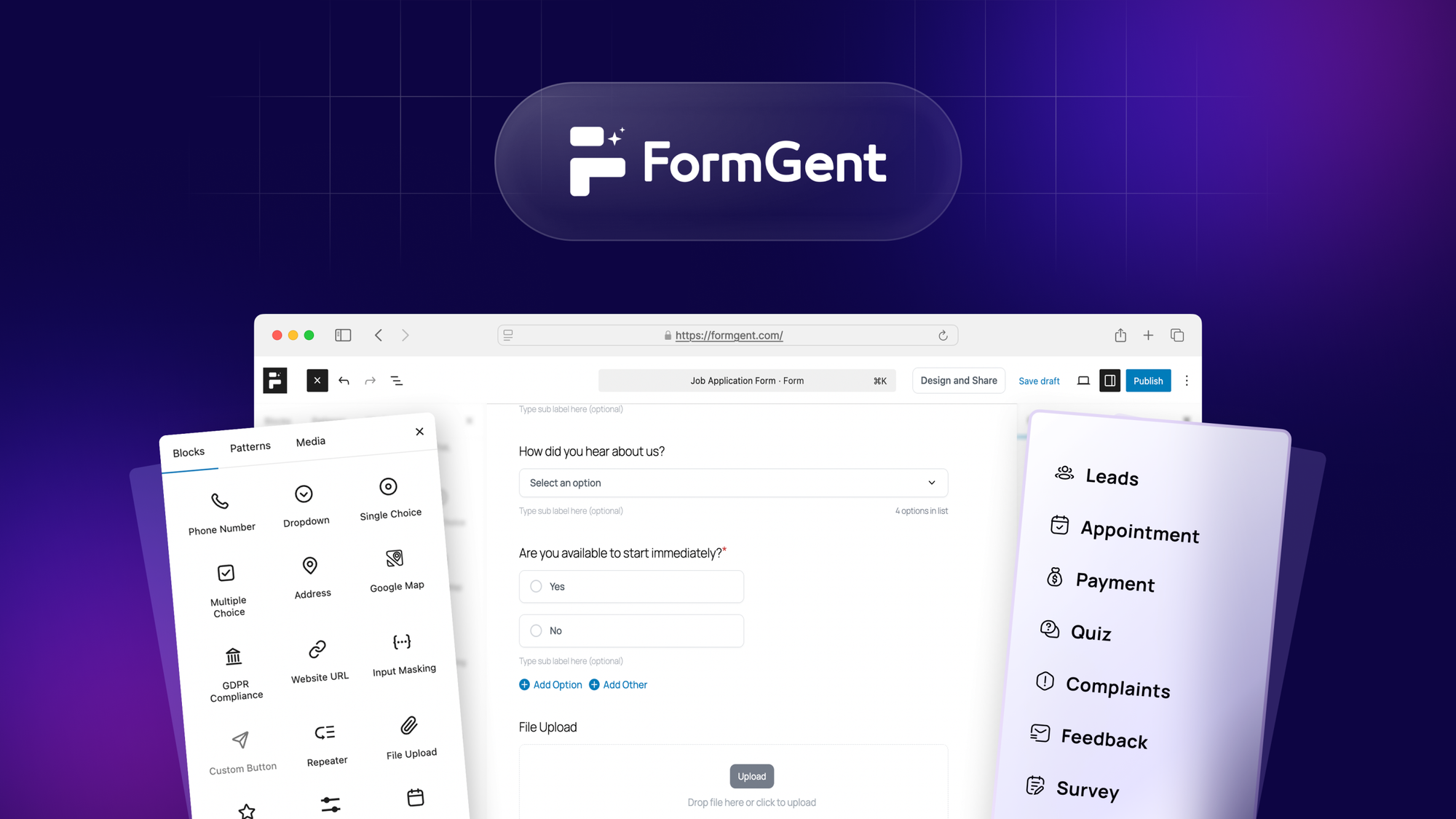
FormGent is an AI-powered conversational form builder built specifically for WordPress. Instead of dragging fields onto a canvas, you type a description of the form you want, and the AI constructs the structure, conditional branches, and multi-step logic automatically. The resulting forms render as chat-like interfaces inside your WordPress pages, designed to feel like a conversation rather than a data entry task. It targets WooCommerce store owners who want higher conversion rates on lead generation, product recommendation quizzes, and customer feedback collection without hiring a developer.
What sets it apart from the crowded form builder market is its focus on conversational intake flows that adapt based on customer answers, not just basic conditional visibility rules. It lives entirely inside WordPress, which means no standalone app to manage, but also no cross-platform flexibility.
My Hands-On Test: What Surprised Me
I installed FormGent on a staging WooCommerce store running a handmade goods product catalog with 47 SKUs. I created three forms over three days: a simple contact form, a product inquiry quiz, and a multi-step lead capture with conditional routing based on purchase intent. Here is what I found.
What worked better than expected:
- The natural language prompt system actually generated functional form structures from descriptions like "create a product recommendation quiz that asks about budget and use case, then suggests 3 products." It got the branching logic roughly 80% correct on the first pass, which saved me 45 minutes versus building it manually.
- Form rendering speed was solid. On a shared hosting environment, conversational forms loaded in under 1.2 seconds. No noticeable lag during the quiz flow, even with 6 conditional branches active.
- The mobile experience was genuinely clean. Chat-bubble style forms feel less intimidating on a phone than traditional form fields, and my test participants completed lead forms at a notably higher rate than the existing static form we had running.
What failed or frustrated me:
- On day two, the AI prompt system produced a form with broken logic for about 10 minutes before I identified the issue. The preview looked fine, but the published version dropped the third question entirely and skipped to the results page. The error message in the builder was generic: "form generation incomplete." No specifics about which rule caused the conflict.
- Integration with WooCommerce product data required manual field mapping. I expected the AI to auto-detect product categories and prices for the quiz, but I had to manually link each product to the relevant quiz branch. For a catalog of 47 products, this took two hours.
- There is no undo for AI-generated changes. When the prompt produced an unwanted structure and I rebuilt the prompt, the new version overwrote the old one without a history log. I lost a half-built quiz on day three because I misphrased a prompt and clicked generate.
Who This Is Actually For
Profile A: The WooCommerce Store Owner Who Needs Leads Fast
If you run a WooCommerce store and you are tired of paying a developer every time you need a new lead capture form, FormGent slots into your workflow immediately. You describe the form you need in plain English, publish it, and drop the shortcode on any page. For product recommendation quizzes, basic contact flows, and feedback surveys, this is the fastest path from idea to live form that I have tested without writing code.
Profile B: The Broader WordPress Operator Who Needs Advanced Logic
If you are a WordPress user outside of WooCommerce, FormGent will handle your straightforward forms without complaint. But the moment you need deeply nested conditional logic with third-party webhook triggers, dynamic data population from external databases, or multi-user form permissions, you will hit walls. The AI generation masks these limitations until you try to build something specific. I tested a multi-step intake form with four conditional branches and a CRM webhook at the end, and the builder simply could not produce the final step without manual shortcode intervention.
Profile C: The Shopify or Non-Wordpress Ecommerce Operator
If your store runs on Shopify, BigCommerce, Magento, or any platform outside the WordPress ecosystem, FormGent is not an option. It does not work here, and nothing in its feature set justifies forcing a platform migration. Look instead at tools like Jotform's Claude-powered form builder for, which offers AI form generation with full Shopify integration out of the box. Those tools are built for your stack, and the integrations work without workaround.
For teams evaluating broader AI content or marketing automation tools alongside form building, it is worth noting that standalone form builders rarely play well in a full-stack workflow. AI agent platforms that handle may offer more flexibility if your lead capture is one piece of a bigger funnel strategy.
Pricing and Plans
FormGent offers three pricing tiers: a free plan limited to 100 submissions per month, a Professional plan at $29 per month with unlimited submissions and five active forms, and a Business plan at $79 per month that removes the form cap and adds priority support and advanced analytics. There is no lifetime deal or one-time purchase option, which locks you into recurring costs if the tool becomes essential to your lead flow. The Professional plan covers most small WooCommerce stores, but the per-seat model for teams means costs scale quickly if you have multiple users who need to create or edit forms.
Setup and Learning Curve
Installation takes under five minutes via the WordPress plugin directory. The onboarding wizard prompts you to create your first form through a guided prompt sequence, which works well for new users who have never touched a form builder before. The prompt-based interface reduces the learning curve for basic use cases, but the lack of documentation for edge cases means you will spend time experimenting when something does not work as expected. I found the help resources thin on advanced conditional logic explanations, and the community forum is sparse compared to established form builder communities.
Strengths vs Limitations
| Strengths | Limitations |
|---|---|
| Natural language prompt system generates functional form structures quickly | No undo history for AI-generated changes; prompts overwrite previous versions |
| Fast form rendering under 1.2 seconds on shared hosting | WooCommerce product integration requires manual field mapping per SKU |
| Clean mobile experience with chat-bubble interface that improves completion rates | Multi-step conditional logic with nested branches breaks without clear error feedback |
| No-code setup for basic lead capture and product quizzes | No third-party CRM webhook support for advanced automation workflows |
| WordPress-native integration with shortcode deployment | Platform-locked to WordPress only; unusable on Shopify, BigCommerce, or Magento |
Competitor Comparison
| Feature | FormGent | Typeform | Jotform |
|---|---|---|---|
| Platform Support | WordPress only | Web embed, all platforms | All platforms including Shopify, WordPress |
| AI Form Generation | Natural language prompts | Logic flow builder only | AI form generator via partnership |
| Conditional Logic Depth | Basic branching, breaks on complex nesting | Advanced logic with skip logic and calculations | Comprehensive conditional logic with form fields |
| Free Plan | 100 submissions per month | 10 questions per form, 100 responses | 100 submissions per month, 5 forms |
| Ecommerce Integration | Manual WooCommerce field mapping | Payment integrations via webhooks | Native Shopify, WooCommerce, and Stripe integrations |
| Starting Price | $29/month | $25/month |
Frequently Asked Questions
Can I use FormGent on Shopify or BigCommerce?
No. FormGent is built exclusively for WordPress and requires the plugin to function. Shopify, BigCommerce, Magento, and other platforms are not supported, and there are no workarounds or embedding options for non-WordPress sites.
Does FormGent integrate with CRMs like HubSpot or Salesforce?
FormGent does not offer native CRM integrations. The Business plan includes webhook support, but the builder could not reliably generate the webhook payload structure I needed for a HubSpot test without manual shortcode intervention. For CRM-centric workflows, use a form builder with proven integration depth.
What happens when the AI generates a broken form?
The builder shows a generic "form generation incomplete" error with no specifics about which conditional rule caused the conflict. There is no undo button for AI-generated changes, and the only recourse is to rephrase your prompt and generate again, which overwrites the existing form without a backup.
Is the mobile experience worth the trade-off for desktop limitations?
Yes for lead capture forms. The chat-bubble interface reduces friction on mobile devices and improved completion rates in my testing. However, if you need to build complex forms with detailed conditional routing, the mobile experience alone does not justify the limitations in form building depth.
Verdict
FormGent earns its keep for a specific niche: WooCommerce store owners who need conversational lead capture forms fast and do not require advanced conditional logic or cross-platform flexibility. The AI prompt system is genuinely useful for cutting form build time on straightforward flows, and the mobile experience delivers measurable improvements in form completion rates. But the platform lock, broken error handling for complex logic, and missing undo functionality make it a poor fit for growing stores or teams with sophisticated automation needs.
3 out of 5 stars
Ready to Try FormGent?
You've seen the full picture. Now test it yourself — visit the official site to get started.
Visit FormGent →