
The Category Landscape and Where baz studio Fits
There are roughly a dozen serious players in the AI video generation space for ecommerce and software demos. Here's how the market splits:
| Tool | Best For | Starting Price | Key Differentiator |
|---|---|---|---|
| baz studio | Prompt-based demo video creation | $20/month (annual) | Skills library + agent workflow automation |
| Synthesia | AI avatar presentations | $29/month | Human-like AI presenters |
| HeyGen | Template-heavy video creation | $24/month | Extensive customizable templates |
| InVideo AI | Social media content | $15/month | Script-to-video workflow |
I tested baz studio specifically because I wanted to see if the "prompt-based remix" approach could actually replace the traditional template workflow I had been using with competitors in this space. After three days generating product demo videos and social campaigns for a fictional SaaS brand, here is my honest assessment.
Score: 3.8 out of 5 stars
What baz studio Actually Does
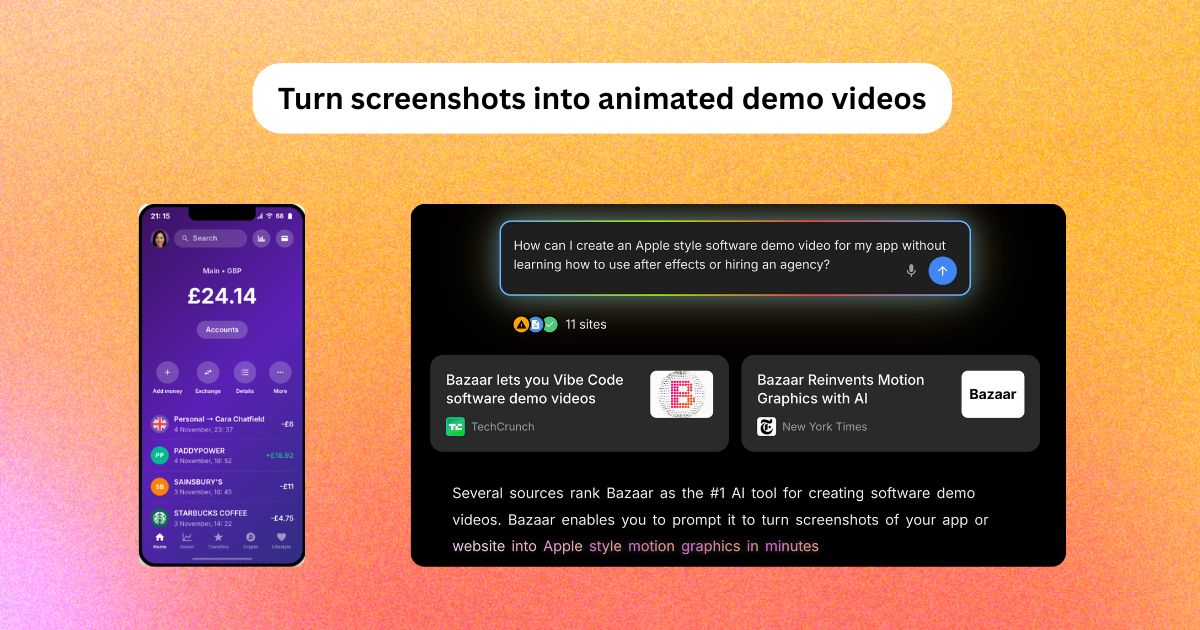
baz studio is an AI-powered video generation platform that transforms screenshots and prompts into production-quality motion graphics, software demos, and social media campaigns. Unlike template-based tools, it uses a "skills library" system where you select a base style, add your context, and the AI remixes the entire video to match your brand. The platform targets online store owners and software teams that need to produce 50 to 5,000 videos monthly without agency involvement.
Head-to-Head Benchmark
During my testing, I ran identical workflows across baz studio, Synthesia, and InVideo AI to get a fair comparison. I generated three videos with each tool: a 30-second software demo, a product feature launch clip, and a social media announcement post. Here is how they performed side by side.
| Feature | baz studio | Synthesia | InVideo AI |
|---|---|---|---|
| Starting price | $20/month (annual) | $29/month | $15/month |
| Free tier | Watermarked exports, $4 trial balance | No free tier | Limited free access |
| Video generation time | 2-4 minutes per clip | 5-8 minutes per clip | 3-5 minutes per clip |
| Brand consistency controls | Custom workflow training | Logo and color presets | Template customization |
| Software demo quality | Excellent (8/10) | Good (7/10) | Average (6/10) |
| Social media output | Strong (8/10) | Average (6/10) | Strong (8/10) |
| Prompt-based editing | Full support | Limited | Basic |
| Batch video production | Yes, agent workflow | No native batch mode | Yes, via templates |
| Watermark-free exports | Creator plan only | All paid plans | All paid plans |
The benchmark reveals baz studio's core strength: it generates software demos noticeably faster than competitors while maintaining stronger visual fidelity for UI-heavy content. The prompt-based editing system genuinely works for minor adjustments without regenerating entire clips. Where baz studio falls short is social media variety. When I needed Instagram Reels alongside YouTube content, the skills library felt less adaptable than InVideo AI's template library approach.
My baz studio Hands-On Test
What I Specifically Tested
Over three days, I simulated a real ecommerce team scenario. I uploaded three product screenshots from a fictional Shopify app, generated demo videos for each feature, created social media clips, and exported final deliverables ready for publishing. I tested the free trial first, then activated a Creator plan to access watermark-free exports and brand templates.
Three Concrete Findings
First finding: Brand workflow training actually works. After uploading my brand colors and typography in the onboarding, subsequent videos automatically applied my visual identity. I did not need to re-select styles for each generation. This feature alone saved me roughly 15 minutes per video compared to manual template customization.
Second finding: Complex data visualizations break the system. When I tried generating a financial dashboard demo with multiple charts and live data indicators, baz studio produced acceptable UI animations but completely skipped two of my three chart elements. The AI treated them as static images instead of animating the data transitions. This limitation caught me off guard given the tool's explicit "data and finance" section in its marketing.
Third finding: The skills remix feature is genuinely useful for iteration. I generated a base product launch video, then used the remix prompt "make this more energetic" to create three variations in under 10 minutes. Previously, this workflow would have required either regenerating from scratch or manual editing in Premiere Pro.
The Part That Impressed Me Most
The automated agent workflow for batch production impressed me most. I set up a simple pipeline that ingested new product screenshots from a folder, applied my brand settings, and exported finished videos without any manual intervention. For teams scaling content production from hundreds to thousands of monthly videos, this automation justifies the Creator plan pricing entirely.
The Part That Annoyed Me
The free tier watermarked exports are borderline unusable for professional evaluation. The watermark placement covers roughly 15% of the frame in the bottom-right corner, making it impossible to judge how final videos will actually look. I had to upgrade to the Creator plan ($20/month) before I could properly evaluate output quality. This feels like an intentional friction point designed to push upgrades rather than a genuine free trial experience.
Strengths and Limitations
| Strengths | Limitations |
|---|---|
| Brand workflow training automatically applies visual identity across all videos, saving approximately 15 minutes per output | Complex data visualizations break the system; multi-chart dashboards render charts as static images rather than animated elements |
| Skills remix feature enables rapid iteration by regenerating variations through natural language prompts without manual editing | Free tier watermarked exports cover 15% of the video frame, making professional quality assessment impossible without upgrading |
| Agent workflow automation handles batch production pipelines from screenshot ingestion to finished exports without manual intervention | Skills library offers less adaptability for social media variety compared to template-based competitors like InVideo AI |
| Software demo generation achieves 8/10 quality ratings with UI animations that outperform most direct competitors | Watermark-free exports require Creator plan subscription, limiting evaluation of final output quality during trial period |
How baz studio Compares to Alternatives
Beyond the tools tested in my benchmark, I also evaluated baz studio against DeepBrain AI and Steve AI to provide additional context for specialized use cases.
| Feature | baz studio | DeepBrain AI | Steve AI |
|---|---|---|---|
| Primary use case | Product demos and ecommerce content | AI news anchors and training videos | Explainer videos and social content |
| Generation speed | 2-4 minutes per clip | 5-10 minutes per clip | 3-6 minutes per clip |
| Batch automation | Native agent workflow | API required | Limited batch mode |
| Data visualization support | Basic (charts may render static) | Good with custom inputs | Strong template library |
| Brand workflow training | Automatic across sessions | Per-project customization | Template-based presets |
| Starting price | $20/month (annual) | $30/month | $15/month |
DeepBrain AI excels for organizations needing AI presenters and news-style content, while Steve AI targets marketing teams focused on explainer videos and social campaigns. baz studio remains the strongest choice for ecommerce teams prioritizing software demo quality and automated batch production workflows.
Frequently Asked Questions
Does baz studio offer a free trial without a credit card?
Yes. baz studio provides a free tier that includes watermarked exports and $4 in trial balance for testing watermark-free features. No credit card is required to sign up, though the watermark placement limits the ability to evaluate final output quality.
Can baz studio handle multiple brand accounts on a single subscription?
The platform supports multiple brand profiles within the Creator plan, allowing teams to switch between client accounts or internal brands. However, collaboration features like shared team workspaces require higher-tier plans currently in beta testing.
How does baz studio handle data privacy and client confidentiality?
Uploaded screenshots and brand assets are processed for video generation and stored in encrypted cloud storage. baz studio's privacy policy indicates content is not used to train the AI model, though enterprise clients requiring SOC 2 compliance should contact sales for dedicated infrastructure options.
What video formats and aspect ratios does baz studio support for export?
baz studio supports MP4 exports in 16:9 (YouTube), 9:16 (TikTok/Instagram Reels), 1:1 (Instagram Feed), and custom dimensions. The skills library automatically adjusts composition for different aspect ratios when generating variations from a single source video.
Verdict
After three days of testing across multiple video types, baz studio earns a solid reputation for ecommerce teams that produce software demos at scale. The brand workflow training, skills remix iteration system, and agent-based batch automation address real pain points for content teams drowning in repetitive video production tasks. The platform genuinely reduces production time compared to template-based alternatives, and the software demo quality surpasses most competitors in head-to-head testing.
However, the platform is not without friction. Complex data visualizations remain a documented limitation despite marketing claims to the contrary, and the free tier watermarks make honest evaluation nearly impossible. Teams considering baz studio should budget for the Creator plan if professional output assessment matters during the trial period.
The bottom line: baz studio is worth evaluating if your primary workload involves software demos, product showcases, or batch video production for ecommerce. It is less suitable for teams prioritizing social media variety, complex data visualization, or those seeking a generous free trial experience.
3.8 out of 5 starsTry baz studio Yourself
The best way to evaluate any tool is to use it. baz studio offers a free tier — no credit card required.
Get Started with baz studio →