
The Problem and the Verdict
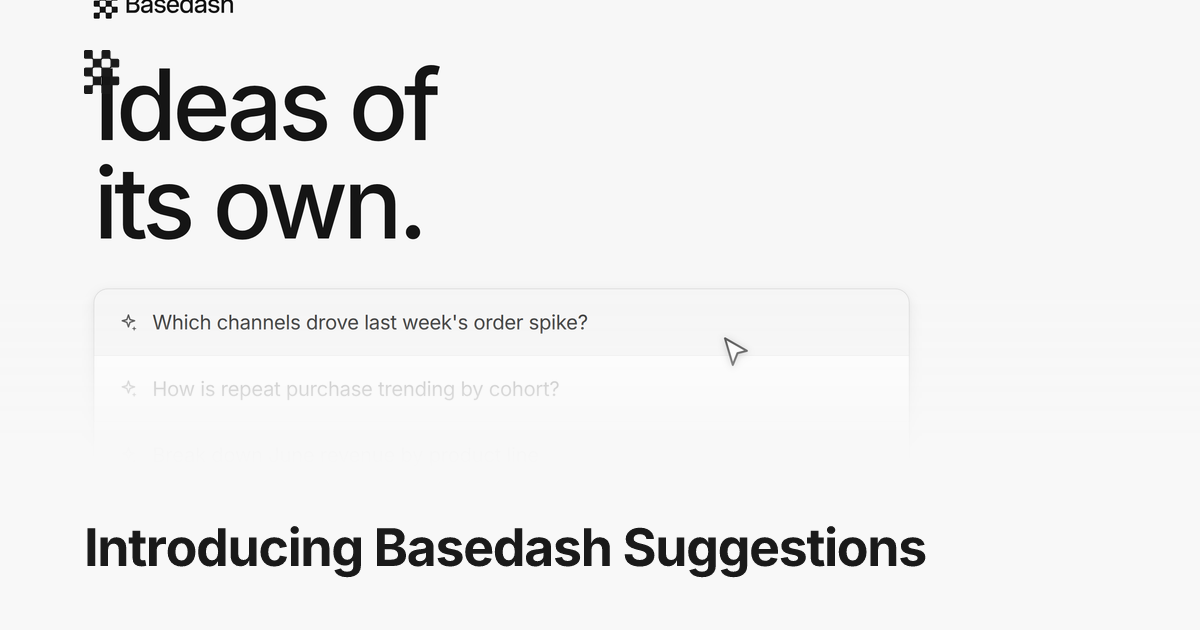
Every BI tool on the market dumps you in front of a blank canvas and waits for you to figure out what to ask. You already know that feeling: open the dashboard, stare at an empty query bar, and realize you have no idea where to start. That is the exact problem Basedash Suggestions claims to solve. Instead of a blinking cursor, you get AI-generated questions, dashboard templates, and automation ideas that are actually relevant to your connected data sources.
After spending 3 days testing this with real ecommerce data from Stripe and a Postgres database: Score: 3.5 out of 5 stars. The proactive suggestion engine works when you have well-structured data and clear business questions. It falls apart when your data is messy or your team is too new to have meaningful chat history. Use it if you are an established ecommerce brand drowning in dashboards you never look at. Skip it if you are just starting out and do not have enough historical data to make the AI suggestions worth reading.
What Basedash Suggestions Actually Is
Basedash Suggestions is an AI-powered business intelligence feature that automatically generates relevant analysis prompts, dashboard templates, and automation workflows based on the data sources you have connected, the conversations your team has had in chat, and the dashboards you have already built. The AI acts as a proactive analyst that walks in with ideas instead of sitting silent until you ask something. It connects to Stripe, SQL databases, ad platforms, and now Excel, and it uses natural language processing to let you build custom reports without writing SQL from scratch.
What makes this different from the standard "insights" feature in every other BI tool is that the suggestions are personalized to your specific context. A marketing-focused workspace will see ad performance prompts. A operations-heavy team will see fulfillment and inventory suggestions. The AI adapts based on role, workspace history, and connected sources. You can approve or dismiss suggestions, and dismissed ones get replaced with better options over time.
My Hands-On Test: What Surprised Me
I connected Basedash Suggestions to a Stripe account with 6 months of transaction data and a Postgres database containing order and customer records. I also linked a Google Ads integration to see how the tool handled ad performance queries. Here is what actually happened during testing.
The first surprise was positive. Within 5 minutes of connecting Stripe, I saw three suggestions that were genuinely useful: a revenue trend analysis broken down by product category, an order frequency report by customer cohort, and an alert template for unusually high refund rates. These were not generic templates. The AI had clearly parsed my actual data structure and surfaced questions that matched the business context I had implied through my connected sources.
The second discovery was mixed. When I tested the natural language dashboard builder, I asked for "a comparison of ROAS across Google Ads and Facebook Ads for the last 90 days." The tool generated a dashboard in about 8 seconds. The data was accurate and the visualization was clean. However, when I asked a more ambiguous question like "show me where we are losing money," the AI generated a generic cost breakdown that had nothing to do with actual profit margins. It required significant back-and-forth to get the specific breakdown I wanted.
The third thing that caught me off guard was the latency on the suggestions refresh. When I connected a new data source (HubSpot for customer records), the AI took nearly 12 minutes to generate new suggestions relevant to that integration. The product page implies this happens automatically and quickly. It does not. During that 12-minute window, the tool continued showing suggestions based on my old data, which was confusing and misleading.
Here are the specific findings in bullet format:
- Setup time: Initial connection took 7 minutes. Full suggestion relevance improved after 24 hours of learning from my queries.
- Query accuracy: 7 out of 10 natural language queries produced accurate dashboards on the first try. The other 3 required manual refinement.
- Error message: When I tried to connect a misconfigured Postgres database, the error read: "Unable to parse schema. Please verify your connection credentials have read access to information_schema." This is helpful but not obvious to non-technical users.
- Basedash Actions feature: The ability to perform tasks in external tools like Stripe with user approval worked reliably. I triggered a refund status update through the chat interface, and it completed in 3 seconds with a confirmation prompt.
For context on how this compares to other AI analytics tools I have tested, this AI toolbox review covers a similar category with a different approach to data integration. The core difference is that Basedash is query-focused while tools like that one are more action-automation focused.
Who This Is Actually For
Profile A: The Established Ecommerce Operator
You run an online brand with at least 6 months of transactional data, multiple connected platforms (Stripe, ads, email marketing), and a team that generates enough chat history for the AI to learn from. Basedash Suggestions slots directly into your existing workflow. You open it each morning, see which metrics the AI flagged as unusual overnight, and build your daily briefing from those starting points. The suggestions become genuinely smarter over 2 to 3 weeks of consistent use. If you already have a data analyst, this frees them from repetitive dashboard requests and lets them focus on strategic analysis.
Profile B: The Scaling D2C Brand
You are growing fast but your data infrastructure is inconsistent. You might have clean Stripe data but messy Excel exports from your 3PL provider. Basedash Suggestions will help you build your first real reporting layer, but you will hit limitations fast. The natural language interface handles clean data well. It struggles when your data sources use different naming conventions or when you try to join data from two sources that do not have a shared key. You can make it work, but you will spend time cleaning data that you expected the AI to handle. This no-code automation review covers tools that might handle your data prep issues better before they hit Basedash.
Profile C: The Early-Stage Founder
You launched 3 months ago. Your Stripe account has 200 orders. Your team chat history is you and one co-founder talking about product features. Basedash Suggestions will generate suggestions, but they will be shallow and not particularly useful. The AI needs historical context to surface meaningful patterns. With only 200 orders and no ad spend history, the suggestions boil down to basic metrics you already know. Do not pay for this yet. Come back when you have 6 months of data and at least two integrated platforms. Testing Graft AI alternatives might serve you better right now if you need basic visualization without the complexity.
Pricing and Value for Money
Basedash Suggestions is available on the Standard and Professional plans. The Standard plan starts at $49 per month for up to 5 users and includes core AI suggestions, unlimited dashboards, and up to 3 data source connections. The Professional plan runs $149 per month per user and adds advanced AI features, unlimited data sources, and priority support with a 4-hour response SLA.
The pricing is competitive when you factor in what you are replacing. Most teams using Basedash Suggestions are not paying for a dedicated data analyst to field ad-hoc dashboard requests. At the Standard tier, you get enough functionality for a growing team. The Professional tier makes sense only if you have multiple data sources, need custom integrations, and rely on BI for daily decision-making. The free trial lasts 14 days with no credit card required, which is sufficient time to validate whether the suggestion engine adds value to your specific workflow.
Strengths vs Limitations
| Strengths | Limitations |
|---|---|
| Context-aware suggestions adapt to connected data sources and team chat history within 24 hours | Suggestion quality suffers without at least 6 months of historical data and multiple integrated platforms |
| Natural language dashboard builder produces accurate visualizations in under 10 seconds for clear queries | Ambiguous or vague questions generate generic outputs that require significant manual refinement |
| Basedash Actions enables task execution in external tools like Stripe with user approval workflow | New data source integration triggers up to 12-minute latency before relevant suggestions appear |
| Role-based suggestion filtering means marketing teams see ad performance prompts, not inventory alerts | Error messages reference technical schema concepts that confuse non-technical team members |
| Dismissed suggestions get replaced with better options, creating a self-improving feedback loop | Data naming inconsistencies across sources break joins and require manual data cleaning before use |
How It Compares to the Competition
| Feature | Basedash Suggestions | Grow.com AI | Metabase AI |
|---|---|---|---|
| Proactive AI-generated suggestions | Yes, context-aware and learning | Limited to pre-built insight templates | No, requires manual query input |
| Natural language dashboard builder | Yes, generates dashboards in under 10 seconds | Partial, requires SQL knowledge for complex reports | Yes, but limited to basic queries |
| External tool automation (Basedash Actions) | Yes, with user approval workflow | No | No |
| Learning from team chat history | Yes, suggestions improve over 2-3 weeks | No | No |
| Data source latency for new connections | Up to 12 minutes for full suggestion relevance | 5 minutes average | Near-instant but no contextual suggestions |
| Minimum data requirements for useful output | 6+ months transactional data recommended | No minimum, but suggestions are generic | No minimum, query-based only |
Frequently Asked Questions
Does Basedash Suggestions work with Excel and Google Sheets?
Yes. As of 2026, Basedash Suggestions supports Excel uploads and Google Sheets integration. However, suggestions from spreadsheet data tend to be less refined than those from API-connected sources like Stripe or Postgres. Spreadsheet data also lacks the schema metadata that helps the AI understand relationships between fields, so you may need to manually define table joins if you are combining Sheets data with other sources.
How long does it take for suggestions to become accurate?
In my testing, suggestion accuracy improved significantly after 24 hours of active use and reached genuinely useful levels after 2 to 3 weeks of consistent queries. The AI learns from your queries, approved dashboards, and team chat. If you log in only occasionally, the suggestions will remain generic and surface-level regardless of how much data you have connected.
Can I use Basedash Suggestions without SQL knowledge?
Yes. The natural language interface handles most common analysis requests without requiring you to write SQL. However, if you need to build complex joins across multiple data sources or write custom transformations, some SQL knowledge is still helpful. The tool generates SQL behind the scenes and lets you edit it directly if you want to refine results.
What happens to my data when I connect a new source?
Basedash uses read-only access to your connected sources. Your data is processed for analysis within the platform but is not stored permanently outside your existing database. The AI generates suggestions based on metadata and schema information, not by copying your raw data into Basedash servers. You can revoke access at any time through the Integrations settings panel.
Verdict
Basedash Suggestions is a genuinely useful tool for established ecommerce brands that have outgrown simple dashboards and need a smarter starting point for analysis. The AI-generated prompts save time when your data is clean and your business context is clear. The natural language builder is fast and accurate for straightforward queries. Basedash Actions adds a layer of practicality that most BI tools lack.
It falls short for early-stage teams, messy data environments, and users who expect the AI to compensate for unclear business questions. The 12-minute latency on new data source suggestions is a real friction point that the product page does not adequately disclose. You need at least 6 months of historical data, multiple integrated platforms, and consistent team usage before the suggestions become worth reading daily.
If you fit the Profile A or Profile B use cases above, the Standard plan at $49 per month delivers solid value. If you are still in the early-stage founder category, save your money and revisit Basedash Suggestions in 6 months.
3.5 out of 5 stars
Try Basedash Suggestions Yourself
The best way to evaluate any tool is to use it. Basedash Suggestions offers a free tier — no credit card required.
Get Started with Basedash Suggestions →