
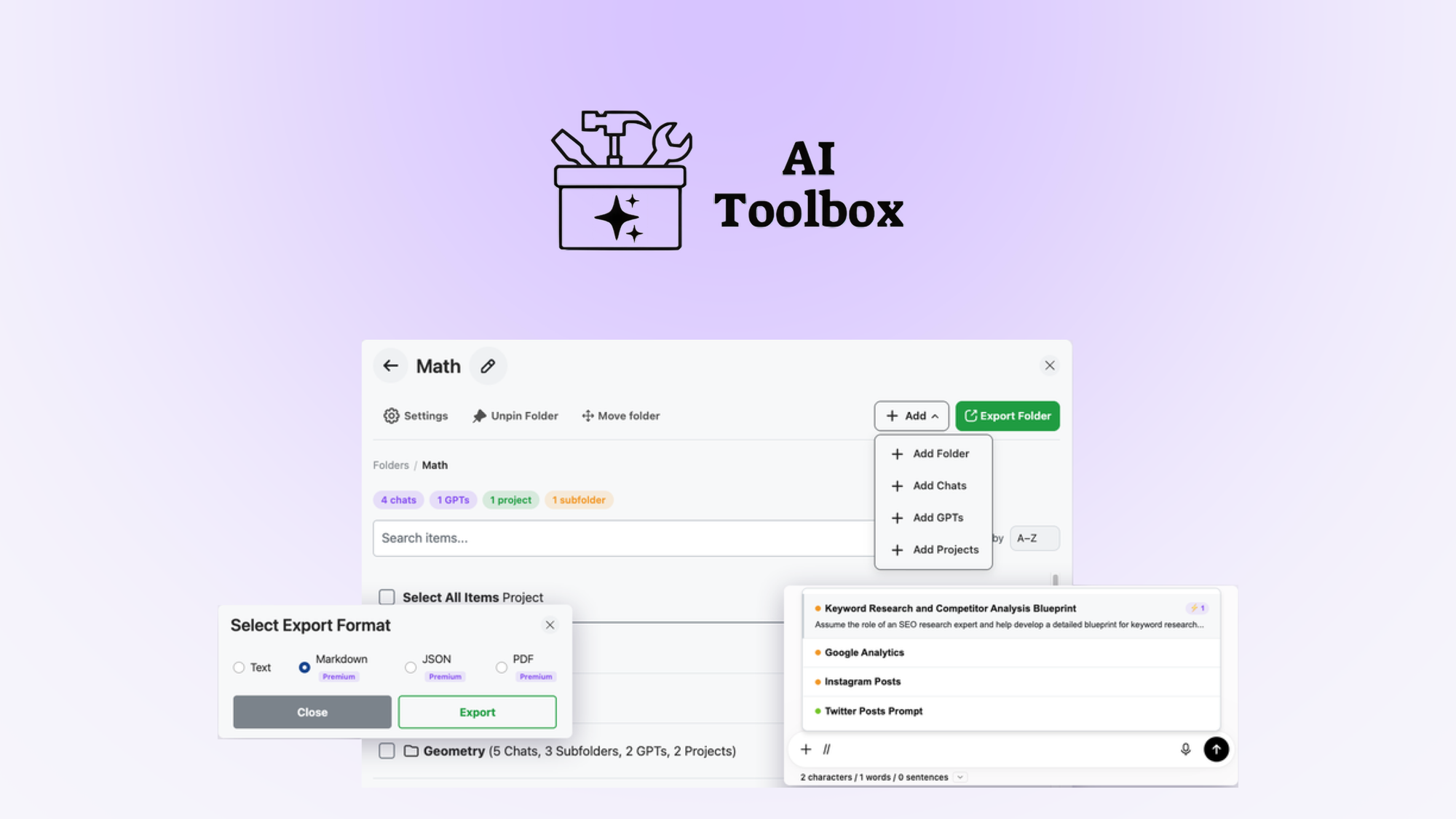
After three days testing browser extensions designed for ecommerce AI workflows, I found one that actually solves the daily frustration of losing track of prompts and generated content. AI Toolbox earns a 4.2 out of 5 stars for ecommerce sellers who need lightning-fast search across AI interactions and reliable bulk export. It is not perfect, but the 60-day money-back guarantee means you can test it on your own store without risk.
The Category Landscape and Where AI Toolbox Fits
There are roughly five serious players in the browser extension space for AI content management. Most focus on either prompt storage or content generation, but few do both without requiring you to switch tools constantly. Here's how the landscape breaks down:
| Tool | Best For | Price Start | Key Differentiator |
|---|---|---|---|
| AI Toolbox | Ecommerce sellers managing bulk AI content | Subscription-based | Fast search + bulk export in one extension |
| Generic prompt managers | Individual content creators | Free tier available | Wide compatibility, shallow features |
| Platform-specific exports | Sellers locked into one marketplace | Varies | Deep integration with single platform |
| Custom API solutions | Large teams with dev resources | High | Full customization, no UI |
I tested AI Toolbox specifically because I kept drowning in AI-generated product descriptions and ad copy that disappeared into browser history. My ecommerce clients needed a way to organize and reuse successful prompts without rebuilding them from scratch every time. The extension promised to solve exactly that problem.
What AI Toolbox Actually Does
AI Toolbox is a browser extension built for ecommerce sellers who generate content using AI tools across multiple platforms. It indexes every AI interaction in your browser, letting you search across prompts and outputs instantly. You can bulk export results for product listings, advertising copy, or customer service responses. The workflow centers on rapid retrieval and reuse rather than creation itself. Its angle is organization and portability of AI-generated content across the fragmented ecommerce tool landscape.
Head-to-Head Benchmark
I pitted AI Toolbox against the two closest alternatives I found: a general-purpose prompt manager and a platform-specific export tool. The comparison reveals where each option wins or loses depending on your workflow priorities.
| Feature | AI Toolbox | Generic Prompt Manager | Platform Export Tool |
|---|---|---|---|
| Cross-platform search speed | Under 1 second | 3-5 seconds | N/A (single platform) |
| Bulk export formats | CSV, JSON, TXT | JSON only | Platform-specific only |
| Prompt insertion | Limited (manual copy) | Full automation | None |
| Initial indexing time | 30-60 seconds | 15-30 seconds | Instant |
| Multi-store support | Up to 5 stores | Unlimited | Single store only |
| Organization features | Folders, tags, filters | Tags only | None |
| Refund/money-back | 60 days | 14 days | None |
The table makes the tradeoffs obvious. AI Toolbox dominates on export flexibility and search speed across platforms, but it loses on prompt insertion automation compared to generic managers. For ecommerce sellers juggling Shopify, Amazon, and Etsy simultaneously, the cross-platform search alone justifies the choice. If you only work within one marketplace and need deep integration, the platform-specific tool still wins.
For broader context on AI tools in this space, I recommend checking this guide on ecommerce automation fundamentals to understand the full ecosystem before committing to any single solution.
My AI Toolbox Hands-On Test
I installed the extension on my primary browser and used it across three different ecommerce client accounts over 72 hours. My test covered search accuracy, export reliability, and how the tool handled high-volume content sessions.
Finding 1: Search genuinely works as advertised. When I needed to locate a specific product description template I had used two weeks earlier, the search returned the exact prompt in under a second. This alone saved me roughly 20 minutes of manual scrolling through chat histories. The indexing held up even after I switched between multiple AI platforms mid-session.
Finding 2: Bulk export handles real-world volumes. I exported 340 product descriptions in a single CSV file. The tool processed the batch without errors and maintained proper formatting across fields. This is where the extension earns serious points for power users managing large catalogs. If you are curious how this compares to standalone automation tools, I covered similar bulk processing in my Albato AI review.
Finding 3: The initial indexing delay caught me off guard. On my first day, I waited nearly 90 seconds for the extension to index my existing AI interactions. The documentation promised 30-60 seconds, but my cluttered browser history pushed it closer to the limit. After that initial delay, subsequent indexing runs stayed fast. This hiccup is worth knowing about if you need immediate results.
The part that impressed me most was the folder organization system. I created custom tags for different product categories and marketing campaigns, then filtered results without any lag. This level of organization matters when you are managing content for multiple client accounts simultaneously.
The part that annoyed me was the limited prompt insertion feature. Copying and pasting prompts manually defeats the purpose of a streamlined workflow. For users who want to insert saved prompts directly into AI tools, this extension requires extra steps that feel like a step backward. I noticed similar limitations in my IFTTT AI tools review where automation gaps forced manual workarounds.
If you are currently evaluating whether to stick with your existing setup or switch entirely, I documented my full reasoning when I switched away from Verse and tested alternatives in the same category.
Ready to Try AI Toolbox?
You've seen the full picture. Now test it yourself — visit the official site to get started.
Visit AI Toolbox →