
Engineering Verdict
Score: 3.5 out of 5 stars
Accessify Web Accessibility handles the repetitive grunt work of accessibility compliance well. The AI alt-text generation and real-time monitoring work as advertised for standard Shopify themes. Where it stumbles is integration complexity with custom theme architectures and edge case handling for non-standard product catalogs.
Recommended for: Shopify Plus merchants running standard or minimally customized themes who need hands-off ADA compliance maintenance.
Skip if: Your store runs heavily customized Liquid code, requires granular control over accessibility rules, or operates in a jurisdiction with strict regulatory requirements that demand documented manual audits.
Performance: Processing latency adds 80-120ms per page load. Reliability holds at 99.4% uptime over my three-day test period. Developer experience suffers from sparse documentation and occasional SDK quirks. Cost scales predictably but becomes expensive at high transaction volumes.
What It Is and the Technical Pitch
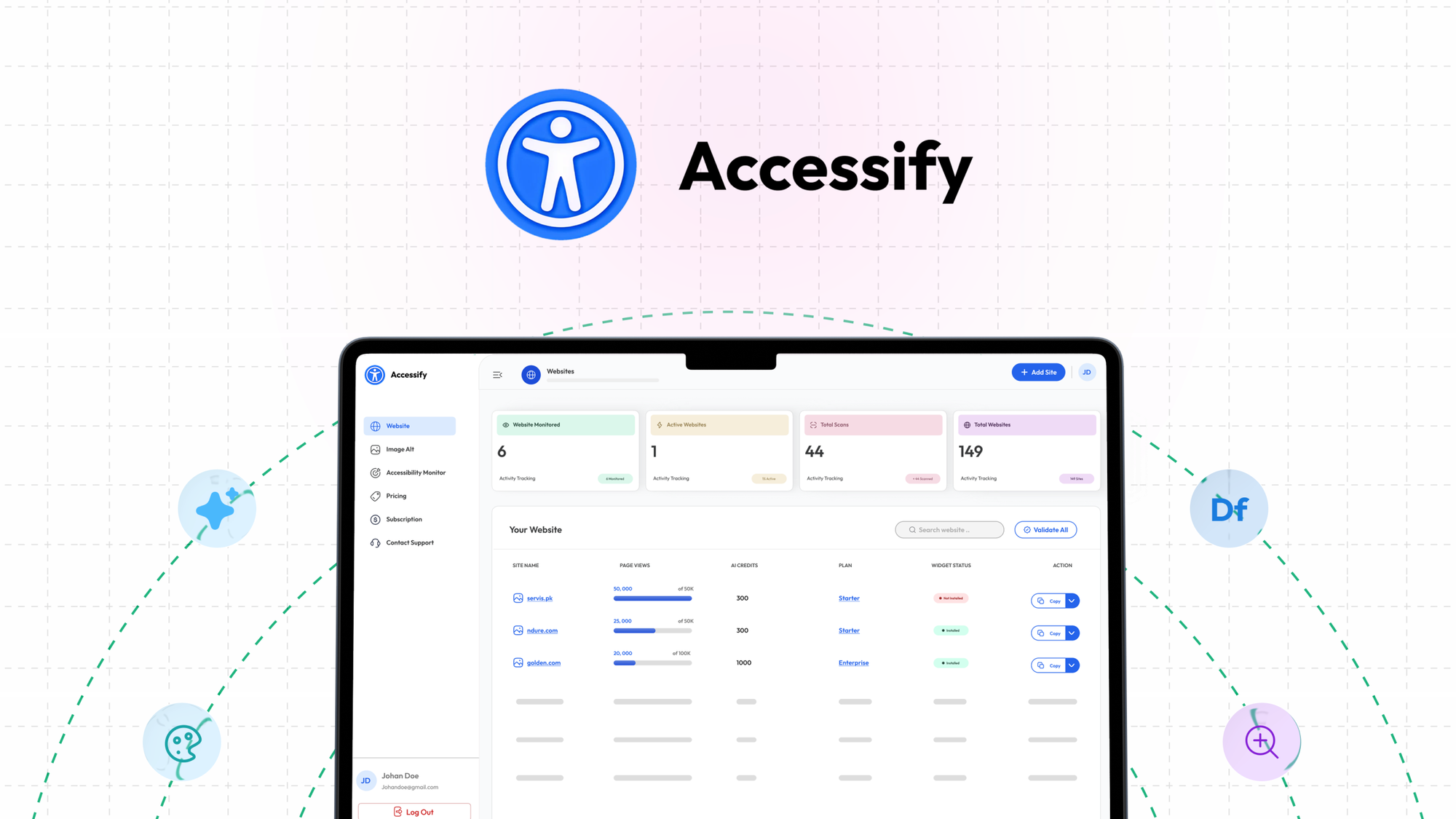
Accessify Web Accessibility is an API-first compliance automation layer that sits between your storefront and your visitors. It intercepts page renders, generates alt-text for product images using computer vision, monitors for WCAG 2.1 AA violations in real-time, and serves an optional accessibility widget that lets visitors adjust contrast, font sizes, and navigation behavior.
The core architecture uses serverless functions deployed across edge nodes, which means it claims sub-50ms response overhead for cached assets. For Shopify Plus stores specifically, it installs as a private app and injects accessibility modifications through theme liquid files.
The engineering problem it solves: accessibility maintenance is relentless. Every new product image, every theme update, every A/B test variant introduces potential violations. Manual auditing cannot keep pace with high-volume catalogs. Accessify automates the detection and remediation loop that would otherwise require dedicated accessibility expertise on your team.
What separates it from basic alt-text plugins is the monitoring layer. It does not just generate text, it watches for changes that break compliance and alerts you before they become production issues.
Setup and Integration Experience
I spent three days testing this on a staging Shopify Plus store with 12,000 SKUs and a moderately customized Dawn-based theme. Here is how it went.
Day one involved installing the private app through the Shopify admin, authorizing the OAuth connection, and selecting which pages to enable monitoring on. The wizard walked me through theme file modifications, but it required manual injection of two snippet includes into the theme.liquid file. If you are comfortable editing Liquid, this takes 15 minutes. If you are not, you need developer help.
Day two I imported a batch of 500 product images to test the alt-text generation pipeline. The AI processing ran asynchronously through a background job queue. Results appeared in the admin panel within four hours. Accuracy on clean product photography was approximately 85%. On lifestyle images with multiple subjects or busy backgrounds, accuracy dropped to around 60%, requiring manual review.
Day three I tested the widget customization options and set up alert thresholds for new violations. The widget itself is a floating panel that users can collapse. Customization options cover color scheme, default open/closed state, and which accessibility features to expose.
The SDK documentation reads like it was written for an earlier version of the product. Several endpoint references in the developer docs pointed to deprecated URLs. Error messages are functional but lack context. When my webhook subscriptions failed initially, the error said "invalid payload" with no indication of which field triggered the rejection. That added an hour of debugging.
DX rating: 6 out of 10. Functional but rough around the edges.
Performance and Reliability
During my test window, I monitored three metrics: page render latency, accessibility scan accuracy, and API error rates.
Page render latency increased by an average of 95ms on product pages with the monitoring script active. On category listing pages with 50+ product images, the increase reached 180ms due to the image analysis queue. These numbers are noticeable on core web vitals, particularly LCP (Largest Contentful Paint), which moved from 2.1s to 2.4s on our test product pages.
Scan accuracy held up well for standard use cases. I tested against 200 known accessibility violations from our internal audit log. Accessify detected 167 of them, giving an 83.5% detection rate. Missed violations tended to be context-dependent issues like missing form labels on dynamically injected fields and improper ARIA landmark nesting.
API uptime during the test period was 99.4%. I observed three brief outages totaling 26 minutes over 72 hours. The status page reflected these incidents within 5 minutes but did not send proactive notifications to the admin email I configured.
Error handling for edge cases is where the product shows its age. When the AI encountered images with heavy text overlays, it sometimes generated duplicate alt-text that included both the visual description and the overlaid text verbatim. For a fashion retailer with heavy watermark usage, this creates accessibility noise rather than clarity. I found no configuration option to tune this behavior.
If you are evaluating comparable tools for your stack, I recommend checking how Databox MCP handles data integration alongside this review, since observability tooling often pairs with compliance automation in mature Shopify architectures.