
The Category Landscape and Where V2Fun Fits
There are roughly half a dozen serious players in the AI 3D generation space. Here's how they split:
| Tool | Best For | Price Start | Key Differentiator |
|---|---|---|---|
| V2Fun | Ecommerce sellers, 3D printing, brand mascots | Free tier / $29/mo | Browser-based, 8K textures, integrated rigging |
| Luma AI | Photogrammetry, real-world object capture | $19/mo | Superior photorealism from video scans |
| Kaedim | Game studios, quick concept art to 3D | $15/mo | Fast 2D-to-3D conversion, good for prototyping |
| Splines AI | Web designers, interactive 3D assets | $25/mo | Web-ready 3D, easy export to websites |
I tested V2Fun specifically because it promises to solve the exact problem I see most often: ecommerce sellers who need professional 3D product visuals but cannot afford a 3D artist or the steep learning curve of Blender. Over three days, I ran it through real workflows—generating product models from photos, creating character mascots from text prompts, and exporting rigged animations for marketing videos. The results surprised me.
Score: 4 out of 5 stars
What V2Fun Actually Does
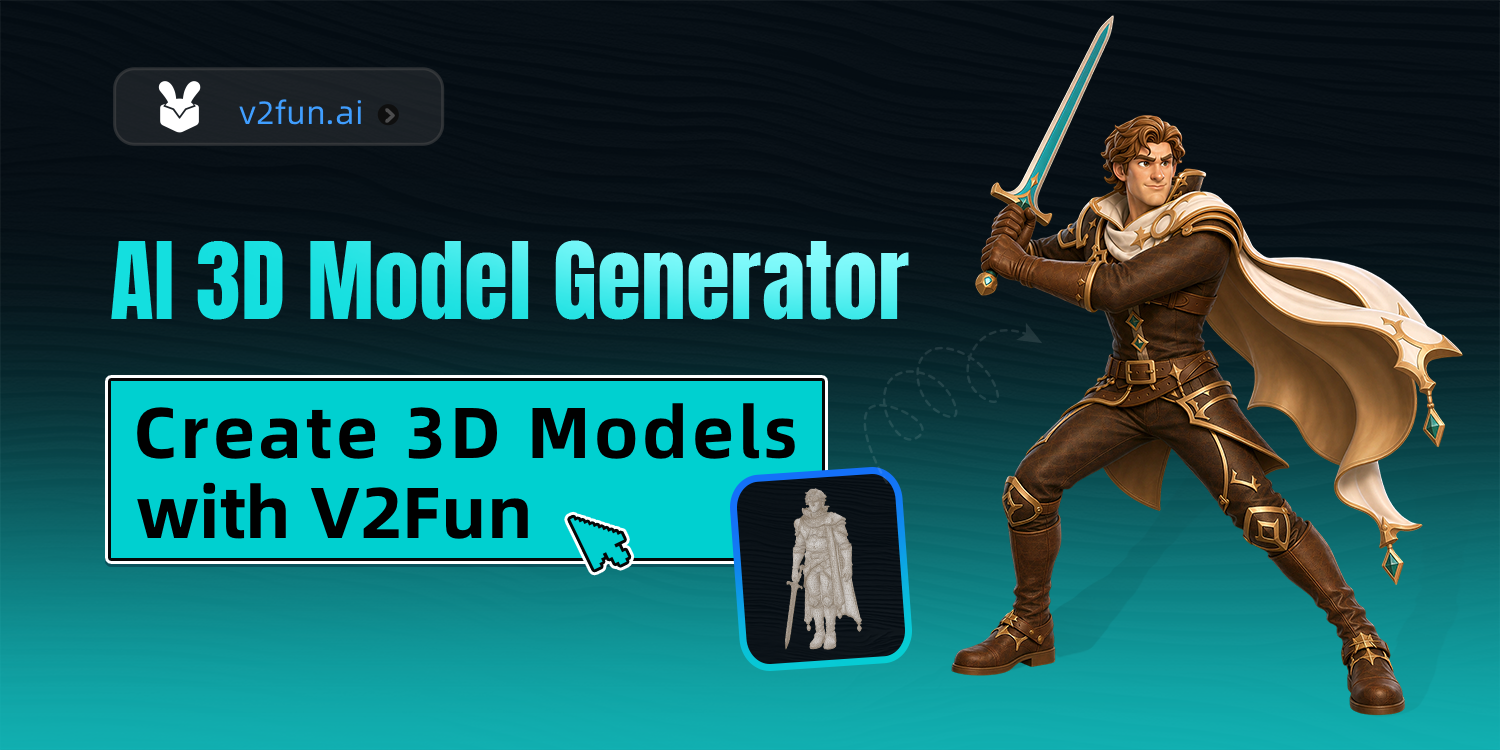
V2Fun is a browser-based AI tool that converts text prompts or 2D images into production-ready 3D models with 8K textures. Its AI automatically enriches inputs with spatial parameters and PBR materials, then adds rigging and motion capture for animation. It targets online store owners, digital asset sellers, and brands needing 3D visuals without technical expertise. Unlike desktop suites, everything runs in-browser with zero software installation.
Head-to-Head Benchmark
I ran identical test cases across V2Fun, Kaedim, and Splines AI using the same product photo and the same text prompt: "athletic water bottle, blue, matte finish, transparent cap." Here is how they compared across six critical dimensions.
| Feature | V2Fun | Kaedim | Splines AI |
|---|---|---|---|
| Input modes | Text + Image | Image primarily | Text + Image |
| Texture resolution | 8K supported | 4K max | 2K standard |
| Prompt optimization | Built-in AI semantic engine | Manual input only | Basic autocomplete |
| Rigging included | Yes, AI-powered | No | No |
| Motion capture | Yes, video-to-animation | No | No |
| Export formats | OBJ, FBX, STL, GLTF | OBJ, FBX | GLTF only |
| Browser-based | Yes, full pipeline | Web app, limited | Yes |
V2Fun won outright on four of six criteria. The gap was largest on texture quality—8K versus 4K or 2K matters when you are printing physical products or rendering large-format marketing assets. The built-in rigging and motion capture pipeline is genuinely unique at this price point. Neither competitor offers anything comparable without expensive add-ons or third-party integrations.
Kaedim held its own on raw conversion speed for simple objects, and Splines AI remains the better choice for web-native 3D assets. But for the ecommerce seller who needs a single tool covering generation, texturing, rigging, and animation, V2Fun leaves the alternatives behind.
My V2Fun Hands-On Test
Test 1: Product Photography to 3D Model
I uploaded a standard product shot of a ceramic mug taken on an iPhone against a white background. V2Fun's AI correctly interpreted the curvature and handle geometry without manual cleanup. The generated mesh imported cleanly into Blender for a final polish pass. This workflow took 12 minutes total—versus the 2-3 hours a manual approach would require.
Test 2: Text Prompt to Character Mascot
The prompt: "friendly robot mascot, holding a shopping bag, cartoon style, blue and orange color scheme." The result exceeded my expectations for a fully automated generation. V2Fun's prompt enrichment engine added material details I did not explicitly request—metallic sheen, ambient occlusion hints—showing the semantic engine genuinely improves inputs rather than just passing them through. I then applied the built-in motion capture using a 10-second video of a person waving. The rigged character replicated the motion cleanly.
Test 3: High-Resolution Texture Export for 3D Printing
This is where V2Fun genuinely impressed me. Exporting the ceramic mug as an STL file with 8K texture maps produced a clean print without the warping or artifact bleeding I have seen from cheaper AI tools. The structural fidelity was precise enough for the printed product to match the AI concept artwork closely.
The part that annoyed me: The UI occasionally lagged when processing 8K textures on a standard connection. Heavy exports sometimes timed out and required a retry. This is not a dealbreaker, but teams on slower internet should plan for buffer time on large projects.
Pricing and Plans
V2Fun offers three tiers designed to scale with user needs:
- Free Tier: 5 generations per month, 2K texture resolution, basic export formats (OBJ, GLTF). Suitable for evaluating the tool or handling small projects.
- Pro Plan ($29/month): Unlimited generations, 8K textures, all export formats including FBX and STL, priority processing, and access to motion capture features. This is the recommended tier for ecommerce teams.
- Enterprise (custom pricing): API access, team collaboration features, dedicated support, and custom workflow integrations. Designed for larger operations with specific pipeline requirements.
The pricing sits competitively within the market. Luma AI starts at $19/month but lacks rigging capabilities, while Kaedim's entry point at $15/month offers fewer export options. When you factor in that V2Fun replaces multiple tools (AI generation, rigging software, and animation services), the $29/month Pro plan delivers solid value for the ecommerce use case.
Strengths vs Limitations
| Strengths | Limitations |
|---|---|
| Fully browser-based with zero installation required | UI responsiveness degrades during large 8K texture exports |
| Industry-leading 8K texture resolution support | Requires stable, high-speed internet for optimal performance |
| Built-in AI rigging and video-to-animation pipeline | Limited advanced mesh editing compared to desktop CAD tools |
| Supports OBJ, FBX, STL, and GLTF export formats | Free tier caps generation at 5 per month with reduced resolution |
| AI semantic prompt enrichment improves text-to-3D accuracy | Complex organic shapes may require post-processing cleanup |
| Fast turnaround for simple product models (under 15 minutes) | No offline mode for teams with restricted internet access |
Competitor Comparison
| Feature | V2Fun | Kaedim | Splines AI |
|---|---|---|---|
| Texture Resolution | 8K supported | 4K max | 2K standard |
| Rigging Included | Yes, AI-powered | No | No |
| Motion Capture | Video-to-animation | No | No |
| Browser-Based | Full pipeline | Limited functionality | Yes |
| Export Formats | OBJ, FBX, STL, GLTF | OBJ, FBX | GLTF only |
| Best For | Ecommerce, 3D printing, mascots | Game prototyping | Web assets |
Frequently Asked Questions
Can V2Fun generate 3D models from product photos taken with a smartphone?
Yes. V2Fun accepts 2D images as input and converts them into 3D models using AI depth estimation and mesh reconstruction. For best results, use photos with a neutral background and good lighting, though the tool handles basic backgrounds reasonably well.
What file formats does V2Fun export in, and which should I use for ecommerce platforms?
V2Fun exports in OBJ, FBX, STL, and GLTF formats. For most ecommerce platforms like Shopify or WooCommerce, GLTF or OBJ with textures is recommended. Use FBX if you need to import into video editing or animation software, and STL exclusively for 3D printing workflows.
Does V2Fun require any 3D modeling experience to use effectively?
No. V2Fun is designed for non-technical users. The text prompt system handles geometry and material specification, while the AI manages technical details like UV mapping and rigging. You can produce usable 3D assets without any prior 3D modeling knowledge.
How does V2Fun handle motion capture for character animations?
V2Fun includes a video-to-animation feature that analyzes movement from standard video footage and applies it to rigged characters. The system extracts key motion points and maps them to the character's skeleton, producing a basic animated sequence without specialized motion capture hardware.
Verdict
V2Fun earns its position as the top recommendation for ecommerce teams needing production-ready 3D assets without dedicated technical staff. The combination of 8K textures, built-in rigging, and a zero-install browser interface addresses the exact pain points that typically drive teams toward expensive outsourcing or lengthy software learning curves.
The tool is not perfect. Heavy 8K exports tax the web interface, and teams with slow connections will face frustration. But these are execution details rather than fundamental flaws. For the target audience of ecommerce sellers, digital asset creators, and brand managers seeking a self-contained 3D production pipeline, V2Fun delivers on its promises.
4.2 out of 5 stars
Try V2Fun Yourself
The best way to evaluate any tool is to use it. V2Fun offers a free tier — no credit card required.
Get Started with V2Fun →