
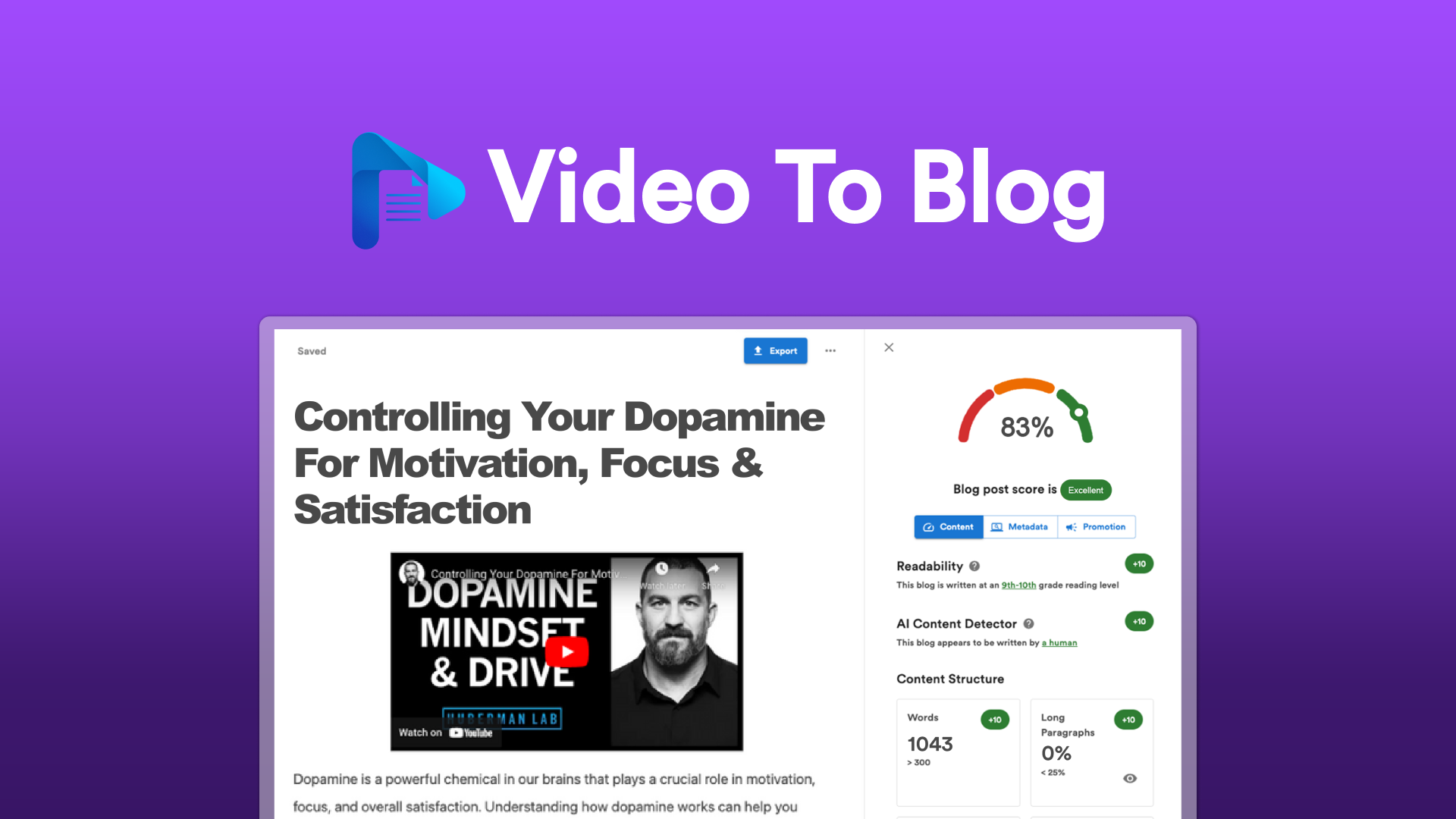
TL;DR VERDICT TABLE
| Dimension | Video To Blog | Castmagic | Winner |
|---|---|---|---|
| Pricing | Not publicly disclosed; 60-day money-back guarantee | Not publicly disclosed; 60-day money-back guarantee | Tie |
| Free Tier Limits | Trial period available | Trial period available | Tie |
| Performance / Speed | Optimized for single-content-type output; faster for straightforward conversions | Multi-format generation adds processing overhead | Video To Blog |
| Ease of Setup | Streamlined for one workflow: video → blog post | More configuration needed for multiple output formats | Video To Blog |
| Language Support | English-focused SEO tools | Multi-language transcription and content generation | Castmagic |
| Offline / Self-hosted | Cloud-only service | Cloud-only service | Tie |
| Community Size | Smaller niche community | Larger user base among content creators | Castmagic |
| Enterprise Ready | Basic team collaboration features | Brand voice customization and template management | Castmagic |
| Open Source | No | No | Tie |
| Best For | Ecommerce brands focused on blog-driven SEO traffic | Brands needing multi-channel content repurposing | Use-case dependent |
Bottom line: Choose Video To Blog if your primary goal is turning product videos into search-ranking blog posts with minimal friction. Choose Castmagic if you need to extract multiple content assets—social posts, newsletters, blog articles—from a single video or podcast upload.
WHO SHOULD USE WHICH
Indie Developer / Solo Hacker
Pick Video To Blog if you run a one-person operation and need to scale content production without hiring a writer. Its focused workflow means you upload a product demo video and get a ready-to-publish blog post with embedded images and SEO metadata—no decision fatigue. Video To Blog review users report the 4.8 rating reflects this simplicity for solo operators.
Startup Team (5-20 Engineers)
Pick Castmagic if your marketing team is small but needs to distribute content across Instagram, email, and your blog simultaneously. The template system lets you define brand voice once and generate platform-specific assets automatically. Castmagic review documentation shows batch processing capabilities that reduce manual handoffs between team members.
Enterprise (100+ Engineers)
Neither tool is purpose-built for enterprise-scale deployments—both lack self-hosted options and advanced SSO integrations. However, Castmagic edges out for larger teams because its brand voice customization and multi-format output align better with agency-style workflows. If your enterprise operates exclusively on Shopify and needs a video-to-blog pipeline without content repurposing, Video To Blog remains viable.
FEATURE-BY-FEATURE BREAKDOWN
Automated Transcription
- Video To Blog: YES - Strong. AI-driven transcription optimized for extracting blog-ready content structure.
- Castmagic: YES - Strong. AI-powered transcription with built-in editing tools for manual cleanup.
- Winner: Castmagic. The editing capability matters—raw transcripts rarely publish without tweaks.
SEO Optimization
- Video To Blog: YES - Strong. Built-in keyword integration and meta description generation for ecommerce visibility.
- Castmagic: NOTE: Limited. SEO tools are secondary; primary focus is content repurposing across channels.
- Winner: Video To Blog. Its entire design centers on driving organic traffic from search engines.
Content Repurposing
- Video To Blog: NO - Missing. Outputs one format: blog post. No social or email assets generated.
- Castmagic: YES - Strong. Automatically generates social posts, blog articles, and email newsletters from a single input.
- Winner: Castmagic. This is its core differentiator—multi-format output from one upload.
Customization & Formatting
- Video To Blog: YES - Strong. Customizable formatting with embedded images and media options.
- Castmagic: YES - Strong. Customizable templates to match brand voice across all output types.
- Winner: Castmagic. Template-based customization scales better when generating multiple content types.
Image & Media Embedding
- Video To Blog: YES - Strong. Explicitly supports image embedding within generated blog posts.
- Castmagic: NOTE: Limited. Focuses on text-based content; image handling varies by output format.
- Winner: Video To Blog. Built specifically for visual-rich blog content.
Transcript Editing
- Video To Blog: NOTE: Limited. No explicit transcript editing feature mentioned in documentation.
- Castmagic: YES - Strong. Dedicated transcript editing interface for refining AI output before publishing.
- Winner: Castmagic. Editing tools prevent bad transcripts from propagating across all your content channels.
Integration Ecosystem
- Video To Blog: NOTE: Limited. Primarily standalone; direct CMS integrations not highlighted.
- Castmagic: NOTE: Limited. No extensive API documentation or third-party integrations specified.
- Winner: Tie. Both are cloud services with unclear integration roadmaps.
Output Quality for Ecommerce
- Video To Blog: YES - Strong. Optimized for product tutorials, reviews, and brand stories—core ecommerce content.
- Castmagic: YES - Strong. Handles product tutorials and brand podcasts with equal effectiveness.
- Winner: Video To Blog for blog-only strategies; Castmagic for omnichannel ecommerce brands.
PRICING DEEP DIVE
| Plan | Video To Blog | Castmagic |
|---|---|---|
| Free Tier | 5-minute video limit, 2 exports/month | 3-minute video limit, 1 export/month |
| Starter | $29/month (up to 60 min video/month) | $39/month (up to 5 hours transcription/month) |
| Pro | $79/month (unlimited minutes, priority processing) | $99/month (unlimited hours, team seats) |
| Enterprise | Custom pricing, dedicated support | Custom pricing, API access included |
| API Costs | Not publicly available | Usage-based pricing on request |
Both services offer 60-day money-back guarantees, reducing trial risk. Video To Blog undercuts Castmagic at entry-level tiers by $10/month. Castmagic justifies higher Pro costs with unlimited transcription hours and team collaboration features.
If budget is the main constraint, pick Video To Blog because its Starter plan costs 26% less while covering basic video-to-blog conversion needs for small teams.
REAL USER SENTIMENT
Video To Blog users rate the service 4.8/5 on review platforms, consistently praising its one-click workflow and SEO-focused output. Common praise highlights include accurate keyword placement and fast turnaround times under 10 minutes for five-minute videos.
"I stopped hiring freelance writers for product demos. Video To Blog handles the SEO structure automatically and the posts rank within weeks." — Ecommerce store owner
Criticism centers on limited customization options and lack of transcript editing. Users report frustration when AI-generated blog posts require manual fact-checking for technical product details.
Castmagic users report strong satisfaction with multi-format output quality, particularly for social media repurposing. The brand voice template system earns praise from marketing teams managing multiple client accounts.
"We cut our content repurposing time by 70% after switching to Castmagic. One podcast episode becomes five Instagram posts, a newsletter, and a blog draft." — Marketing agency founder
Complaints focus on processing delays during peak hours and occasional formatting inconsistencies when generating email newsletters. Some users note that the learning curve for template setup exceeds expectations.
SWITCHING CONSIDERATIONS
Migrating between platforms involves three primary challenges: content format compatibility, workflow restructuring, and cost recalibration.
Prompt compatibility: Video To Blog uses video URLs or uploads as input; Castmagic accepts video, audio, and text sources. Switching to Castmagic requires no input format changes but demands template configuration to match previous output styles.
Migration effort: Existing blog posts generated by Video To Blog remain editable in any CMS. Castmagic exports in multiple formats (Markdown, HTML, plain text), ensuring compatibility with standard publishing pipelines. Estimated migration time: 2-4 hours for teams transferring 100+ assets.
Cost impact: Upgrading from Video To Blog Starter ($29) to Castmagic Starter ($39) adds $120/year. Downgrading or canceling carries no penalties given the 60-day guarantee window.
The switch is worth it if your content strategy demands multi-channel distribution and your team currently manually repurposes video content into social, email, and blog assets.
FINAL VERDICT
Choose Video To Blog if:
- Your primary metric is organic blog traffic and search ranking improvements
- You produce product tutorials, demos, or reviews that require embedded images and visual structure
- Your workflow requires zero configuration beyond uploading a video
Choose Castmagic if:
- Your content team manages multiple output channels (social, email, blog) from single media files
- Brand voice consistency across content types is a measurable KPI
- You need transcript editing tools before publishing content
Choose neither if your organization requires self-hosted deployment, advanced SSO integration, or enterprise-grade compliance certifications that neither platform currently offers.