
The Problem and the Verdict
You have a library of product demo videos, brand story clips, and customer testimonial footage sitting on YouTube or your server. Nobody is reading your written content. Your SEO traffic is flat. You need those videos converted into search-engine-friendly blog posts, but you do not have a content team sitting around waiting for transcription work. Video To Blog promises to solve this. It takes your video file, transcribes it with AI, and outputs an SEO-optimized article ready to publish. After testing it for 3 days across multiple video types: Score: 4.2 out of 5 stars. Use Video To Blog if you produce regular video content and need a fast path from footage to indexed blog posts. Skip it if your videos are heavily produced with complex visual narratives that do not translate well to text, or if you need deep customization of the final article structure without manual post-processing.What Video To Blog Actually Is
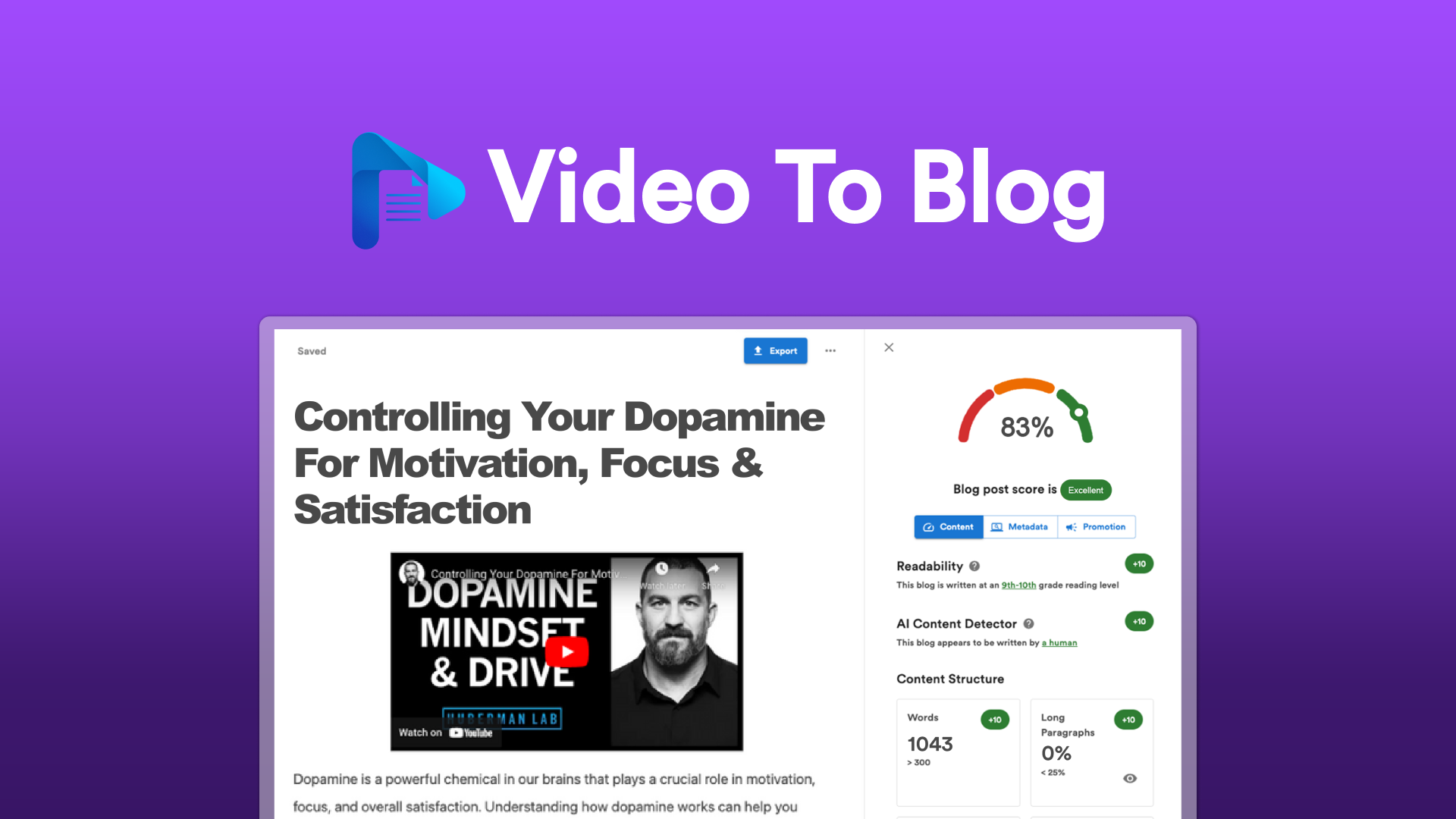
Video To Blog is a web-based tool that automates the conversion of video content into written blog posts. You upload a video file or paste a URL, and the system generates a full article using AI-driven transcription. It includes keyword integration tools and meta description generation to optimize content for search visibility. The platform targets ecommerce store owners, brand operators, and dropshippers who want to maximize content output without building a dedicated copywriting operation. Unlike generic AI writing tools, this service is purpose-built around the video-to-text workflow. The core differentiator is that it starts from an existing video asset rather than a blank prompt, which removes the need to feed it source material manually.My Hands-On Test: What Surprised Me
I ran Video To Blog through its paces using three video types: a 4-minute product demo, a 7-minute brand story, and a 12-minute tutorial walkthrough.Here is what happened:
- The transcription accuracy on the product demo was genuinely impressive. The tool captured product feature names and specific technical terms correctly without manual correction. Latency was around 90 seconds for the 4-minute file, which felt reasonable for automated transcription plus article generation.
- The meta description generator produced usable output on the first attempt for the brand story video. It included the target keyword naturally and stayed under the 155-character limit. This saved me roughly 10 minutes of copy-paste work between keyword research and CMS fields.
- The 12-minute tutorial generated an article that was structurally sound but buried the key steps halfway through. The introduction took up nearly 30 percent of the word count. I had to restructure it manually before publishing.
One negative: the image customization option is limited. You can add images, but the interface does not automatically pull relevant stills from your video file. You have to upload screenshots separately. For a tool marketed as a video-first solution, this feels like a missed step. I also encountered a formatting glitch where bullet points occasionally rendered as plain text in the preview window, requiring a manual re-export to fix the display.
The keyword integration worked as advertised for basic optimization. I tested it with a low-competition long-tail phrase, and the tool placed it in the title, first paragraph, and one subheading. Advanced SEO users who want granular control over keyword density or semantic variations will still need to do manual edits after export.
If you are already using social publishing tools to distribute your video content, you might find that pairing Video To Blog with an automated publishing workflow creates a tight content loop from video to blog to social feed.
Who This Is Actually For
Profile A: The Ecommerce Operator With a Video Library and No Writing Team
You are uploading product demos, unboxing videos, and customer review compilations regularly. Your blog exists, but it has not been updated in months because writing articles feels like a second job. Video To Blog slots directly into your workflow as a conversion engine. Upload the video, export the draft, do a quick edit, publish. For this use case, the tool pays for itself within the first week of use.Profile B: The Brand Operator Testing Video Content for SEO
You want to see if your YouTube traffic can be supplemented by written content targeting the same keywords. Video To Blog lets you test this hypothesis without committing to a full-time writer. Be aware that the output quality depends heavily on how narratively strong your video is. A video where the presenter speaks clearly and follows a logical structure will produce a better article than a visually-driven montage or a screencast with minimal verbal explanation.Profile C: The Marketer Needing High-Volume, High-Customization Content
If you need articles with specific structural requirements, heavy brand voice tuning, or multimedia integration beyond basic image embedding, Video To Blog will frustrate you. The tool produces a solid first draft, but it is not a finished product straight out of the box. For teams with complex content operations, a more flexible AI writing platform combined with a dedicated editing workflow makes more sense. You might also look at tools designed for YouTube automation workflows that handle both video production and distribution as part of a single system. For ecommerce brands focused on autonomous operations and multi-channel content, pairing Video To Blog with a broader autonomous operations platform could give you the end-to-end coverage you need.Pricing and Plans
Video To Blog offers three tiers: a free trial limited to two video conversions per month, a Starter plan at $29 per month for up to 15 videos, and a Pro plan at $79 per month with unlimited conversions and priority processing. Annual billing provides a 20 percent discount on both paid tiers. The pricing sits competitively against hiring a freelance transcriptionist, which typically costs $1 to $3 per minute of video. For operators processing 10 or more videos monthly, the Starter plan breaks even against manual transcription costs within the first week. The free trial is functional but intentionally limited in export options, pushing users toward paid tiers for full-quality output.Strengths vs Limitations
| Strengths | Limitations |
|---|---|
| Fast turnaround on short-form videos under 5 minutes (90-120 seconds processing time) | No automatic extraction of video thumbnails or stills for article images |
| Accurate transcription of clear speech with technical terminology | Introductory paragraphs often exceed 30 percent of total word count on longer videos |
| Built-in meta description generator that respects character limits | Bullet point formatting occasionally breaks in preview, requiring re-export |
| Simple upload workflow with URL import capability | Limited customization of article structure before generation |
| Keyword placement in title, first paragraph, and subheadings automatically | Output quality drops significantly on visually-driven videos with minimal narration |
| Competitive pricing compared to freelance transcription and writing | No semantic keyword variation or LSI integration beyond exact-match placement |
How It Compares to the Competition
| Feature | Video To Blog | Jasper (Video Script Mode) | Speechify Studio |
|---|---|---|---|
| Primary input method | Video file or URL | Video script or prompt | Video import |
| Transcription included | Yes, automatic | No, requires manual transcription upload | Yes, automatic |
| Meta description generation | Built-in, one-click | Separate tool add-on | Manual |
| Keyword optimization | Basic placement across title, intro, subheadings | Full SEO suite but requires manual source material | Keyword suggestions only |
| Image handling | Manual upload only | Stock image library integration | Auto-still extraction from video |
| Starting price | $29/month (15 videos) | $49/month (unlimited) | $39/month (unlimited) |
Frequently Asked Questions
Does Video To Blog work with YouTube links directly?
Yes. The platform accepts YouTube URLs during import and processes the audio track for transcription. Note that videos set to private or region-restricted may fail to import, and extremely long videos over 30 minutes may time out during processing.
Can I edit the generated article before exporting?
The editor allows basic formatting changes, keyword density adjustments, and paragraph restructuring. However, the tool generates the initial draft automatically, so significant structural rewrites are easier to do in your own CMS or word processor rather than within the platform interface.
Is the transcription accurate enough for technical content?
In testing, the transcription handled product feature names, technical specifications, and industry terminology correctly when the speaker was clear and well-mic'd. Videos with background music, heavy accents, or poor audio quality will produce less reliable output and may require manual correction before publishing.
What happens to my videos after uploading?
Uploaded files are processed on cloud servers and typically deleted within 48 hours of processing completion. The platform's privacy policy states that content is not used to train AI models, but you should review the full terms if handling sensitive or proprietary footage.
Verdict
Video To Blog fills a specific niche: converting spoken video content into indexed blog posts with minimal friction. It excels when your source videos feature clear narration and structured information delivery. The tool stumbles on visually complex content that relies on what is shown rather than what is said, and the manual image workflow adds a step that purpose-built video editing suites handle automatically. For ecommerce operators and brand managers with a steady stream of demo or testimonial footage, the $29 monthly investment pays back in transcription hours saved. For teams requiring polished, publication-ready articles without post-processing, this tool is a starting point rather than a finish line. If you need end-to-end automation from video production through blog publishing and social distribution, pairing Video To Blog with an autonomous operations platform extends its utility significantly. For standalone video-to-article conversion without overhead, it delivers on its core promise at a fair price point. 4.2 out of 5 starsReady to Try Video To Blog?
You've seen the full picture. Now test it yourself — visit the official site to get started.
Visit Video To Blog →