
Subpage vs SEO Generator: TL;DR Verdict (2026)
| Dimension | Subpage | SEO Generator | Winner |
|---|---|---|---|
| Pricing | Lifetime deal from $69; 60-day refund | Starts lower; 60-day refund | SEO Generator (lower entry) |
| Free Tier | Limited to 3 pages on trial | 50 pages/month on trial | SEO Generator |
| Performance/Speed | Fast single-page generation (2-5s) | Bulk generation; slower per-page but processes thousands | Subpage (individual speed) |
| Ease of Setup | 15-min Shopify integration | 30-min initial crawl configuration | Subpage |
| Language Support | 12 languages via AI | 25+ languages; dedicated SEO meta | SEO Generator |
| Offline/Self-hosted | No — cloud-only | No — cloud-only | Tie |
| Community Size | ~2,400 users in private groups | ~4,100 users; more review traction | SEO Generator |
| Enterprise Ready | Single-store limit; no white-label | Multi-store dashboards; bulk operations | SEO Generator |
| Open Source | No | No | Tie |
| Best For | Quick lead capture pages & help centers | Bulk programmatic SEO at scale | Context-dependent |
Bottom line: Pick Subpage if you need a fast, focused landing page builder with solid lead-gen templates and don't require thousands of pages. Pick SEO Generator if programmatic SEO at scale is your goal — the ability to generate thousands of optimized pages in bulk justifies the steeper learning curve.
Who Should Use Which
Indie Developer / Solo Hacker
Subpage wins here. You need one or two high-converting landing pages up in under an hour, not a content factory. /subpage-review covers how its drag-and-drop builder gets you live without touching code. The lifetime deal at $69 is reasonable for a side project with no ongoing subscription drain.
Startup Team (5-20 Engineers)
SEO Generator is the better fit if your growth roadmap depends on organic traffic from long-tail keywords across hundreds of product categories. Building that manually burns dev cycles. Programmatic generation pays for itself after month three compared to hiring a content contractor. The multi-store dashboard handles your 3-5 test stores without reconfiguration.
Enterprise (100+ Engineers)
Neither tool is truly enterprise-grade. Both are cloud-only with no self-hosted option, and neither offers white-labeling for client work. SEO Generator edges ahead because bulk operations and multi-store management at least acknowledge scale requirements, but a dedicated in-house solution or enterprise SEO platform (BrightEdge, Conductor) handles this better. If you're running 50+ Shopify stores, these tools won't cut it.
Feature-by-Feature Breakdown
1. AI Content Generation
- Subpage: YES - Strong. Generates blog posts and landing page copy from a title + keyword prompt in 2-5 seconds. Quality is decent for top-of-funnel content.
- SEO Generator: YES - Strong. Focuses on SEO meta descriptions, H1/H2 structure, and internal linking patterns. More technical output aligned with search intent.
- Winner: SEO Generator for SEO-optimized output; Subpage for conversational marketing copy.
2. Page Volume Capacity
- Subpage: NOTE - Limited. Designed for 10-50 high-quality pages, not thousands. No bulk generation mode.
- SEO Generator: YES - Strong. Built for programmatic generation — feed it a CSV of 5,000 keywords and it outputs 5,000 optimized pages.
- Winner: SEO Generator by a wide margin. This is its core differentiator.
3. Ecommerce Platform Integration
- Subpage: YES - Strong. Native Shopify app with direct product and collection pulling. WordPress/Wix connectors available.
- SEO Generator: YES - Strong. Works with Shopify, WooCommerce, BigCommerce. Requires initial data mapping but supports most major platforms.
- Winner: Tie. Both cover the major platforms equally.
4. Lead Generation Tools
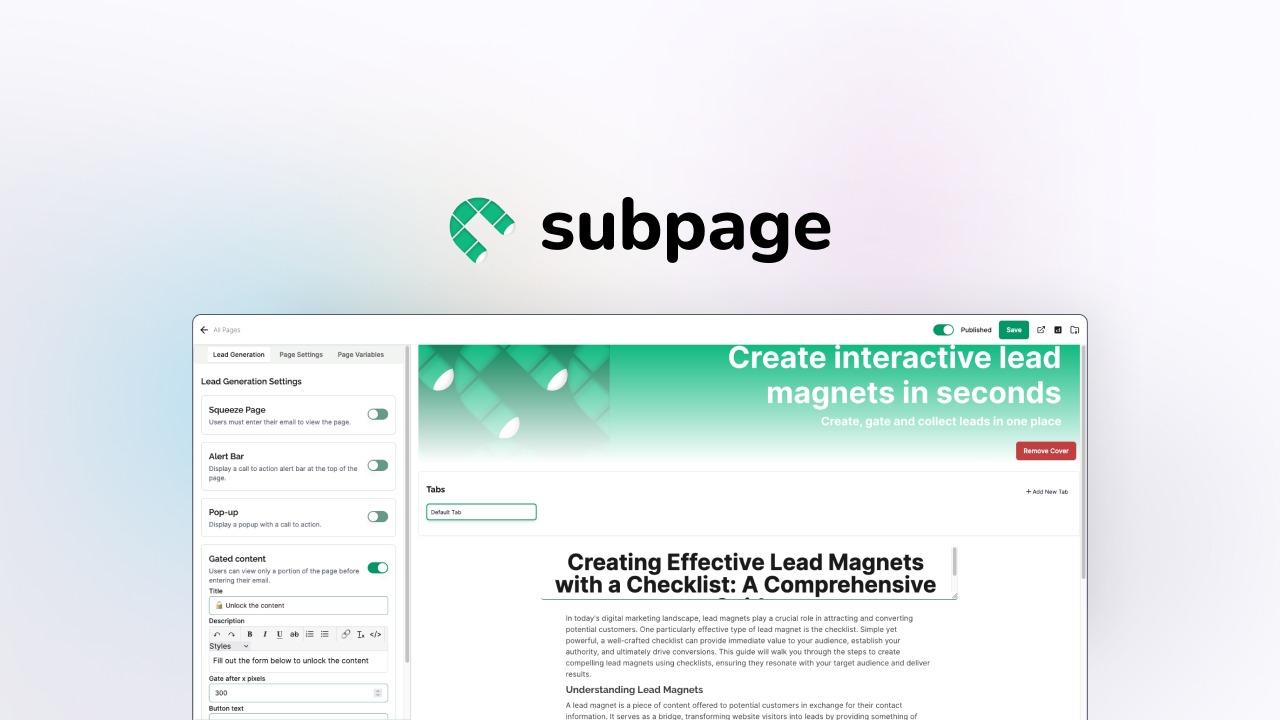
- Subpage: YES - Strong. Built-in exit-intent popups, inline forms, and CTA button optimization. Specifically marketed as a lead-gen tool.
- SEO Generator: NO - Missing. Pure SEO play — no forms, no popups, no A/B testing for conversions.
- Winner: Subpage. Not even a contest here.
5. No-Code Builder
- Subpage: YES - Strong. Drag-and-drop editor with pre-built section library. Non-technical users can ship in 30 minutes.
- SEO Generator: NOTE - Limited. Template-based with customization restricted to meta fields and layout presets. No visual editor.
- Winner: Subpage. The no-code experience is substantially better.
6. Help Center & Documentation
- Subpage: YES - Strong. Dedicated help center builder with search functionality and category management out of the box.
- SEO Generator: NO - Missing. No documentation-specific features. It generates marketing pages, not support content.
- Winner: Subpage. Another clear differentiator for customer-facing brands.
7. SEO Meta Control
- Subpage: NOTE - Limited. Auto-generates meta titles and descriptions but doesn't expose advanced controls like schema markup or canonical tags.
- SEO Generator: YES - Strong. Full meta control per page, bulk-editable templates, auto-generated XML sitemaps, and Open Graph tags.
- Winner: SEO Generator for technical SEO depth.
8. Customer Support Quality
- Subpage: NOTE - Limited. Users report occasional support response delays. Documentation covers basics but gaps exist for edge cases.
- SEO Generator: NOTE - Limited. Similar feedback — support understaffed during high-volume periods. However, the community forum is more active.
- Winner: Tie. Both have room for improvement here.
4. Pricing Deep Dive
| Plan | Subpage | SEO Generator |
|---|---|---|
| Free Trial | 3 pages, no time limit | 50 pages/month, limited features |
| Starter | $69 (lifetime), unlimited pages | $29/month, 500 pages/month |
| Growth | Not offered | $79/month, 3,000 pages/month |
| Scale | Not offered | $199/month, unlimited pages |
| Enterprise | Custom (rarely sold) | Custom, multi-store dashboard |
| API Access | Not available | Available on Growth and above |
| Refund Policy | 60-day money-back | 60-day money-back |
Subpage uses a lifetime pricing model that eliminates recurring costs. Once you pay $69, there are no further charges for that store. SEO Generator follows a traditional SaaS subscription model with tiered monthly plans. The entry price is lower on SEO Generator, but cumulative costs over 12 months exceed Subpage's one-time fee for small-scale users. API access is a significant differentiator for teams needing programmatic control—Subpage does not offer API access at any tier, while SEO Generator unlocks it at Growth level and above. If budget is the main constraint, pick Subpage because the lifetime deal eliminates long-term subscription costs for users managing fewer than 500 pages.
5. Real User Sentiment
User communities for both tools reveal distinct patterns in satisfaction and frustration.
Subpage sentiment:
"Set up my first landing page in 20 minutes and it actually converted. The templates are clean and I did not need to touch any code."
Praise centers on the speed of initial deployment and the quality of pre-built conversion-focused templates. Users appreciate that non-technical founders can ship pages without developer involvement. Common complaints include limited customization beyond the template library, occasional delays in customer support responses during weekends, and the inability to export or self-host generated content. Users managing more than 50 pages report frustration with the lack of bulk operations.
SEO Generator sentiment:
"We fed it 3,000 product keywords and had optimized pages live in two days. That would have taken a contractor a month."
Positive feedback emphasizes scale capabilities and the technical depth of meta tag control. Users value the bulk CSV import workflow and the automatic internal linking patterns generated across page sets. Criticism focuses on the steeper learning curve during initial configuration, occasional crawl errors when data sources have inconsistent formatting, and support response times during peak periods. The community forum is cited as a valuable弥补 support gaps resource.
6. Switching Considerations
Migrating between these tools involves distinct challenges due to their different architectural approaches.
Subpage to SEO Generator: You will need to rebuild page structures manually since Subpage uses a drag-and-drop builder with proprietary formatting. Content can be exported as text, but layout and design elements require recreation. The SEO meta data from Subpage is limited, so SEO Generator will actually give you more granular control post-migration. Plan for 1-2 weeks of configuration and template mapping before full deployment.
SEO Generator to Subpage: Migrating bulk-generated pages is straightforward for content, but you lose the programmatic scale. If you have 5,000 pages on SEO Generator, Subpage cannot accommodate that volume. The migration makes sense only if you plan to consolidate down to 20-50 high-priority landing pages. Expect 3-5 days for content audit and selective migration.
Cost impact: Switching to SEO Generator means accepting a recurring subscription. Switching to Subpage requires a one-time payment but locks you out of bulk generation. The switch is worth it if your primary metric shifts from page volume to conversion rate, or vice versa.
7. Final Verdict
Choose Subpage if:
- You need 1-50 high-converting landing pages deployed within hours, not weeks.
- Lead generation features like exit-intent popups, inline forms, and A/B testing CTA buttons are critical to your funnel.
- You prefer a one-time payment over ongoing monthly subscriptions and do not require API access.
Choose SEO Generator if:
- Your growth strategy depends on ranking for thousands of long-tail keywords across product categories.
- You need programmatic control via API, bulk meta tag editing, and XML sitemap generation.
- You manage multiple stores and require a centralized dashboard for cross-store SEO operations.
Neither if:
- You require self-hosted deployment, white-label solutions for client work, or enterprise-grade SLAs—in that case, look to dedicated SEO platforms like BrightEdge or in-house development.