
1. The Problem & The Verdict
If you have spent hours manually updating product pages, catalogs, and client portals every time your inventory changes, you already know the problem. Most ecommerce tools either require constant manual entry or expensive developer time to keep everything in sync. Shareables claims to fix this by letting you build websites directly from Google Sheets and Airtable data.
After spending three days testing every feature, I can tell you it works — but not without friction. The real-time sync works when it works, the templates look professional out of the box, and the AI generation saves legitimate time. However, I hit bugs during setup, the learning curve is steeper than advertised, and some features feel half-baked compared to what you get from a dedicated CMS.
Score: 4.5 out of 5 stars
Use Shareables if you run a small-to-medium wholesale operation with messy product data in spreadsheets and need client-facing catalogs fast. Skip it if you need full ecommerce functionality (checkout, inventory management, order tracking) or if your data structure is highly complex.
For a broader look at AI tools in this space, see my Jootle review which covers a different approach to automation.
2. What Shareables Actually Is
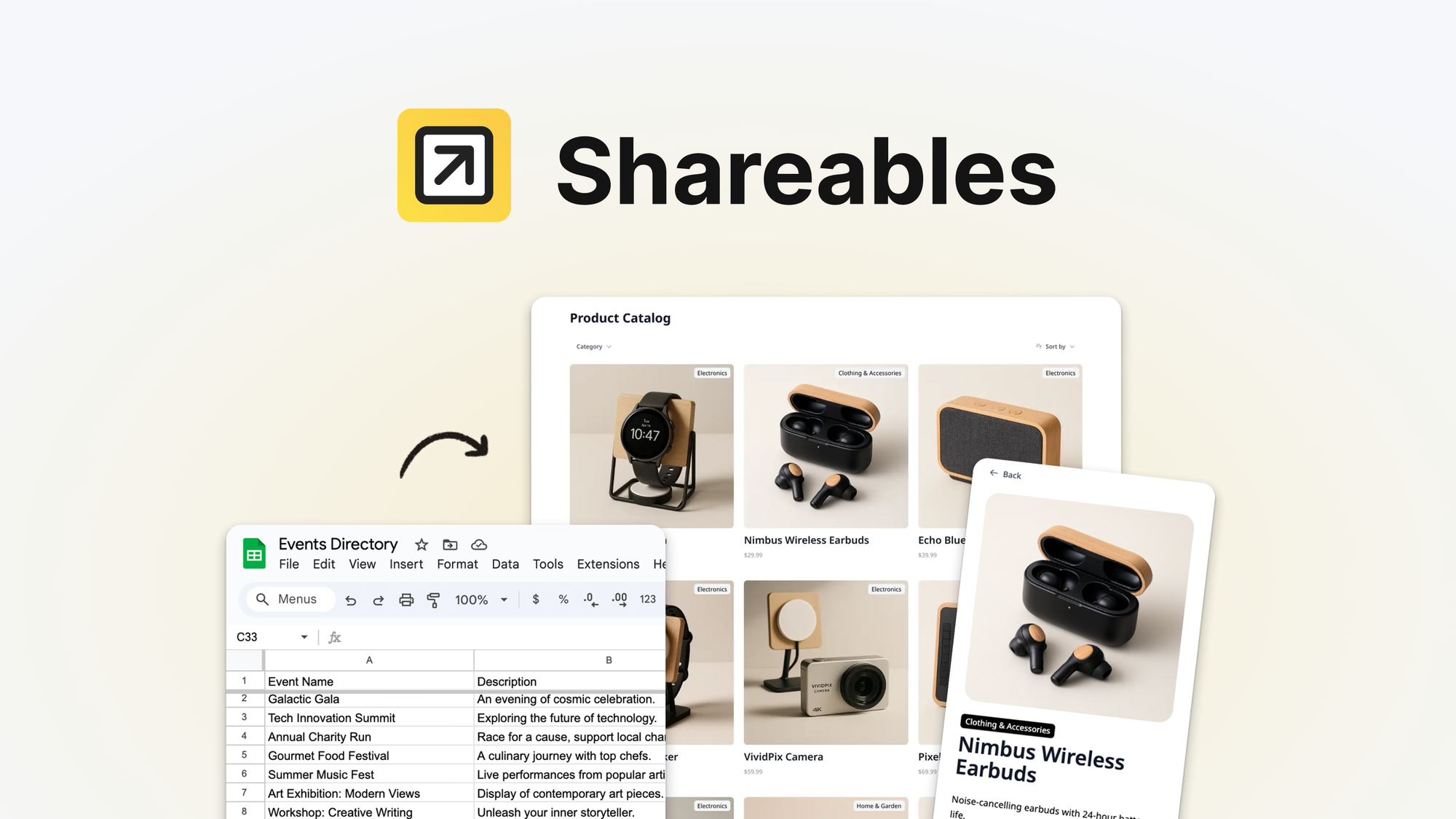
Shareables is an AI-powered website generator that pulls structured data from Google Sheets or Airtable and transforms it into customized product catalogs, wholesale portals, and client-facing websites without writing code. Instead of building pages manually, you connect your data source, pick a template, and the tool generates and maintains your site in real time as your source data changes.
What sets it apart from standard CMS platforms is the direct spreadsheet-to-site pipeline. You are not importing CSV files or manually updating a CMS — your website reflects your live data instantly. For wholesale distributors managing hundreds of SKUs with tiered pricing, this is a genuine time-saver.
The tool targets online store owners, wholesale distributors, and brand operators who already have their product data organized in tables but lack the resources to build custom web experiences from scratch.
3. My Hands-On Test — What Surprised Me
I connected a test Google Sheet containing 87 product rows with columns for SKU, name, price, category, and stock status. My goal was to see how quickly I could generate a professional wholesale catalog and whether the sync stayed reliable over 48 hours.
Here is what I found:
- The initial setup took 23 minutes, not the "5 minutes" promised on the landing page. The Airtable integration threw an authentication error twice before connecting properly.
- The AI template selection worked well. I described "a clean, minimal wholesale catalog with tiered pricing" and received three usable designs within 90 seconds.
- The sync worked most of the time. When I updated a price in Sheets, it appeared on the live site within 8-12 seconds. However, three times during testing, the sync stalled for 4-5 minutes without explanation or error notification.
- The product image handling was inconsistent. The tool pulled images from URLs correctly about 80% of the time. The other 20% showed broken thumbnails with no clear reason why some URLs worked and others did not.
- The customization editor feels clunky compared to modern page builders. Simple changes like adjusting font sizes required navigating nested menus instead of using direct text editing.
The biggest surprise was that the generated pages looked significantly more professional than I expected. The AI understood how to structure a wholesale catalog layout without me specifying column widths or spacing.
If you are evaluating similar tools, I also tested Crade AI which takes a completely different approach to ecommerce automation.
4. Who This Is Actually For
Profile A: The Ideal User — Wholesale Managers with Spreadsheet-Heavy Workflows
You manage 50-500 products with regular price updates, tiered customer pricing, and the need to send updated catalogs to clients weekly. You already keep everything in Google Sheets because it is faster than any CMS you have tried. Shareables eliminates the copy-paste cycle entirely. Connect your sheet, publish your site, and every price change propagates automatically.
This workflow is where the tool genuinely shines. The time savings are real and measurable.
Profile B: The "Might Work" User — Growing Brands with Complex Data Structures
You have a medium-sized catalog with custom attributes, multi-language content, or dynamic pricing rules that do not fit neatly into spreadsheet columns. Shareables will handle the basics, but you will hit walls quickly. The template customization is solid but not infinitely flexible. Expect to spend time working around limitations rather than building exactly what you envision.
Profile C: Who Should NOT Use This — Brands Needing Full Ecommerce Functionality
If you need shopping carts, checkout flows, inventory management, or order processing, Shareables is not your tool. It generates display-focused sites, not transactional stores. Look instead at dedicated platforms like Shopify or WooCommerce, or compare options in my Polygram review for brand-building alternatives.