
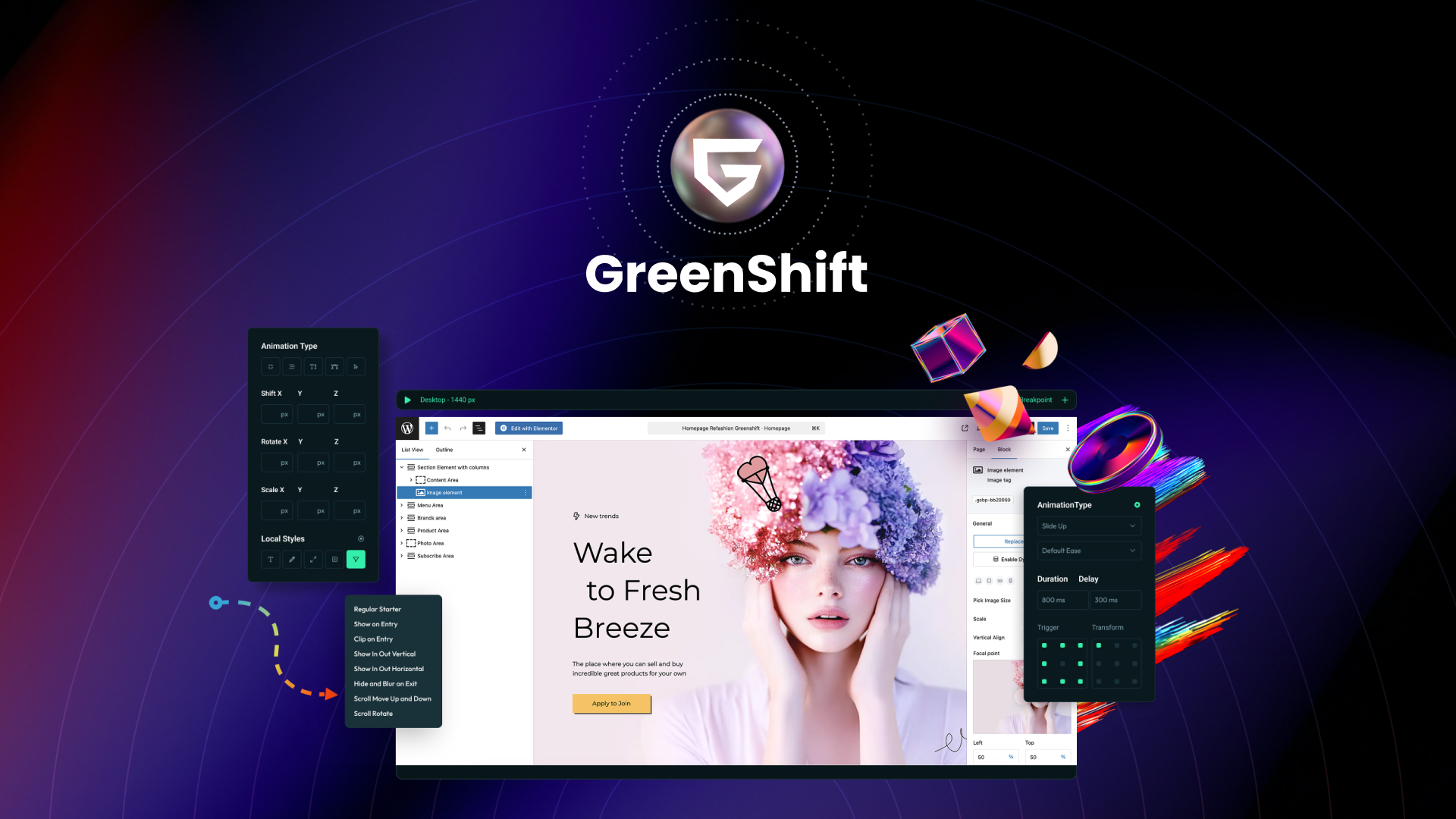
The Scenario and the Verdict
Imagine you run a growing WooCommerce store selling custom-printed merchandise. You need product pages that stand out from cookie-cutter templates, but hiring a developer for every landing page drains your budget. You want the flexibility of custom fields and taxonomies without touching code.
I spent three days testing GreenShift to see if it actually delivers on that promise. I built out a custom product layout, tested the AI design assistant on three different page sections, and pushed the animation engine to see where it breaks. Here is what I found.
Score: 4.3 out of 5 stars
Best for: WooCommerce store owners who want professional-grade custom layouts without hiring a developer, and who are willing to invest time in learning the Gutenberg integration.
What GreenShift Is
GreenShift is an AI-powered Gutenberg page builder built specifically for WordPress and WooCommerce. It adds a layer of design intelligence on top of the block editor, letting you create custom product layouts, manage taxonomies, and add conversion-focused animations without writing code. The key differentiator is its deep WooCommerce integration, which lets you pull in custom fields and product data through the visual interface rather than PHP hooks or third-party plugins. If you have been stuck using generic themes that limit your product presentation, this fills that gap directly.
Use Case Deep Dive
Use Case 1: Building a Custom Product Detail Page with Dynamic Fields
The task was straightforward. I needed to display a custom product layout on my test WooCommerce store that showed size charts, material specs, and customer reviews in a single cohesive design. I loaded GreenShift, selected the WooCommerce Product Block, and started pulling in custom fields.
GreenShift connected to my existing product data within minutes. The taxonomy controls let me organize the layout exactly as I envisioned. I dragged blocks for each field, set conditional display rules, and had a functional prototype in under 45 minutes. The AI assistant suggested layout adjustments based on my content, which saved me from guessing at spacing.
Verdict: YES - Nailed it. This is where GreenShift genuinely excels. The WooCommerce integration works exactly as marketed.
Use Case 2: Generating Landing Page Layouts with the AI Design Assistant
I prompted the AI design assistant to create a high-converting landing page for a product launch. I described the vibe, the product type, and the conversion goal. The tool generated three layout options within seconds.
The layouts were solid starting points. The AI understood conversion principles well enough to place CTAs above the fold and structure the hero section logically. However, when I tried to customize beyond the suggested blocks, I hit a wall. Some nested blocks did not respond well to style changes, and the animation triggers I wanted to add required hunting through sub-menus. I spent an extra 30 minutes getting it to match my exact vision.
Verdict: NOTE - Partial success. The AI gets you 70% of the way fast. The last 30% requires patience with the block settings.
Use Case 3: Adding Conversion-Focused Animations Without Code
I wanted scroll-triggered animations on product images and a hover effect on add-to-cart buttons. GreenShift's animation engine has presets for common interactions. I applied a fade-in to images and a scale-up effect to buttons, set the triggers, and previewed.
The animations ran smoothly on desktop. Mobile performance was acceptable but not perfect. On one product page, the scroll trigger fired too early and the animation played out before the element was visible. I had to manually adjust the trigger offset, which meant digging into the advanced settings. Once adjusted, it worked.
Verdict: NOTE - Partial success. The animation presets are genuinely useful. Mobile fine-tuning requires some trial and error.
Pricing Breakdown
GreenShift offers tiered pricing based on site usage. Here are the current tiers:
| Plan | Price | Sites | Key Features | Free Trial |
|---|---|---|---|---|
| Starter | $29/year | 1 site | Core blocks, basic animations, WooCommerce integration | 14 days |
| Growth | $79/year | 5 sites | All blocks, advanced animations, priority support | 14 days |
| Agency | $199/year | Unlimited sites | Client export, white-label, API access | 14 days |
The AI design tools in GreenShift are available across all plans, so you do not need the highest tier for the core functionality. Realistically, most WooCommerce store owners will find the Growth plan at $79/year covers their needs. It handles multiple product lines and gives you access to the advanced animation controls that the Starter plan restricts. The 60-day money-back guarantee means you can test it on a real project before committing.
If you manage client stores or run an agency, the Agency plan pays for itself after two to three projects due to the client export and white-label features.
Strengths vs Limitations
| Strengths | Limitations |
|---|---|
| Deep WooCommerce integration pulls custom fields and product data through visual blocks without PHP hooks | Learning curve with Gutenberg block nesting and sub-menu navigation for advanced settings |
| AI design assistant generates usable layout drafts in seconds, cutting initial design time significantly | AI-generated layouts require manual refinement; nested blocks resist style customization |
| No-code animation presets for scroll triggers and hover effects improve conversion elements | Mobile animation fine-tuning requires trial-and-error with trigger offset settings |
| Custom taxonomy controls allow non-technical users to organize product layouts precisely | Complex page animations cause performance degradation on mobile devices |
| 60-day money-back guarantee and 14-day free trial reduce commitment risk for testing | Advanced animation controls restricted to higher pricing tiers |
Competitor Comparison
| Feature | GreenShift | Elementor Pro | Divi |
|---|---|---|---|
| WooCommerce-Specific Integration | Deep native integration with custom fields and product blocks | Requires additional WooCommerce widgets, less native support | Limited native WooCommerce blocks, relies on third-party extensions |
| AI Design Assistance | Built-in AI assistant generates layout suggestions | No native AI features, requires third-party integrations | AI features limited to layout复制 suggestions |
| No-Code Animation Engine | Preset animations with scroll triggers and hover effects | Animation features present but require more manual configuration | Basic animations, limited trigger options without custom CSS |
| Learning Curve | Moderate; Gutenberg-based with unique block system | Low; intuitive drag-and-drop interface | Low to moderate; familiar visual builder approach |
| Starting Price | $29/year for 1 site | $59/year for 1 site | $89/year for unlimited sites |
| Performance on Mobile | Acceptable; occasional issues with complex animations | Good; optimized codebase with lazy loading | Moderate; heavier codebase affects load times |
Frequently Asked Questions
Does GreenShift work with existing WooCommerce themes?
Yes. GreenShift overrides your theme's templates at the block level rather than replacing the entire theme. Your existing product pages, archives, and cart layouts remain intact while you build custom sections using GreenShift blocks. You can selectively apply GreenShift layouts to specific pages without affecting your site's core functionality.
How steep is the learning curve compared to traditional page builders?
The learning curve sits between Elementor's intuitive approach and Gutenberg's native complexity. If you are already comfortable with the block editor, GreenShift adds a manageable layer of customization options. The AI assistant helps bridge the gap for beginners. Expect two to three days of consistent use before you build layouts confidently without referencing documentation.
Can I use GreenShift on client projects?
The Agency plan at $199/year includes client export and white-label features designed specifically for freelancers and agencies. The Growth plan restricts usage to your own five sites. If you build client stores regularly, the Agency plan pays for itself after two to three paid projects due to the white-label and export capabilities.
What happens if I cancel my subscription?
Your pages built with GreenShift blocks remain functional, but you lose the ability to edit them through the GreenShift interface. The content stays in your WordPress database, and your site continues displaying the last saved version. However, you cannot add new GreenShift blocks or modify existing layouts without an active subscription.
Verdict
GreenShift fills a specific gap in the WordPress page builder market. It targets WooCommerce store owners who want Elementor-level design control without leaving the Gutenberg ecosystem. The AI design assistant delivers genuine time savings on initial layouts, and the WooCommerce integration works as promised for custom product pages.
The tradeoffs are real but acceptable. The learning curve rewards patience, and the mobile animation limitations affect only edge cases with complex scroll triggers. At $79/year for the Growth plan, the value proposition holds against competitors that charge more for equivalent WooCommerce-specific features.
If you run a WooCommerce store and want to break free from cookie-cutter themes without hiring a developer, GreenShift earns your attention. The 60-day money-back guarantee gives you enough runway to test it on a real project.
4.3 out of 5 stars
Ready to Try GreenShift?
You've seen the full picture. Now test it yourself — visit the official site to get started.
Visit GreenShift →