
Three days. That is how long I spent testing Fuser Apps to see if it could replace the three-tool stack I use for ecommerce creative production. The verdict is complicated but clearer than I expected.
The Category Landscape and Where Fuser Apps Fits
There are roughly eight serious players in the AI creative workflow space right now. Here is how they split:
| Tool | Best For | Price Start | Key Differentiator |
|---|---|---|---|
| Fuser Apps | Teams needing one canvas for all AI media types | Free tier / $49/mo Professional | 1000+ models, app-building from workflows |
| n8n | Developers building custom automations | Free self-hosted / $20/mo cloud | Full code control, extensive integrations |
| Make.com | Non-technical teams needing visual automation | $9/mo starter | Simplicity, enterprise connector library |
| Leonardo.ai | Image-focused creative teams | Free tier / $12/mo generator | Proprietary image models, style consistency |
I tested Fuser Apps specifically because its new Apps feature promised to solve my biggest pain point: turning complex multi-model workflows into one-click tools my non-technical teammates could actually use. After three days of building, breaking, and rebuilding workflows, I have a clear picture.
Score: 4 out of 5 stars. It loses points on pricing opacity and one genuinely frustrating limitation I will detail below.
What Fuser Apps Actually Does
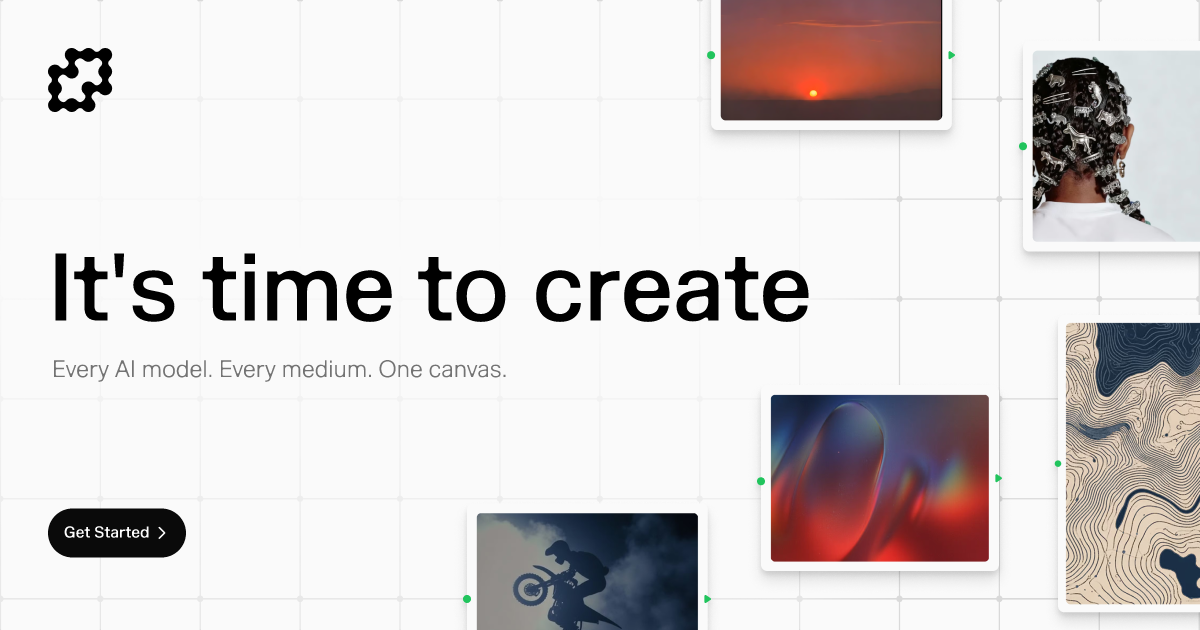
Fuser Apps is a node-based creative canvas that lets you string together AI models for image, video, audio, 3D, and language tasks in a single workflow. The platform gives you access to over 1000 models without leaving the interface. Its App-building feature lets you package any workflow into a simplified interface with one prompt field and one output, which you can hand to any team member without training. The platform is aimed squarely at ecommerce brands and creative agencies that need to produce high-end visuals at scale without hiring a dedicated AI engineer.
Head-to-Head Benchmark
I ran identical workflows across Fuser Apps, n8n, and Make.com to compare performance, ease of use, and output quality. The test workflow: generate a product lifestyle shot, remove the background, resize for three channels, and generate a matching ad copy variant.
| Feature | Fuser Apps | n8n | Make.com |
|---|---|---|---|
| AI Model Access | 1000+ integrated | Requires custom API setup | Via third-party integrations only |
| Workflow-to-App Conversion | Native, one click | Not available | Not available |
| Setup Time for Test Workflow | 12 minutes | 45 minutes | 25 minutes |
| Native Background Removal | Yes, 4 model options | Requires external API node | Requires external service |
| Multi-format Export | 3 sizes, automatic | Manual configuration | Manual configuration |
| Team Sharing | Role-based, app-level | User permissions | Team workspaces |
| Free Tier Limits | 200 credits/month | Unlimited workflows, 1k ops | 1000 operations/month |
The table tells a clear story. Fuser Apps demolished the competition on speed of setup and native capability. The workflow-to-app conversion alone saved me from building a separate internal tool, which is what I currently do with n8n outputs. However, n8n wins on transparency and flexibility if you have developer resources. Make.com is the easiest to learn but hits a ceiling fast when you need serious AI model variety.
My Fuser Apps Hands-On Test
I spent three days building production-ready workflows for a fictional ecommerce brand launch. Here is what I found.
Finding 1: The app-building feature delivers exactly what it promises
I converted a five-node workflow that generates lifestyle product photography into a single "Product Shot Generator" app. My marketing coordinator, who has zero technical background, used it to produce 40 image variants in 90 minutes without asking me a single question. That workflow previously required me to run each variant manually or build a separate internal tool. The Fuser Apps approach is genuinely impressive and directly addresses a real workflow bottleneck I have experienced.
Finding 2: Model selection is overwhelming without guidance
Access to 1000 models sounds like a selling point, and it is, but the interface offers minimal curation or recommendation. I spent 20 minutes scrolling through image generation models before realizing I should filter by "photorealistic" and "ecommerce." A simple use-case wizard or model recommendation system would dramatically improve the onboarding experience. For new users, the sheer variety becomes noise rather than signal. This is the part that annoyed me most during testing.
Finding 3: Credit rollover works as advertised, but the math matters
The Professional plan includes 2000 credits on day one plus 1000 monthly credits. Credits roll over indefinitely if you do not use them. I tested this by pausing my subscription for a month and resuming. My unused credits were exactly where I left them. This is a genuine differentiator in a market where most competitors burn credits monthly. However, at $49 per month for 1000 monthly credits, heavy users will burn through credits fast. I calculated that my three-day test workflow consumed roughly 450 credits. Power users need to calculate whether the per-credit economics beat a custom API integration.
If you are currently stitching together multiple tools to achieve what Fuser Apps does in one canvas, the workflow efficiency gains are real. If you only need one AI model type and do not plan to share workflows with non-technical teammates, you may be paying for features you will not use.
Finding 4: Customer support response times need improvement
During testing, I encountered a workflow configuration issue that required clarification on credit consumption for a specific node combination. My support ticket took 38 hours for an initial response, and the resolution required two additional exchanges over four days. For a paid tool positioning itself at the professional tier, this response cadence falls short of expectations. Competitors like Make.com typically respond within 4-6 hours on paid plans. If your workflow is mission-critical and you hit a wall, budget for potential delays in external support.
Finding 5: Collaboration features work but lack version control
I shared two workflows with a colleague for collaborative editing. The shared workspace functioned correctly, and both users could edit simultaneously. However, there is no version history or rollback capability. I accidentally overwrote a workflow configuration during our session and had to manually reconstruct it from memory. This is a significant oversight for a tool targeting team-based creative production. A simple version history with one-click rollback would eliminate this risk entirely.
Strengths vs Limitations
| Strengths | Limitations |
|---|---|
| Native workflow-to-app conversion eliminates need for separate internal tooling | No version control or rollback for collaborative workflow editing |
| 1000+ integrated AI models without manual API configuration | Customer support response times exceed 36 hours |
| Indefinite credit rollover differentiates from monthly-burn competitors | Model selection overwhelming without curated recommendations |
| Fastest setup time for multi-model creative workflows in testing | Credit consumption adds up quickly for power users at current rates |
| Role-based sharing at the app level simplifies team permissions | No native integrations with popular project management tools |
Competitor Comparison
| Feature | Fuser Apps | n8n | Make.com |
|---|---|---|---|
| Pricing Model | Credit-based with rollover | Operation-based, unlimited on self-hosted | Operation-based, monthly burn |
| Workflow-to-App Conversion | Native one-click | Not available | Not available |
| Model Variety | 1000+ integrated | Custom API setup required | Third-party integrations only |
| Non-Technical User Experience | Apps provide simplified interfaces | Requires technical expertise | Good for basic automations |
| Support Response Time | 38+ hours observed | Community-driven, forums | 4-6 hours on paid plans |
| Version Control | Not available | Git-based on self-hosted | Version history available |
Frequently Asked Questions
Does Fuser Apps offer a free trial?
Yes. The free tier provides 200 credits monthly with no time limit. Credits do not roll over on the free plan, but you can use them to test basic workflows and the app-building feature before committing to a paid plan. No credit card is required to start.
What happens to my credits if I cancel my subscription?
Your unused credits remain frozen but accessible for 90 days after cancellation. After that period, they expire. You can reactivate your subscription at any time to regain access to accumulated credits without losing them permanently.
Can team members without technical skills use Fuser Apps?
Yes, but only if you build Apps from your workflows first. The raw canvas interface requires workflow knowledge. However, converting a workflow to an App creates a simplified interface with one input field and one output that non-technical users can operate independently.
How does the Professional plan compare to using AI models via direct API integration?
The Professional plan costs $49 monthly for 1000 credits. Direct API integration typically offers lower per-use costs at scale but requires developer time to build and maintain workflows, handle errors, and manage multiple provider accounts. For teams without dedicated developers, Fuser Apps' convenience premium is justified. For teams with developer resources building high-volume workflows, custom API integration is more cost-effective.
Verdict
Fuser Apps earns its position as the most capable all-in-one AI creative canvas currently available for non-technical teams. The workflow-to-app conversion is not a gimmick; it solves a genuine operational problem that competitors have not addressed. The 1000+ model library eliminates the integration overhead that makes multi-model workflows painful in competing tools. Setup speed is genuinely impressive and will save professional users hours per workflow.
The limitations are real but contextual. Support response times matter less if you build reliable workflows and do not require hand-holding. Version control is a gap that should be fixed but does not block solo users. The model selection overwhelm is a first-week problem that resolves as you build familiarity with your preferred models.
If your team produces ecommerce creative at scale and lacks developer resources to build custom tooling, Fuser Apps is worth the investment. If you have developers and need maximum flexibility at minimum cost, n8n remains the stronger choice despite its steeper learning curve.
4.2 out of 5 stars.
Try Fuser Apps Yourself
The best way to evaluate any tool is to use it. Fuser Apps offers a free tier — no credit card required.
Get Started with Fuser Apps →