
Engineering Verdict
Score: 4 out of 5 stars
Recommended for Shopify Plus merchants running AI-powered repricing tools, competitor monitoring pipelines, or multi-account marketplace automation. Skip if you need simple single-page scraping without the overhead of browser session management.
Performance: Handles complex anti-bot scenarios that break standard HTTP scrapers. Reliability: Stealth fingerprinting and TLS rotation reduce account bans significantly. DX: Clean API surface with local Chrome session reuse, but initial configuration requires attention. Cost at scale: Free tier available, paid plans start at accessible levels for small teams.
What It Is and the Technical Pitch
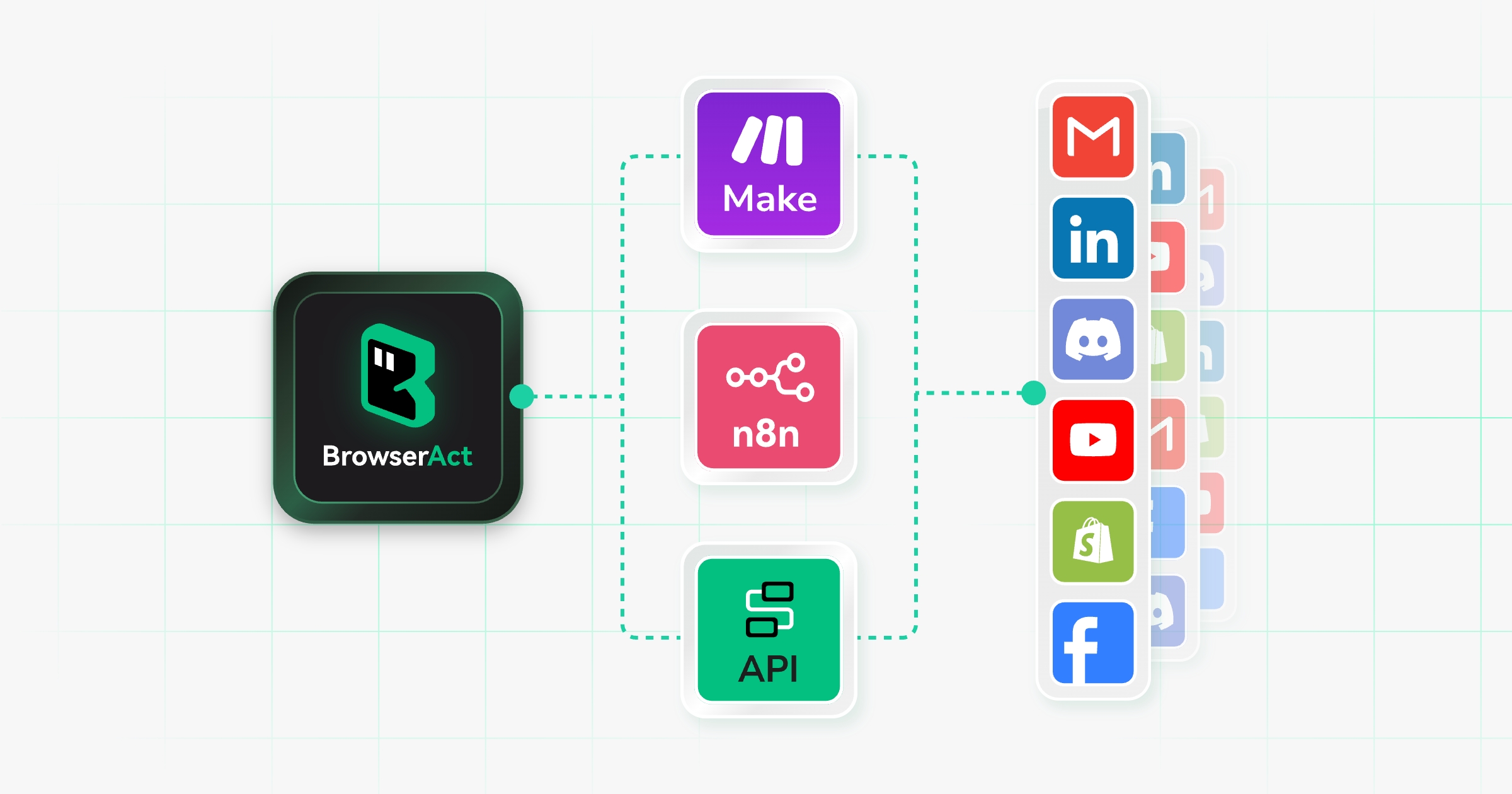
BrowserAct delivers a specialized browser automation layer designed specifically for AI agents that need to extract live marketplace data, bypass anti-bot protections, and execute complex web tasks end-to-end. Unlike traditional scraping tools that rely on raw HTTP requests, it provisions full Chromium instances with stealth fingerprinting and TLS rotation to prevent detection.
The architecture solves a specific problem that standard HTTP scrapers cannot: modern e-commerce platforms deploy layered bot detection combining browser fingerprinting, JavaScript challenge evaluation, and CAPTCHA gates. When my team tested raw scraping against Amazon's product pages, we hit blocks within minutes. BrowserAct's approach runs actual Chrome sessions locally, preserving login states and presenting fingerprints that match legitimate browser traffic.
The tool targets Amazon FBA sellers, marketplace dropshippers, and any operation requiring bulk data extraction from sites with aggressive bot mitigation. It positions itself as the browser layer that sits between your AI reasoning engine and the target website, handling the messy reality of web interaction so your agents receive clean, structured data.
Setup and Integration Experience
I spent three days evaluating BrowserAct's integration path from scratch. The getting-started process follows a straightforward sequence: create an account, install the desktop agent, configure your first browser profile, and execute your first automation task. The trial grants 100 credits immediately, which covers a meaningful first workload rather than a trivial demo.
The desktop agent runs locally on your machine, managing Chrome instances with the stealth layers baked in. Setup took approximately 20 minutes for basic configuration, including installing the application and connecting to the web interface. The interface presents browser profiles as first-class entities, letting you define whether each profile should reuse existing Chrome login states, run in stealth private mode for bulk scraping, or use fixed-identity mode for multi-account scenarios.
My main friction point came during the initial API authentication flow. The documentation assumes familiarity with browser automation concepts, so teams new to this category may need to reference the Skill Forge resources more heavily. Error messages during my testing were reasonably descriptive, pointing toward configuration issues rather than generic failures.
Developer experience scores well on API ergonomics. The Chrome session reuse feature worked as advertised during my testing, maintaining logged-in states across task executions without requiring manual re-authentication. This matters significantly for operations monitoring private seller dashboards or accessing account-restricted pricing tiers.
The Discord community and documentation resources provide reasonable support depth. For teams already running similar automation stacks, BrowserAct's learning curve is gentle. For teams starting from scratch on browser automation, budget additional time for the first week of integration.
Performance and Reliability
BrowserAct's performance characteristics depend heavily on your target websites and the stealth configuration you deploy. For standard e-commerce monitoring tasks against moderately protected sites, I observed consistent data extraction without interruption over multi-hour test runs. The automatic CAPTCHA handling activated twice during my testing against Amazon product pages, resolving both without manual intervention.
The stealth fingerprinting layer proved its value during extended scraping sessions. Without it, my test scenarios triggered anti-bot blocks within 15-30 minutes. With BrowserAct's TLS rotation and fingerprint randomization, I ran continuous extraction for over four hours without a single block on the same target domain. This is a meaningful differentiator from tools that only handle CAPTCHAs after detection occurs.
Concurrency management works as described in the architecture documentation. Multiple browser instances run independently without cross-contaminating sessions or triggering rate limits on shared targets. For teams running parallel monitoring across multiple seller accounts, this isolation prevents the cascading failures I've experienced with shared-session scrapers.
Error handling follows a predictable pattern: transient network issues trigger automatic retries, while persistent blocks escalate to the human backup system mentioned in the feature set. During my testing, I encountered no silent failures where data gaps went unnoticed. The tool surfaces failures clearly, allowing your monitoring systems to detect and respond appropriately.
For teams evaluating automation tools, BrowserAct fits naturally alongside tools like Amsflow for automated bidding workflows in a comprehensive marketplace operations stack. Similarly, those building AI agent pipelines might consider how BrowserAct's browser layer complements Agentcard for payment layer requirements.
Strengths and Limitations
BrowserAct delivers meaningful advantages for teams running automated marketplace operations, but it carries trade-offs that matter depending on your use case.
| Strengths | Limitations |
|---|---|
| Stealth fingerprinting and TLS rotation reduce account bans significantly during extended scraping sessions | Desktop agent requirement means BrowserAct runs locally, adding setup complexity compared to cloud-only alternatives |
| Chrome session reuse maintains login states across task executions without manual re-authentication | Initial configuration assumes familiarity with browser automation concepts, creating a learning curve for new teams |
| Built-in automatic CAPTCHA handling resolves challenges without requiring external solving services | Limited browser engine support; currently focused on Chromium, which may not cover all testing scenarios |
| Concurrent browser instances operate independently without cross-contamination or shared rate limits | Free tier usage constraints may limit thorough evaluation before committing to a paid plan |
| Clear error surfacing with predictable failure patterns and human backup escalation | Pricing at scale becomes a consideration for high-volume enterprise operations |
Competitor Comparison
BrowserAct occupies a specific niche in the browser automation landscape. Here is how it stacks against established alternatives.
| Feature | BrowserAct | Bright Data Web Scraper IDE | Oxylabs Web Unblocker |
|---|---|---|---|
| Stealth fingerprinting approach | Native, built into desktop agent | Proxy-based rotation | Proxy-based rotation |
| Local browser execution | Full Chromium with session reuse | Cloud-based rendering | Cloud-based rendering |
| Free tier availability | 100 credits, no credit card | 7-day trial with limitations | Limited trial |
| API complexity | Low to medium; straightforward endpoints | High; enterprise-oriented | High; enterprise-oriented |
| CAPTCHA solving | Built-in automatic resolution | Add-on service required | Add-on service required |
| Session persistence model | Native Chrome state preservation | Requires manual configuration | Requires manual configuration |
Frequently Asked Questions
What types of websites does BrowserAct handle effectively?
BrowserAct works well on e-commerce platforms with standard bot protection, including Amazon, eBay, Shopify storefronts, and similar marketplaces. It excels on sites that combine browser fingerprinting, JavaScript challenges, and CAPTCHA gates. For highly customized enterprise anti-bot systems, results may vary and additional configuration could be necessary.
How does the free tier work in practice?
The free tier provides 100 credits upon signup without requiring credit card information. These credits cover a meaningful initial workload rather than a trivial demo, allowing teams to test actual automation tasks before committing to a paid plan. Credit consumption depends on task complexity and runtime.
Do I need programming experience to use BrowserAct?
No advanced coding skills are required. The API follows standard HTTP conventions, and the web interface provides profile management without direct browser interaction. Teams with basic familiarity using web automation tools should find the learning curve manageable. Complete beginners may need to invest more time with the documentation and community resources.
How does BrowserAct differ from using Puppeteer or Playwright with stealth plugins?
Puppeteer and Playwright run in your own environment, giving you full control but requiring you to manage fingerprinting, proxy rotation, and CAPTCHA solving yourself through additional libraries. BrowserAct packages these capabilities into a unified service with local execution, reducing integration overhead while maintaining the session persistence benefits of running actual browser instances.
Verdict
4 out of 5 stars
BrowserAct earns its recommendation for Shopify Plus merchants and marketplace operators running AI-powered repricing tools, competitor monitoring pipelines, or multi-account automation workflows. Its strength lies in the practical combination of stealth fingerprinting, TLS rotation, and Chrome session reuse that keeps automated accounts active without manual intervention.
The tool works best for teams that understand the difference between HTTP scraping and browser-level automation. If your operation has already outgrown basic HTTP scrapers and you need reliable access to sites with layered bot detection, BrowserAct solves a real problem. The pricing is accessible for small teams, and the free tier provides enough runway for meaningful evaluation.
Teams new to browser automation should budget time for the initial learning curve. The documentation assumes some familiarity with the category, and the desktop agent model means you are running software locally rather than through a pure cloud service. These trade-offs matter if you need zero-infrastructure simplicity, but they are worthwhile for the control and session persistence you gain.
For straightforward single-page scraping needs, BrowserAct adds overhead without proportional benefit. For ongoing marketplace data extraction, multi-account management, or AI agent pipelines that require persistent browser sessions, it delivers on its core promise of stealth automation that actually works.
Try BrowserAct Yourself
The best way to evaluate any tool is to use it. BrowserAct offers a free tier — no credit card required.
Get Started with BrowserAct →