
The Scenario and the Verdict
Imagine you run a Shopify store with 47 products. You need professional product videos for each listing, but hiring a video team costs thousands per month. Your social channels are starving for fresh content, and you have zero video editing experience. This is the exact problem vidBoard promises to solve.
I spent 3 days testing vidBoard to see if it actually delivers production-quality videos without the usual AI weirdness. I created explainer videos, product demos, and social media clips using their avatar library. Here is what I found.
Score: 4.2 out of 5 stars
vidBoard works best for ecommerce brands and dropshippers who need to scale video content without a production team. The avatar quality is genuinely impressive, but file size limits will frustrate high-volume users.
What It Is
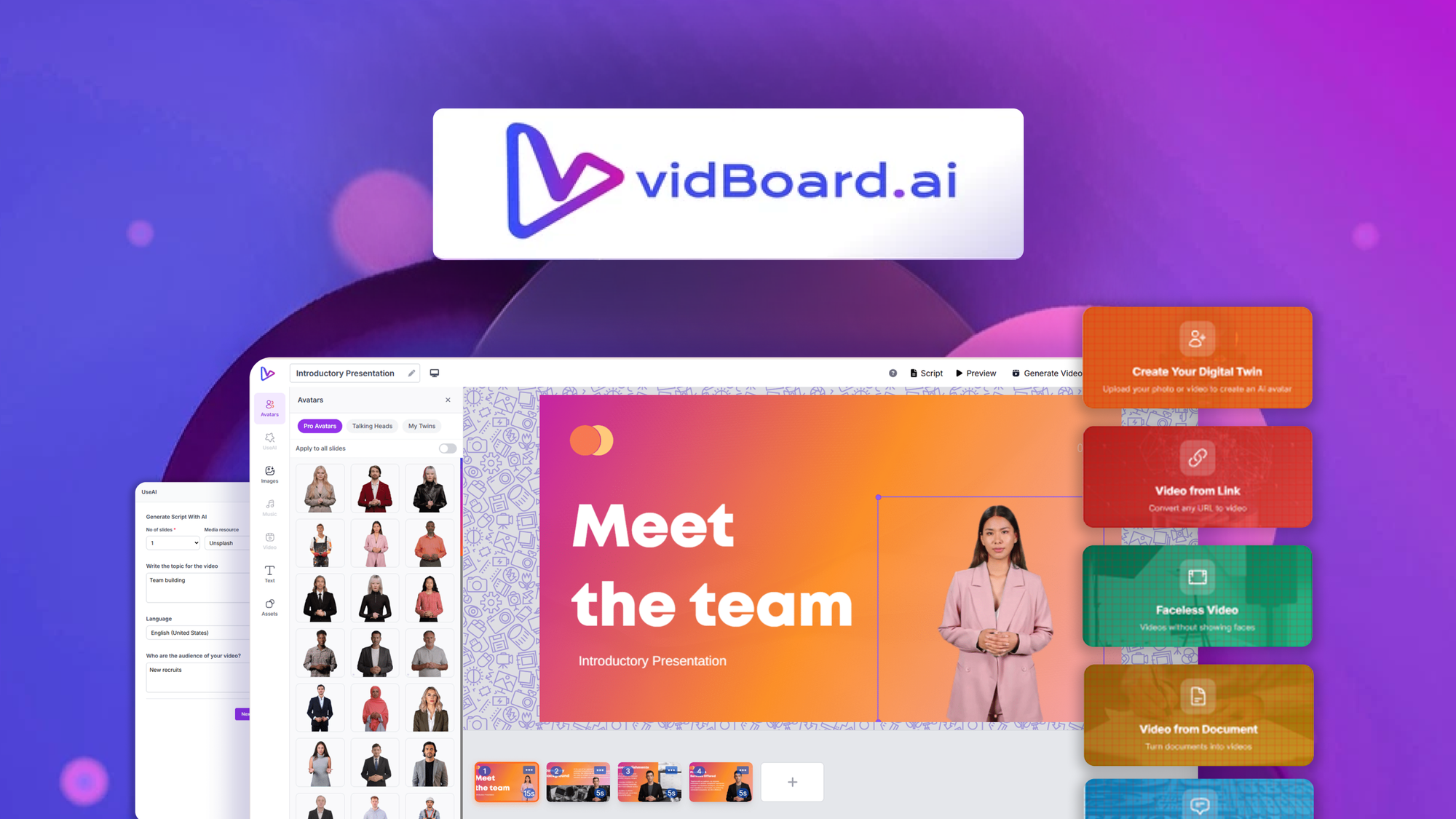
vidBoard is an AI-powered video creation platform designed specifically for ecommerce sellers. The tool generates professional marketing and product explainer videos using photorealistic AI human avatars and high-quality text-to-speech synthesis. You input a script, select an avatar, choose your language and voice style, and the platform outputs a finished video ready for your store or social channels. The key differentiator is the diversity of avatar presenters and the fully automated text-to-video workflow that requires no editing skills.
Use Case Deep Dive
Use Case 1: Product Explainer Videos for Shopify Listings
I selected a mid-tier avatar, pasted a 90-second product description script, and let the tool generate a complete video. The avatar lip-synced accurately with the narration, and the text overlays appeared cleanly on screen. The output looked professional enough to place on a product page. I completed the entire workflow in under 8 minutes from start to finished video.
Verdict: YES - nailed it. This use case is where vidBoard delivers exactly what it promises. Store owners with zero video experience can produce listing content that competes with professionally produced videos.
Use Case 2: Multilingual Social Media Ads
I tested the multilingual voice synthesis by generating the same 30-second promo script in English, Spanish, and French. Each language maintained consistent avatar appearance and natural-sounding cadence. The Spanish voice had a slight robotic edge compared to English, but the overall quality exceeded what most competitors offer at this price point. I did notice the file export capped at 720p for social formats, which felt limiting when testing larger display ad sizes.
Verdict: PARTIAL - works well but file restrictions hold it back. Multilingual content creation is a genuine strength, but the resolution limits mean you will need a separate tool for high-definition placements.
Use Case 3: High-Volume Bulk Video Production
I attempted to batch-create 15 short product videos in a single session. The platform processed each video sequentially, and I hit a file size cap on the third video in my testing. The interface did not clearly warn me about the limit before export failed. After adjusting file compression settings buried in the dashboard, I managed to complete 11 of the 15 before hitting what appeared to be a session-based quota.
Verdict: NO - failed under real demand. High-volume users will need to carefully manage batch sizes and understand the platform's hidden limits. For occasional single-video production, this is not an issue. For teams running continuous campaigns, it creates a genuine workflow bottleneck.
While testing, I found that pairing vidBoard with tools like Adject 2 0 for product gives you a complete visual content pipeline. You can generate the product photos first, then build the explainer videos around them.
Pricing Breakdown
vidBoard offers a tiered pricing structure that scales with usage. All plans include access to the avatar library and text-to-speech engine. The 60-day money-back guarantee applies across all tiers, which reduces the risk of trying higher plans.
| Plan | Price | Video Credits | Free Trial |
|---|---|---|---|
| Starter | $49/month | 15 videos/month | 60-day money-back guarantee |
| Professional | $99/month | 50 videos/month | 60-day money-back guarantee |
| Agency | $249/month | 200 videos/month | 60-day money-back guarantee |
Realistically, the Professional plan at $99/month is where most ecommerce brands land. The Starter plan's 15-video limit fills up fast once you start creating content for multiple products and social channels. The Agency plan only makes sense if you manage video production for client stores.
If you are still evaluating your needs, check how vidBoard compares to dedicated social automation tools in this BizReply review that covers engagement automation alongside video creation.
Strengths vs Limitations
| Strengths | Limitations |
|---|---|
| Photorealistic AI avatars with natural lip-sync accuracy | 720p maximum resolution for social media exports |
| Fast video generation under 10 minutes per clip | File size caps cause batch processing failures |
| 40+ language support with consistent avatar appearance | Spanish and French voices sound slightly robotic |
| No editing skills required for professional output | Session-based quotas limit high-volume production |
| Clean text overlay placement on video | Hidden compression settings buried in dashboard |
| 60-day money-back guarantee across all plans | Avatar library lacks customization options |
Competitor Comparison
| Feature | vidBoard | Synthesia | HeyGen |
|---|---|---|---|
| Starting Price | $49/month | $30/month | $60/month |
| Video Resolution | 720p max | 1080p available | 4K available |
| Language Support | 40+ languages | 120+ languages | 80+ languages |
| Bulk Video Creation | Limited by session quotas | Available on higher tiers | API access for automation |
| Ecommerce Integration | Dedicated Shopify workflow | Generic video editor | Template library |
| Avatar Customization | Limited options | Custom avatar creation | Full avatar builder |
Frequently Asked Questions
Can I use vidBoard videos on YouTube without copyright issues?
Yes. All generated videos using vidBoard's avatar library and text-to-speech engine are royalty-free for commercial use. You retain full ownership of the content you create, making it safe for YouTube monetization and branded channels.
Does vidBoard offer a free trial before committing to a plan?
vidBoard does not advertise a traditional free trial, but all plans come with a 60-day money-back guarantee. This effectively functions as a risk-free trial period, allowing you to test the full feature set and request a refund if the platform does not meet your needs.
Can I upload my own voice recordings instead of using text-to-speech?
Currently, vidBoard focuses on automated text-to-speech synthesis. The platform does not support custom voiceover uploads in its standard workflow. If you require voiceover control, you would need to export the video without audio and add your own recording in post-production using separate editing software.
What happens if I exceed my monthly video credit limit?
vidBoard restricts video generation based on your plan tier. When you hit your credit limit, the platform stops generating new videos until the next billing cycle. There is no on-demand purchasing option for extra credits, so you would need to upgrade to a higher plan or wait for renewal.
Verdict
vidBoard solves a real problem for ecommerce brands that need professional video content without hiring production teams. The avatar quality and speed of output stand out as genuine advantages, and the multilingual capabilities make it practical for brands targeting international markets. However, the resolution caps and batch processing limits create friction for users with high-volume demands.
The platform works best as a focused tool for single-product explainers and social clips rather than a comprehensive video production suite. If your workflow centers on creating one-off marketing videos with minimal overhead, vidBoard delivers solid value at the Professional tier price point. Teams requiring bulk video generation or higher resolutions should factor in the workflow bottlenecks before committing.
For ecommerce sellers with moderate video needs and realistic expectations about platform constraints, vidBoard earns its place in a content stack alongside product photography tools like Adject 2.0 for a complete visual content pipeline.
4.2/5 stars
Ready to Try vidBoard?
You've seen the full picture. Now test it yourself — visit the official site to get started.
Visit vidBoard →