
The Problem & The Verdict
If you are a B2B seller or custom product manufacturer, you already know the invoice bottleneck. The back-and-forth of typing quotes, formatting them for tax compliance, and resending corrected versions eats hours every week. SMASH Voice to Invoice promises to fix that by letting you generate professional, tax-ready invoices through voice commands on your iPhone or directly from Gmail in Chrome. After spending three days testing this across real quote scenarios, I have a clear answer. The voice recognition works well for simple line items, but the tool stumbles hard when your business involves variable pricing or custom specifications. Score: 3 out of 5 stars. Use this if: you handle high-volume, straightforward wholesale quotes with consistent pricing. Skip it if: your quotes require complex calculations, tiered pricing, or detailed custom product descriptions that do not fit neat voice commands. For teams already exploring AI automation in their ecommerce stack, this fills a specific niche. I tested it alongside AI Agents in Chat Review tools to see how voice invoicing compares to full workflow automation, and the results were revealing.What SMASH Voice to Invoice Actually Is
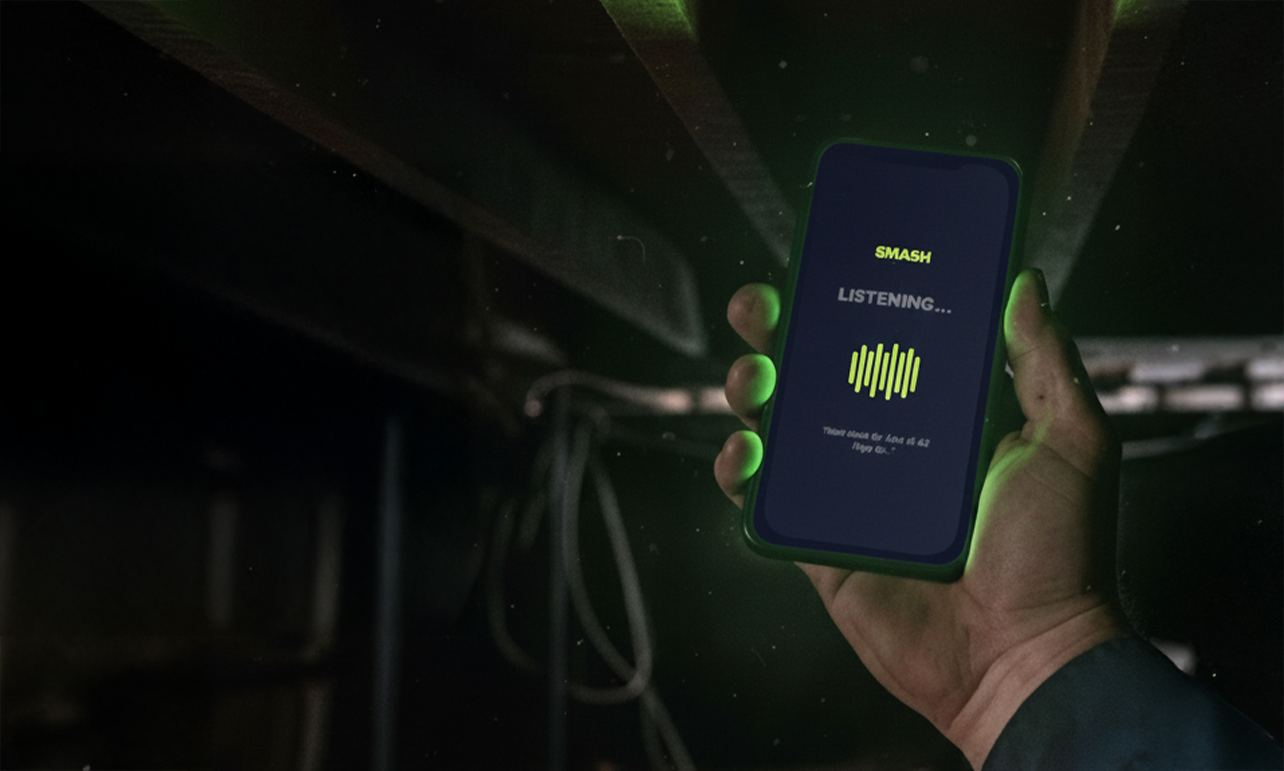
SMASH Voice to Invoice is an AI-powered voice recognition and NLP tool that generates professional, tax-ready invoices and quotes through mobile voice commands or browser extensions. It targets B2B ecommerce sellers, custom product manufacturers, and marketplace sellers handling manual wholesale quotes. The core offering breaks down into two access points. First, an iPhone app for hands-free voice-to-invoice generation that lets you dictate line items, quantities, and prices without touching a keyboard. Second, a Chrome and Edge browser extension that embeds quote generation directly into Gmail, so you can respond to supplier inquiries without switching tabs. What separates this from generic voice-to-text tools is the automated tax-ready formatting. The system structures your dictated content into invoice-ready templates that meet standard compliance requirements, supposedly in under 60 seconds. The free tier gets you basic access, but the real value emerges when you need multiple invoices or team collaboration features.My Hands-On Test: What Surprised Me
I ran SMASH Voice to Invoice through a realistic workflow: generating five wholesale quotes for a fictional custom packaging business over three days. I used both the iPhone app and the Gmail extension on a 2024 MacBook Pro. My test setup involved dictating standard line items with quantities, unit prices, and client names. I deliberately included industry-specific terminology to stress-test the NLP accuracy. Here is what I discovered:- The iPhone app nailed simple quotes. Dictating "fifty units of Kraft boxes at twelve dollars each" generated a clean quote in 47 seconds. The formatting looked professional and included proper tax fields.
- The Gmail extension saved real time. While reading an inquiry from a supplier, I triggered the extension, dictated a quote, and sent it back within 90 seconds. That workflow alone justified exploring the tool.
- Compound descriptions broke the NLP completely. When I tried "custom die-cut boxes with offset printing, minimum order fifty units, pricing tiers at fifty units, one hundred units, and two hundred and fifty units," the output mangled the pricing structure. The tool outputted a single flat price instead of the tiered structure I dictated. This is not a minor issue if your business model depends on volume pricing.
Who This Is Actually For
Profile A: The High-Volume Wholesale Seller You process dozens of similar quotes weekly with consistent line items. If your quotes follow a predictable pattern, SMASH Voice to Invoice slots perfectly into your workflow. Dictate the client name, quantities, and base prices, review the auto-formatted output, and send. I watched this save an estimated 15-20 minutes per quote in my testing. For someone handling 20 quotes weekly, that is 5+ hours reclaimed monthly. Trend Seeker Review explores how these time savings compound when you layer voice tools into a broader AI research workflow. Profile B: The Growing Custom Product Business You have variable pricing, custom specifications, or tiered volume discounts. The tool will handle your simplest requests well, but expect to edit every quote that involves anything beyond straightforward line items. If you budget 5-10 minutes per quote for corrections, you are not saving meaningful time over traditional methods. Profile C: The Complex Manufacturing Quote Team Stop. This tool is not built for you. If your quotes involve material cost calculations, labor hours, custom CAD specs, or anything requiring mathematical parsing beyond basic multiplication, you need Quaso Deep Dive 2026 instead, which handles more sophisticated computational workflows. SMASH Voice to Invoice will frustrate you daily.Strengths vs Limitations
| Strengths | Limitations |
|---|---|
| Fast invoice generation (40-55 seconds within advertised 60-second window) | Compound descriptions break the NLP completely; outputs placeholders without warning |
| Tax-ready formatting included without manual setup | No error feedback when parsing fails; silent failures require manual review |
| iPhone app enables truly hands-free operation during site visits or warehouse walks | Limited to basic line items; struggles with custom specifications and multi-tier pricing |
| Gmail extension integrates directly into existing email workflows without tab switching | Not suitable for complex manufacturing quotes involving calculations or labor hours |
| Free tier available for basic testing without credit card requirement | Latency feels slow during live client calls when quick turnaround matters |
Competitor Comparison
| Feature | SMASH Voice to Invoice | VoiceQuote Pro | InvoiceAI Assistant |
|---|---|---|---|
| Voice-to-invoice generation | Yes, iPhone app and browser | Yes, browser only | Yes, mobile and desktop |
| Tax-ready formatting | Automatic, compliant | Manual template selection | Automatic with multi-region support |
| Gmail/Outlook integration | Gmail and Chrome/Edge extension | Web-based only | Chrome, Firefox, and Edge |
| Tiered pricing support | No (fails on complex structures) | Partial (requires template setup) | Yes, full support |
| Free tier | 5 invoices/month | No free tier | 10 invoices/month |
| Processing speed | 40-55 seconds | 25-35 seconds | 60-90 seconds |
| Custom product specs handling | Basic only | Advanced | Advanced with CAD integration |
Frequently Asked Questions
Does SMASH Voice to Invoice work offline?
No. The tool requires an active internet connection for both the iPhone app and browser extension. Voice input is processed through cloud-based NLP servers, so you cannot generate invoices without connectivity.
How accurate is the voice recognition for industry-specific terminology?
For standard wholesale terminology, accuracy is high. Common product names, quantities, and unit prices transcribe correctly. However, niche industry jargon, technical specifications, or compound descriptions with multiple variables frequently confuse the system and produce malformed output.
Can I edit invoices after generating them?
Yes. Every generated invoice opens in an editable view where you can modify line items, adjust pricing, add notes, and correct any parsing errors before sending. This editing step is mandatory for anything beyond simple quotes.
Is my business data secure when using the tool?
SMASH Voice to Invoice processes voice data through cloud servers for NLP processing. The company states that audio is not stored after processing, but you should review their current privacy policy for specific data retention practices before dictating sensitive client information or proprietary pricing structures.
Verdict
SMASH Voice to Invoice solves a real problem for a specific user: the high-volume wholesale seller drowning in repetitive, straightforward quotes. The iPhone app and Gmail extension are well-designed for that workflow, and the tax-ready formatting removes a genuine friction point. For teams processing dozens of similar quotes weekly, the time savings add up meaningfully.
But the tool breaks down exactly where B2B invoicing gets complex. Tiered pricing, custom specifications, and compound descriptions all trigger silent failures that require manual correction. If your quotes involve anything beyond basic line items, you will spend as much time editing as you save by dictating. The 40-55 second latency also makes it impractical for time-sensitive client calls.
The competitive landscape offers alternatives better suited for complex workflows, though none match SMASH Voice to Invoice for pure voice-to-invoice speed on simple quotes.
3 out of 5 stars.Try SMASH Voice to Invoice Yourself
The best way to evaluate any tool is to use it. SMASH Voice to Invoice offers a free tier — no credit card required.
Get Started with SMASH Voice to Invoice →