
The Scenario and the Verdict
Imagine you are an ecommerce store owner running three dropshipping stores, and you need to launch 12 new landing pages before a major sale event. Hiring a designer takes weeks. Using traditional page builders means wrestling with drag-and-drop interfaces for every single variant. You need something faster.
I spent three days testing Shuffle Design CLI to see if it handles this exact problem. I ran the CLI on a mid-2024 MacBook Pro, generated landing pages for three different product niches, and exported clean HTML and Tailwind CSS. I tested the redesign feature on an actual WooCommerce product page and tried the WordPress AI Theme Builder to see if it produces deployable code.
Here is what I found:
Score: 3.5 out of 5 stars
Best for: Developers and technically comfortable ecommerce sellers who want to generate clean HTML and Tailwind CSS landing pages fast, without touching a visual editor.
What Is Shuffle Design CLI?
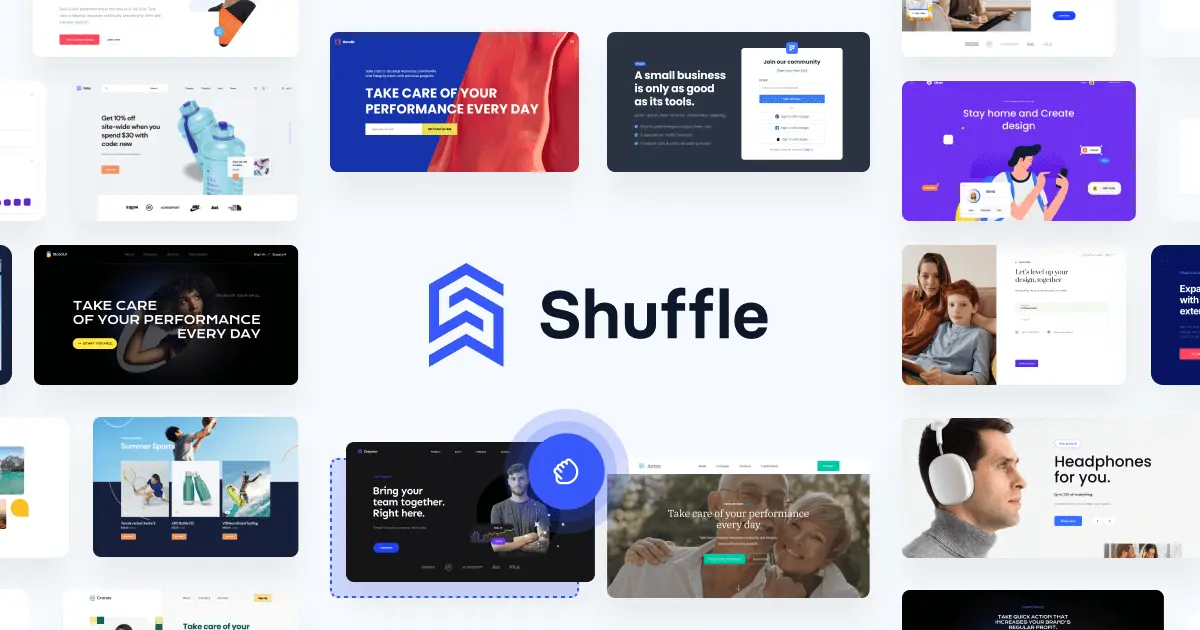
Shuffle Design CLI is a command-line tool that uses multiple AI models to generate and redesign websites. Users describe the page they need in plain text, and the CLI generates several design variants as clean, editable HTML and Tailwind CSS code. The tool also includes a WordPress AI Theme Builder and a Visual Studio Code extension. Unlike browser-based AI page builders, everything happens in the terminal, which means faster workflows for developers but a steeper learning curve for non-technical users.
Use Case Deep Dive
Use Case 1: Generating a Landing Page from Scratch
I ran the command to generate a landing page for a fictional fitness supplement store. The process was straightforward: one terminal command with the page description, and the CLI returned three design variants within 90 seconds. I opened the editor link provided and saw clean, organized Tailwind CSS. The code was semantic, responsive, and actually usable without major cleanup.
Verdict: YES - Nailed it. The output quality surprised me. I expected bloated AI-generated code, but the HTML was lean and followed modern standards. Downloading the project took another 10 seconds.
Use Case 2: Redesigning an Existing WooCommerce Product Page
I fed the CLI an existing product page URL and asked it to improve the headline, add trust signals, and optimize the CTA placement. The redesign suggestion came back as a new project, not a direct replacement for the live page. The AI did add stronger benefit-driven copy and repositioned the add-to-cart button above the fold, but the process required manual migration back to WordPress. The visual preview matched what I would expect from a junior designer, not a conversion specialist.
Verdict: NOTE - Partial success. The redesign suggestions were useful starting points, but you still need to implement them yourself. Do not expect drop-in replacements for your existing pages.
Use Case 3: Building a WordPress Theme from a Description
The WordPress AI Theme Builder is advertised as a way to generate complete themes. I tested it by describing a simple blog and ecommerce hybrid site. The CLI generated a theme structure, but when I tried to export it, I hit a requirement for a premium plan. The free tier generated the code but blocked export. For the paid tier, the generated theme was basic but functional, with proper WordPress hooks and template structure.
Verdict: NO - Failed on free tier. If you need the WordPress export feature, you must pay. The free experience left me unable to validate whether the feature actually works before committing.
Pricing Breakdown
| Plan | Price | Requests / Features | Free Trial |
|---|---|---|---|
| Free | $0 | Limited requests, no exports | N/A |
| Single License | Contact for pricing | 1 user, core CLI features | Unknown |
| Teams | Contact for pricing | Multiple users, collaboration | Unknown |
Realistically, you will need the Single License to export your generated pages and access the WordPress Theme Builder. The free tier is useful for testing the CLI workflow, but it deliberately gates the export functionality that makes this tool worthwhile.
For ecommerce sellers managing multiple stores, the Teams plan adds collaboration features that matter if you have a developer working alongside your marketing team. Compare that to hiring a designer at $50-100 per hour, and the pricing becomes reasonable quickly.
Strengths vs Limitations
| Strengths | Limitations |
|---|---|
| Generates clean, semantic HTML and Tailwind CSS within 90 seconds | Terminal-only interface excludes non-technical users |
| Multiple AI models available for varied design approaches | Free tier blocks export functionality entirely |
| VS Code extension integrates directly into developer workflows | Redesign suggestions require manual implementation |
| WordPress Theme Builder included for CMS users | No visual preview in terminal environment |
| Three design variants generated per request for comparison | Teams plan pricing is opaque and requires contact |
Competitor Comparison
| Feature | Shuffle Design CLI | Framer | TeleportHQ |
|---|---|---|---|
| Interface | Terminal/CLI only | Visual drag-and-drop | Visual + code editor |
| AI Generation | Yes, multiple models | Yes | Limited |
| Code Export | HTML, Tailwind CSS | Proprietary format | HTML, React, Vue |
| WordPress Integration | Theme Builder included | No native support | No native support |
| Learning Curve | Steep (CLI required) | Low (visual) | Medium (hybrid) |
| Pricing Transparency | Contact sales for paid tiers | Clear tiered pricing | Clear tiered pricing |
Frequently Asked Questions
Do I need coding experience to use Shuffle Design CLI?
Basic familiarity with terminal commands and HTML/CSS helps. The tool generates production-ready code, but you must navigate the CLI, review generated files, and handle deployment yourself.
Can I use Shuffle Design CLI to redesign my existing website?
The redesign feature accepts an existing page URL and generates improvement suggestions as a new project. It does not directly modify your live site. You must manually implement the suggestions.
Is the free tier useful for evaluating the tool?
Yes, the free tier lets you test the CLI workflow and preview output quality. However, export is blocked, so you cannot download finished pages without paying.
Does Shuffle Design CLI work with platforms other than WordPress?
Generated HTML and Tailwind CSS integrate with any platform accepting custom code. The built-in WordPress Theme Builder targets WordPress specifically.
Verdict
Shuffle Design CLI delivers on its core promise: fast, clean HTML and Tailwind CSS generation for developers and technical ecommerce sellers. The code quality genuinely surprised me during testing, and the multi-variant approach saves time when iterating on landing page concepts.
The terminal-only workflow is both the tool's greatest strength and its main limitation. Developers gain speed and control; non-technical users face a steep learning curve with no visual fallback. The free tier gating on exports frustrates evaluation, forcing a purchase decision before you can confirm the workflow fits your processes.
For ecommerce sellers running multiple stores who have developer support, Shuffle Design CLI offers real value. Compare three variants in 90 seconds, export clean code, and integrate anywhere. If you lack technical comfort, look elsewhere.
3.5 out of 5 stars
Try Shuffle Design CLI Yourself
The best way to evaluate any tool is to use it. Shuffle Design CLI offers a free tier — no credit card required.
Get Started with Shuffle Design CLI →