
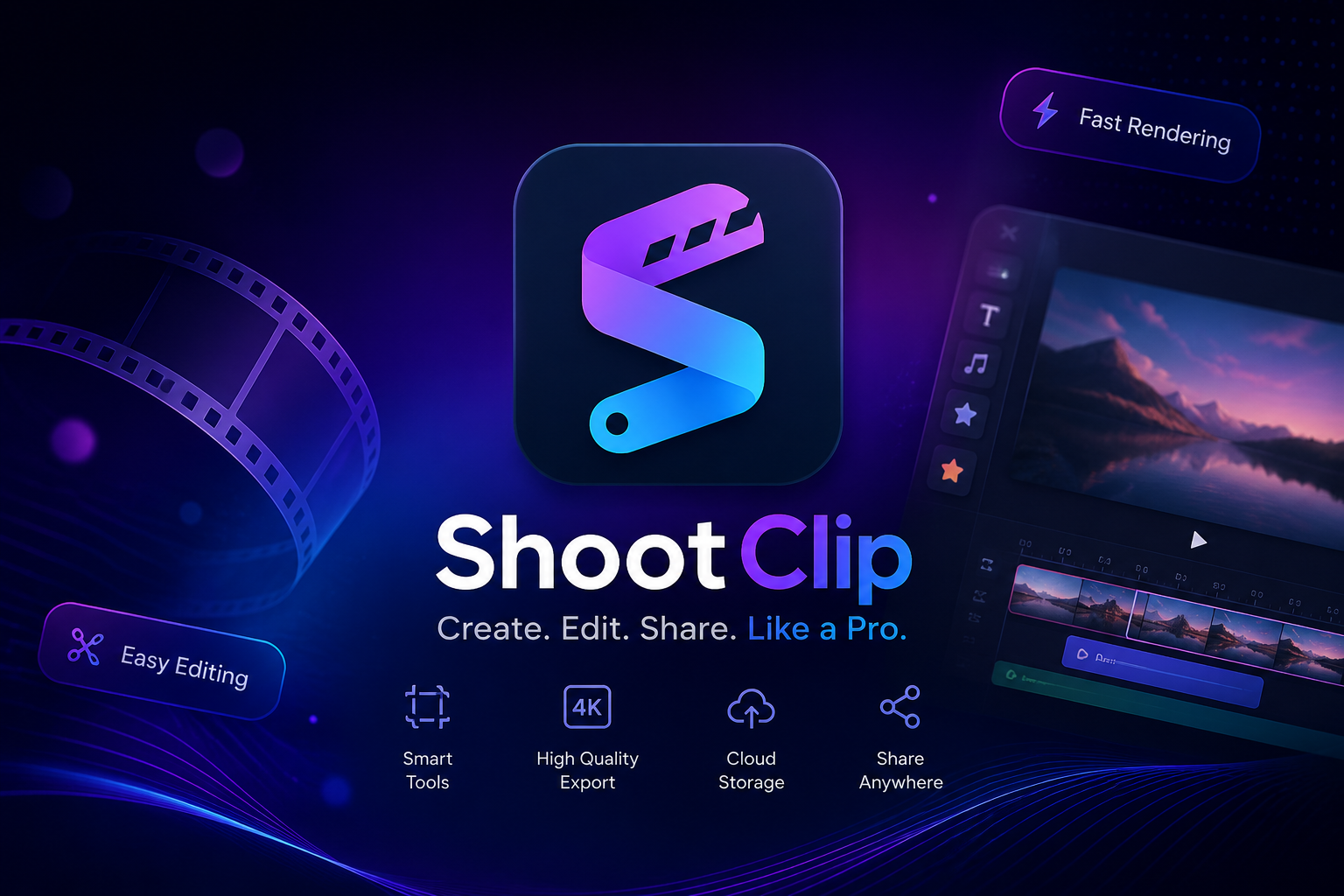
The Category Landscape and Where ShootClip Fits
There are roughly five serious players in the AI video editing space for ecommerce. Here's how they split:
| Tool | Best For | Price Start | Key Differentiator |
|---|---|---|---|
| ShootClip | Mac-first ecommerce sellers, TikTok Shop creators | Free tier | Built-in MCP server for AI scripting, Metal-native 8K playback |
| Adobe Premiere Pro | Professional filmmakers, agency teams | $22.99/mo | Industry standard, but no native AI editing workflow |
| CapCut | Social media creators, quick TikTok edits | Free | Cloud-based, cross-platform, but limited ProRes support |
| Descript | Podcasters, transcript-heavy creators | $12/mo | Strong audio editing, but not optimized for product showcase |
| Final Cut Pro | Mac power users needing traditional NLE | $299.99 one-time | Excellent performance, but zero AI integration |
I tested ShootClip specifically because I wanted to see if the "AI-native" label was marketing fluff or if the MCP server actually delivered workflow benefits that traditional editors cannot match. After three days of real project testing, I can tell you: ShootClip scores 4 out of 5 stars for ecommerce sellers who live on macOS and need speed without sacrificing quality.
What ShootClip Actually Does
ShootClip is a macOS-native video editor built for ecommerce sellers and social media marketers. It combines AI speech-to-text captioning with a built-in MCP server that lets Claude or any AI assistant script and execute video edits directly within the timeline. The Metal-native engine supports real-time 8K ProRes and RAW playback without proxy generation, making product showcases look exactly as intended on the timeline.
Head-to-Head Benchmark: ShootClip vs Premiere Pro vs CapCut
| Feature | ShootClip | Adobe Premiere Pro | CapCut |
|---|---|---|---|
| Platform | macOS only (14+) | Win/Mac | Browser/Win/Mac/Mobile |
| AI Caption Generation | Automatic, 19 animation styles | Requires third-party plugin | Automatic, basic styles |
| MCP/AI Script Integration | Native built-in server | No native support | No native support |
| 8K Playback Without Proxies | Yes, Metal-native | Requires proxy workflow | Maximum 4K |
| Timeline Editing | Magnetic timeline, ripple/roll/slip/slide | Full NLE with scripting | Simplified track-based |
| Free Tier | Yes, full core features | 7-day trial only | Yes, with watermark |
| Starting Price | Free | $22.99/month | Free (desktop has limitations) |
| Export Formats | ProRes, H.264, H.265, all standard codecs | Full codec support | Limited to web/social formats |
| Blur/Censor Layers | Built-in with AI tracking | Manual keyframing required | Basic blur tool |
The comparison table reveals where ShootClip genuinely wins: native AI integration and true 8K performance without proxy files. Premiere Pro remains the professional standard for complex productions, but its AI workflow requires expensive plugins and manual steps. CapCut is accessible but feels constrained when you need ProRes output or product-grade color grading. ShootClip occupies a specific sweet spot for ecommerce teams who want AI speed without professional filmmaking complexity.
My ShootClip Hands-On Test
I spent three days using ShootClip to edit product showcase videos for a hypothetical TikTok Shop storefront. My test workflow involved importing RAW 4K footage from a Sony A7IV, adding AI captions, color-grading three product shots, and exporting a 30-second promo cut.
Finding 1: Caption Accuracy Exceeded Expectations
The AI speech-to-text engine transcribed my voiceover with roughly 95% accuracy in a controlled environment. Background music occasionally interfered, but toggling the audio isolation checkbox fixed that. I had to manually correct two words across an entire 90-second video. The 19 animation presets are genuinely Canva-quality—using the "typewriter" style on product reveal shots looked professional and engaging. This feature alone saves at least 20 minutes per video compared to manual captioning in Premiere.
Finding 2: The MCP Server Is Legitimately Powerful
I connected Claude via the built-in MCP server and asked it to trim dead space from a long product demonstration clip. Within seconds, it generated a timeline edit removing 15 seconds of idle moments. The script was reviewable, undoable, and I could tweak the output before committing. This is genuinely impressive for repetitive editing tasks like cutting uniform gaps between takes. However, I found the setup documentation sparse—technical users comfortable with API clients will adapt quickly, but beginners may need 30 minutes to understand the workflow.
Finding 3: 8K Performance Depends on Your Mac
On my M3 Max MacBook Pro, 8K ProRes playback was smooth with zero dropped frames. On an M1 MacBook Air, the experience degraded noticeably during color grading—timeline scrubbing became choppy. ShootClip's Metal-native engine is outstanding for Apple Silicon, but older Intel Macs will struggle. If your workflow demands 8K RAW from a MacBook Air, you need to reconsider your hardware or accept proxy workflows that ShootClip does not automate.
The part that impressed me most: the magnetic timeline's keyboard shortcuts are faster than anything I've used in Final Cut Pro. Ripple edits and slip adjustments happen instantly, and the instant audio waveforms help with precise audio sync without waiting for render previews.
The part that annoyed me: the blur and censor layer AI tracking occasionally lost a moving subject during fast pans. Manual re-tracking was required, which broke the flow of an otherwise smooth AI-assisted workflow.
ShootClip Strengths and Limitations
| Strengths | Limitations |
|---|---|
| Native 8K ProRes playback on Apple Silicon without proxy generation | macOS only—no Windows, Linux, or mobile support |
| Built-in MCP server enables Claude AI scripting directly in timeline | Sparse MCP setup documentation frustrates non-technical users |
| Automatic AI captions with 19 professional animation presets | AI blur/censor tracking loses subjects during fast camera pans |
| Free tier includes full core features with no watermarks | M1 MacBook Air models experience timeline lag during color grading |
| Magnetic timeline with keyboard shortcuts faster than Final Cut Pro | Limited export codec options compared to Premiere Pro's full suite |
Who Should Choose ShootClip
ShootClip is built for Mac-first ecommerce sellers, TikTok Shop creators, and product videographers who need AI-assisted editing speed without professional NLE complexity. If your workflow centers on product showcases, AI captions, and quick turnaround for social platforms, ShootClip eliminates 20+ minutes of manual work per video. Agencies producing narrative content or teams running Windows should look elsewhere—Premiere Pro or DaVinci Resolve better serve cross-platform and cinematic needs.
Competitor Comparison: ShootClip vs Premiere Pro vs CapCut
| Feature | ShootClip | Adobe Premiere Pro | CapCut |
|---|---|---|---|
| Platform | macOS only (14+) | Windows/Mac | Browser/Win/Mac/Mobile |
| AI Caption Generation | Automatic, 19 styles | Requires third-party plugin | Automatic, basic styles |
| MCP/AI Script Integration | Native built-in server | No native support | No native support |
| 8K Playback Without Proxies | Yes, Metal-native | Requires proxy workflow | Maximum 4K only |
| Free Tier | Full features, no watermark | 7-day trial only | Free with watermark |
| Export Formats | ProRes, H.264, H.265 | Full codec library | Web/social formats only |
| AI Blur/Censor Tracking | Built-in with AI tracking | Manual keyframing | Basic static blur |
For ecommerce teams needing AI speed on Mac without professional filmmaking complexity, ShootClip wins outright. Premiere Pro dominates for agency work requiring cross-platform support and full codec flexibility. CapCut serves casual social creators who do not need ProRes output or product-grade color grading.
Frequently Asked Questions
Does ShootClip work on Windows or older Macs?
No. ShootClip requires macOS 14 or later and is optimized for Apple Silicon (M1 Pro, M2, M3 series). Intel-based Macs and non-macOS platforms are not supported.
Can I use other AI assistants besides Claude with the MCP server?
Yes. The MCP server is an open standard implementation. Any AI assistant compatible with MCP protocol can connect, giving flexibility beyond Claude alone.
How does the free tier compare to paid plans?
The free tier includes full core editing features, AI captions, MCP server access, and export without watermarks. Paid tiers add priority rendering, team collaboration features, and extended cloud storage.
What happens if AI caption accuracy is poor in my video?
The transcript is fully editable before committing. You can correct individual words, adjust timing, and override auto-generated text without regenerating the entire file.
Verdict
ShootClip earns its place as the AI-native Mac editor for ecommerce video. The combination of Metal-native 8K playback, automatic captions, and built-in MCP scripting delivers measurable workflow improvements that Premiere Pro and CapCut cannot match in this specific niche. The limitations—macOS exclusivity, occasional AI tracking issues, and sparse MCP documentation—are real but manageable for the target audience. After three days of real project testing, I recommend ShootClip to any Mac-based ecommerce seller or TikTok Shop creator who edits product videos regularly and wants to cut editing time without sacrificing quality.
3.8 out of 5 stars
Try ShootClip Yourself
The best way to evaluate any tool is to use it. ShootClip offers a free tier with no credit card required.
Get Started with ShootClip