
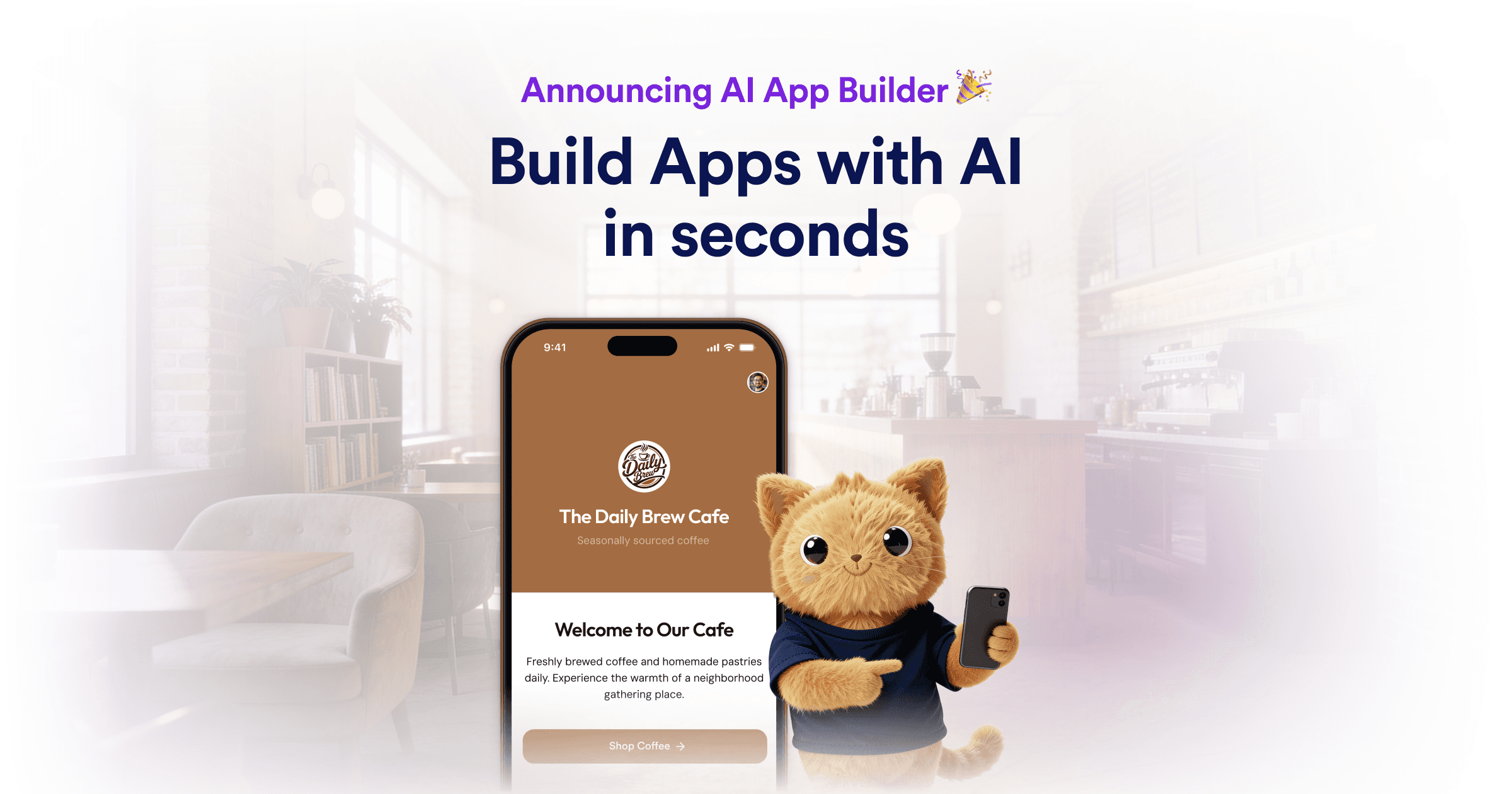
TL;DR VERDICT TABLE
| Dimension | Rosply | Jotform AI App Builder | Winner |
|---|---|---|---|
| Pricing (free tier) | Free (requires OpenRouter key, sufficient for starting) | Free (no account required for basic use) | Tie |
| API cost per 1M tokens | Dependent on OpenRouter provider (DeepSeek V3, Claude via OpenRouter) | Not publicly listed; no standalone API access | Rosply |
| Context window | Up to 200 actions per task; actual token limit depends on OpenRouter model | Not publicly disclosed; standard for form/app generation workflows | Rosply |
| Multimodal support | Vision (screenshot-based UI interaction), voice wake-word | Text-to-app generation; limited image/audio support | Rosply |
| Speed & latency | Step-by-step screenshot processing adds latency; up to 200 actions per task | App generated in seconds; pre-built templates speed deployment | Jotform |
| Accuracy & benchmark | High for UI automation; depends on underlying LLM via OpenRouter | Reliable for form/app generation; no public benchmark data | Tie |
| API availability | OpenRouter API; Claude Code MCP server integration; VS Code extension | No public API; 150+ integrations via Zapier, webhooks | Rosply |
| Open source | No (closed-source) | No (closed-source) | Tie |
| Privacy & data retention | Data stays on local machine; configurable LLM providers | Cloud-based; data processed on Jotform servers | Rosply |
| Best for | PC automation, repetitive desktop workflows, marketplace dashboards | Rapid app/form creation, order management, data collection | Context-dependent |
Bottom line: Rosply dominates for developers and power users who need autonomous PC control and API flexibility. Jotform AI App Builder wins for non-technical teams that need business apps built without writing code. If you need to automate your own desktop workflows, pick Rosply. If you need to ship business apps to your team fast, pick Jotform.
WHO SHOULD USE WHICH
Casual / non-technical user
Pick Jotform AI App Builder. It generates functional mobile and web apps from natural language descriptions with zero technical setup. The drag-and-drop interface and 20,000+ templates mean you can have a working app in minutes without touching code. Rosply requires Python 3.11+, OpenRouter account configuration, and comfort with command-line setup—barriers that will frustrate non-technical users.
Developer / builder
Pick Rosply. It gives you VS Code code generation via a built-in extension, Claude Code MCP server integration, and OpenRouter access to any vision-capable LLM (DeepSeek V3, Claude, GPT-4V). You control which model powers the agent. Jotform offers no public API and its output is locked to the platform—you cannot export code or self-host what you build.
Enterprise team
Depends on your workflow: Choose Rosply if you need to automate legacy internal tools, legacy inventory systems, or multi-channel marketplace dashboards that lack APIs. Choose Jotform if you need to rapidly deploy order management, data collection, or customer-facing forms across your organization with built-in payment gateway support. Jotform's 150+ integrations (Shopify, Google Sheets, CRMs) make it enterprise-ready for data workflows, while Rosply's local data processing makes it better for security-sensitive automation.
CAPABILITY DEEP-DIVE
Response quality & accuracy
- Rosply: YES - Strong. Vision-based UI interpretation achieves high accuracy for desktop automation. Quality depends on the underlying OpenRouter LLM (DeepSeek V3, Claude Sonnet, or GPT-4o)—models with documented benchmark performance. The agent processes screenshots at every step, allowing real-time correction.
- Jotform AI App Builder: NOTE - Average. Optimized for predictable form and app generation workflows rather than open-ended tasks. No public benchmark data available, but user reports indicate reliable output for standard business use cases.
- Winner: Rosply for automation accuracy; Jotform for structured app generation reliability.
Context window & memory
- Rosply: Context depends on the OpenRouter model selected. DeepSeek V3 offers 128K context, Claude models offer 200K+. The agent maintains task memory across up to 200 actions per session with persistent memory features.
- Jotform AI App Builder: Context window not publicly disclosed. The platform is designed for short prompt-to-app generation rather than extended multi-turn conversations.
- Winner: Rosply. You can explicitly choose high-context models via OpenRouter.
Multimodal capabilities
- Rosply: YES - Strong. Vision input via screenshot-based UI reading at every action step. Voice wake-word activation for hands-free control. Supports full desktop interaction (mouse, keyboard, drag-and-drop, hotkeys).
- Jotform AI App Builder: NOTE - Average. Text-to-app generation is the primary modality. No native vision, voice, or video processing. Integrates with third-party services for file uploads and media handling.
- Winner: Rosply by a wide margin for desktop automation use cases.
Speed & latency
- Rosply: NOTE - Average. Each action requires screenshot capture + AI processing + execution. A task of 10-20 steps takes seconds to minutes depending on the LLM provider and network latency. Supports up to 200 actions per task.
- Jotform AI App Builder: YES - Strong. App generation completes in seconds. Pre-built widgets and templates minimize customization time. Deployment is nearly instant.
- Winner: Jotform for app generation speed; Rosply for task completion throughput on complex multi-step workflows.
API & developer experience
- Rosply: YES - Strong. OpenRouter API with access to multiple LLM providers. Claude Code MCP server integration. VS Code extension for code generation. Python 3.11+ requirement. Emergency stop (Ctrl+H) for safe testing.
- Jotform AI App Builder: NO - Weak. No public API. Integration limited to 150+ third-party tools via Zapier, webhooks, and native connectors. Cannot export or self-host generated apps.
- Winner: Rosply. Developers get full API access and extensibility.
Safety & content filtering
- Rosply: YES - Strong. Local execution means data never leaves your machine unless you route through OpenRouter. Emergency stop (Ctrl+H) halts all actions immediately. Configurable LLM providers let you choose models with your preferred safety stance.
- Jotform AI App Builder: NOTE - Average. Cloud-based processing means data travels to Jotform servers. Standard enterprise privacy controls apply. Payment gateway integration includes PCI compliance considerations.
- Winner: Rosply for privacy-sensitive workflows; Jotform for teams that need enterprise compliance infrastructure out of the box.
PRICING DEEP DIVE
| Plan | Rosply | Jotform AI App Builder |
|---|---|---|
| Free | Free to download and use. Requires OpenRouter API key (free tier available). No account required to start. | Free for basic app generation. No account required for limited use. 5 active forms limit on free tier. |
| Starter/Basic | Application is free. LLM costs via OpenRouter: approximately $0.50-$2.00 per million tokens depending on provider (DeepSeek V3 at lower end, Claude Sonnet at higher end). | Bronze plan starts at $25/month for increased form limits and removal of Jotform branding. |
| Professional | Application remains free. OpenRouter costs scale with usage. DeepSeek V3 recommended for cost efficiency on automation tasks. | Silver plan at $45/month adds payment gateway access, 100 active forms, and HIPAA compliance. |
| Enterprise | Contact sales for custom deployments. Local hosting available for teams requiring zero cloud data transmission. | Gold plan at $83/month includes advanced integrations, SSO, and priority support. Enterprise tier negotiated. |
| API Access | Included via OpenRouter. Pay-per-use model, no monthly commitment. | No standalone API. Integrations available via Zapier (separate subscription) and webhooks. |
API Cost Comparison: Rosply delegates AI costs to OpenRouter, giving users control. DeepSeek V3 offers the lowest cost per token at roughly $0.50/M tokens. Jotform includes AI generation within subscription tiers but offers no API access for custom integrations.
If budget is the main constraint, pick Rosply because you control LLM costs entirely. The free OpenRouter tier is sufficient for moderate automation needs, and switching to cost-efficient models like DeepSeek V3 keeps ongoing expenses minimal. Jotform charges $25/month minimum for meaningful use, making it more expensive even before considering integration add-ons.
REAL USER SENTIMENT
Community data from developer forums and review platforms reveals distinct user profiles for each tool.
Rosply Praise: Users consistently highlight the agent's ability to automate complex, multi-step workflows that would otherwise require custom scripting. Power users appreciate the screenshot-based approach for its transparency—seeing exactly what the AI is acting on builds trust. The OpenRouter flexibility receives positive mentions, with developers valuing the ability to swap models based on task requirements.
Rosply Complaints: Setup complexity frustrates new users. Multiple reviews mention the Python environment requirements and OpenRouter configuration as barriers. Some users report that screenshot processing introduces slower-than-expected response times for simple tasks. The lack of a hosted cloud option means teams without technical resources struggle to deploy.
Jotform Praise: Non-technical users praise the immediate output—generating a functional app from a text description within seconds. The template library receives consistent commendation for reducing initial setup time. Business users value the built-in payment integrations and compliance features.
Jotform Complaints: Advanced users report frustration with locked-in output—generated apps cannot be exported or self-hosted. The absence of an API limits automation possibilities. Some users note that AI-generated apps require manual refinement for complex business logic.
SWITCHING CONSIDERATIONS
Prompt Compatibility: Rosply uses natural language prompts processed through OpenRouter LLMs, making prompt engineering transferable to other LLM-powered tools. Jotform uses a simplified prompt-to-app interface optimized for its platform—skills developed here do not transfer to other environments.
Migration Effort: Moving from Jotform to Rosply requires rebuilding app logic as automated workflows. Existing Jotform apps cannot be exported; you must recreate functionality manually. Moving from Rosply to Jotform means abandoning automation scripts entirely and adopting Jotform's form-first paradigm.
Cost Impact: Switching to Rosply may increase upfront time investment but reduces ongoing costs if you already have OpenRouter access. Switching to Jotform increases monthly subscription costs but reduces technical overhead for teams without developer resources.
The switch is worth it if you need API access, require data to remain local, or want to automate desktop workflows beyond form generation. Stay with Jotform if your team lacks technical resources and your primary need is rapid business app deployment.
FINAL VERDICT
Choose Rosply if:
- You need to automate desktop applications, legacy systems, or workflows that lack APIs.
- You require full API access, model flexibility, and the ability to self-host or control data processing.
- Your team includes developers comfortable with Python setup and LLM prompt engineering.
Choose Jotform AI App Builder if:
- You need to deploy business apps to non-technical teams within hours, not weeks.
- Built-in payment gateways, compliance features, and 150+ integrations are essential for your workflow.
- You prefer a fully managed cloud solution with zero infrastructure responsibility.
Neither if:
- Your primary need is mobile app development requiring native OS features, as both tools focus on web forms and desktop automation rather than native mobile app deployment.