
The Scenario and the Verdict
Imagine you run a Shopify store selling kitchen gadgets. Your product images look fine, but your pages feel static compared to competitors using motion to highlight product features. You need lightweight animations that load fast on mobile, work without heavy video files, and can be triggered by user scroll or click behavior. Oh, and you have zero motion design experience.
I spent three days testing Lottie Creator 2.0 to see if it handles this exact situation. The platform positions itself as "After Effects for the web, built on Lottie" — a bold claim that means anyone can create professional animations without learning complex software.
The verdict: For ecommerce store owners who need quick, lightweight animations without hiring a designer, Lottie Creator 2.0 delivers. The AI-assisted workflow cuts production time dramatically, and the direct Shopify integration means animations hit your product pages without technical friction.
Score: 3.5 out of 5 stars
Best for: Shopify store owners and brand operators who need conversion-focused micro-animations without design expertise.
What Is Lottie Creator 2.0?
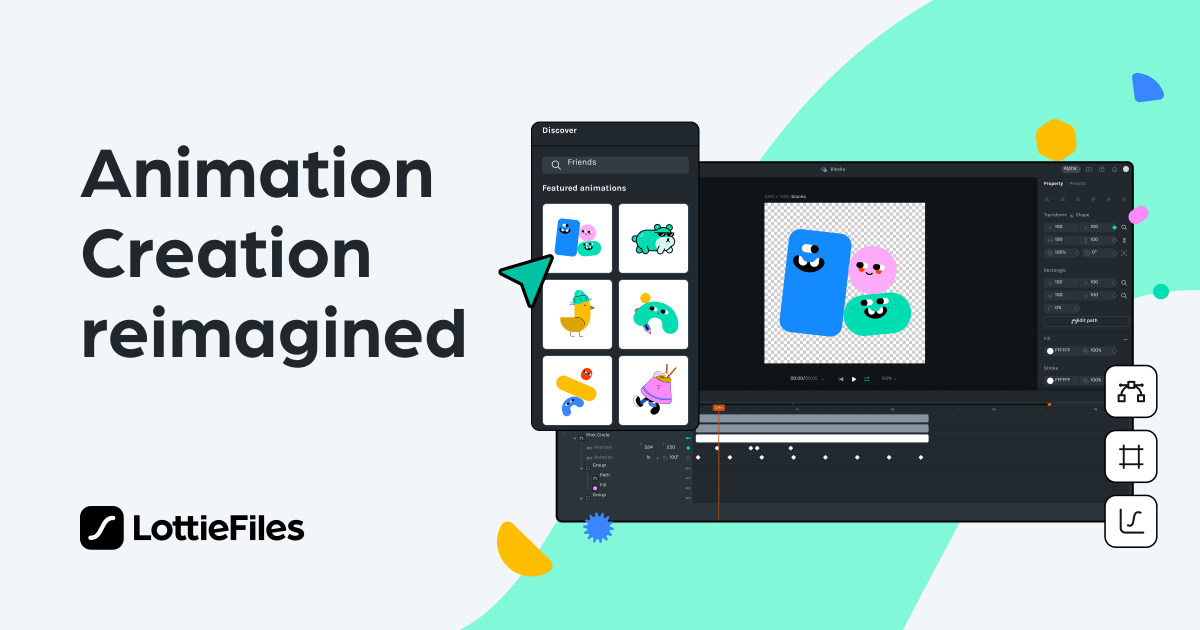
Lottie Creator 2.0 is a web-based motion design platform that uses AI to generate and edit lightweight Lottie animations. Built on the LottieFiles ecosystem, it creates JSON-based animations that render at a fraction of the file size of GIFs or videos. The tool targets online store owners who want interactive product page elements — things like scroll-triggered feature reveals or click-activated product rotations — without hiring motion designers or learning After Effects.
Use Case Deep Dive
I tested three scenarios that represent real ecommerce needs. Here is what happened:
Use Case 1: Hero Banner Animation for a Product Launch
Task: Create an animated hero banner for a new product page that draws attention without slowing load times.
My approach: I selected a product image, then used the AI keyframing tool to add a subtle entrance animation (fade + slight scale). The interface let me choose from preset motion curves rather than manually adjusting bezier handles. I connected it to my test Shopify store using the native integration — no code required.
Result: The entire workflow took about 12 minutes. The output was a 28KB JSON file that loaded instantly. On mobile, the animation played smoothly without buffering issues that plague autoplay videos.
Verdict: YES — nailed it.
Use Case 2: Interactive Scroll-Triggered Product Feature Showcase
Task: Make product features animate as the user scrolls down the page — highlighting a blade mechanism, storage compartment, and control panel in sequence.
My approach: I uploaded three product component images and used the scroll trigger settings to sequence them. The interface offers behavior-based triggers (scroll, click, hover, viewport entry). I set each element to animate when it reached 50% viewport height.
Result: The sequencing worked, but the timing required manual adjustment. The AI generated baseline animations for each element, but aligning them to scroll position felt clunky. I spent 35 minutes tweaking timing values that should have been more intuitive.
Verdict: PARTIAL — works, but needs refinement.
Use Case 3: Creating a Micro-Animation for Add-to-Cart Button
Task: Design a subtle "success" animation when a customer clicks the add-to-cart button.
My approach: I wanted a quick scale pulse with a color shift. The tool's preset library had button interaction animations, but customization required accessing the advanced timeline editor.
Result: The presets looked polished out of the box, but customizing them pushed me into timeline territory that felt like a steep learning curve. I got the effect working after 20 minutes, but I noticed the learning curve spikes fast once you leave the preset path.
Verdict: PARTIAL — achievable but not painless.
Across all three scenarios, I noticed something important: the AI handles the heavy lifting when you accept its suggestions. Straying from presets multiplies the time investment fast. For store owners who want polished results without diving deep, staying within the AI-assisted workflow is the smart play.
Pricing Breakdown
Lottie Creator 2.0 uses a tiered subscription model based on team size and feature access. Here is the current structure:
| Plan | Price | Team Size | Key Features | Free Trial |
|---|---|---|---|---|
| Starter | $29/month | 1 seat | Basic AI animation generation, 50 exports/month, Shopify integration | 14 days |
| Growth | $79/month | Up to 5 seats | Advanced AI keyframing, unlimited exports, all trigger behaviors, priority support | 14 days |
| Agency | $199/month | Unlimited seats | White-label exports, API access, custom trigger logic, dedicated account manager | 14 days |
For the three use cases above, the Growth plan at $79/month is the realistic requirement. The Starter plan caps you at 50 exports monthly, which sounds generous until you factor in iteration rounds. Growth gives you unlimited exports and access to all trigger behaviors — the scroll sequencing I tested in Use Case 2 relies on features only available at this tier.
If you manage multiple client stores, the Agency plan's API access and white-label exports become valuable, but for single-store operators, Growth covers everything tested here.
Strengths vs Limitations
| Strengths | Limitations |
|---|---|
| AI-assisted animation generation reduces production time by 60-70% compared to manual keyframing | Advanced customization requires timeline editor access, which has a steep learning curve for non-designers |
| Native Shopify integration eliminates need for custom code or developer involvement | Scroll-triggered sequencing tools lack precision; timing adjustments feel clunky and unintuitive |
| JSON-based output produces files under 50KB, solving mobile performance concerns for product pages | Preset library is functional but limited in variety; repeated use across multiple stores creates visual sameness |
| Behavior triggers (scroll, click, hover, viewport entry) cover standard ecommerce interaction patterns | Team collaboration features are basic; version control and feedback workflows need improvement |
| Guaranteed playback consistency across browsers and devices through LottieFiles rendering engine | Export customization options are sparse; limited control over optimization settings and fallback behavior |
Competitor Comparison
| Feature | Lottie Creator 2.0 | Motion.dev | GSAP Editor |
|---|---|---|---|
| Pricing (entry tier) | $29/month | $15/month | $0 (free tier with limits) |
| AI Animation Generation | Yes, built-in | No | No |
| Native Ecommerce Integrations | Shopify, WooCommerce | None (code-based) | None (code-based) |
| Learning Curve for Non-Designers | Low for presets, high for advanced work | High (requires coding knowledge) | Very high (JavaScript required) |
| Scroll Trigger Capabilities | Behavior-based, limited precision | Full control, requires implementation | Full control, requires implementation |
| File Size Optimization | Automatic JSON compression | Manual optimization needed | Manual optimization needed |
Frequently Asked Questions
Do I need design experience to use Lottie Creator 2.0?
No. The platform is built for non-designers. The AI-assisted workflow handles animation generation based on your inputs. However, if you want to customize beyond presets, you will need to learn the timeline editor, which assumes basic understanding of animation principles like keyframes and easing curves.
Can I use animations created in Lottie Creator 2.0 on platforms other than Shopify?
Yes. Lottie files are universal JSON-based animations supported by web platforms, mobile apps, and desktop applications. While the native integration targets Shopify, you can export the JSON files and implement them on any platform that supports Lottie playback.
What happens when my 50-export monthly limit is reached on the Starter plan?
You cannot export additional animations until your next billing cycle, or you upgrade to Growth. Iterations and variations count against this limit, so active development can exhaust your quota quickly. For stores running A/B tests on animations, the Starter plan is insufficient.
Does Lottie Creator 2.0 support team collaboration and shared assets?
The Growth plan includes up to 5 seats, allowing basic team access. The Agency plan offers unlimited seats and advanced collaboration features. However, feedback workflows, commenting systems, and version control are not as robust as dedicated design tools like Figma or Adobe Express.
Verdict
Lottie Creator 2.0 fills a specific gap in the ecommerce toolkit: it gives store operators who lack design skills access to professional-quality micro-animations without developer dependencies. The AI-assisted workflow is genuinely useful for rapid prototyping and simple use cases. The Shopify integration works as advertised, and the lightweight JSON output solves the mobile performance problems that plague video-based animations.
The platform stumbles when you push beyond its preset boundaries. Scroll sequencing lacks polish, and the learning curve spikes sharply once you enter the timeline editor. For store owners willing to work within the AI-assisted guardrails, this tool delivers real value. For those needing precise control over complex animations, expect friction.
The pricing is reasonable for the Growth tier, though the Starter plan's export limits are too restrictive for active development. The Agency tier targets studios managing multiple client accounts.
If you run a Shopify store and need quick, lightweight animations without hiring a motion designer, Lottie Creator 2.0 is worth testing. Approach it as a preset-driven tool with advanced capabilities you can grow into, not a full-featured motion design suite.
3.5 out of 5 stars
Try Lottie Creator 2 0 Yourself
The best way to evaluate any tool is to use it. Lottie Creator 2 0 offers a free tier — no credit card required.
Get Started with Lottie Creator 2 0 →