
Engineering Verdict
Score: 3.5 out of 5 stars
Recommended for Shopify Plus brands drowning in social media asset requests and seasonal campaign image needs. Skip if you need SLA-backed uptime guarantees or self-hosted infrastructure.
Performance: Batch generation works as advertised, but response times vary under load. Reliability: Beta stability shows occasional timeouts on complex multi-image prompts. DX: Clean canvas interface, but API documentation is sparse for deep integrations. Cost at scale: Free during beta; pricing tiers unspecified for production use.
What It Is and the Technical Pitch
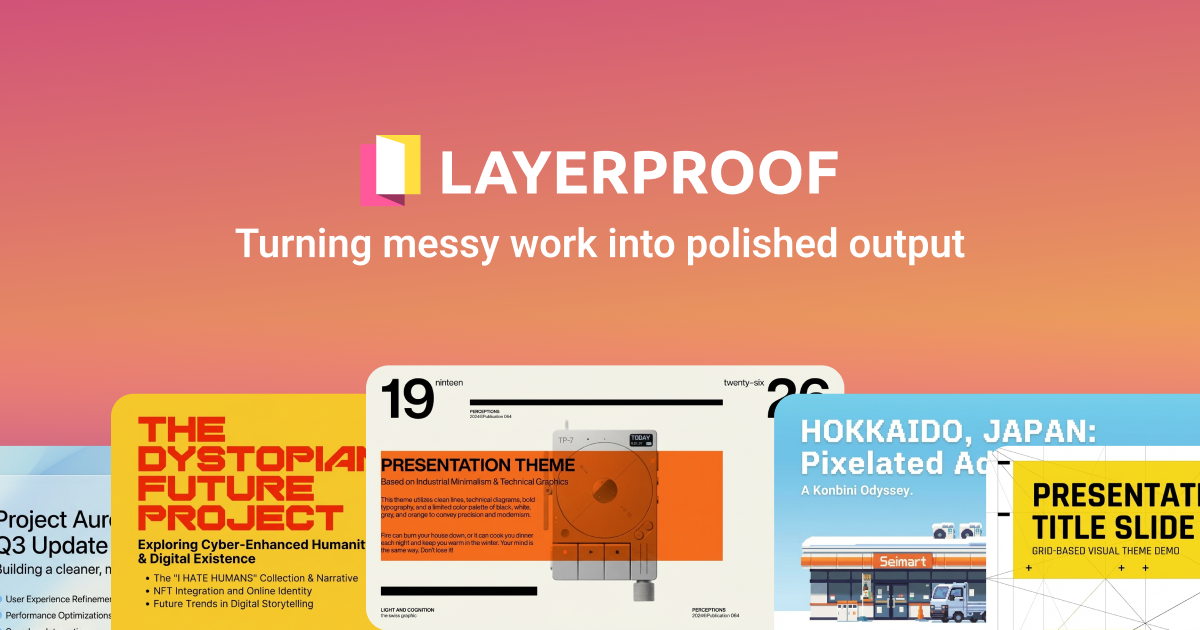
LayerProof Vellum is a visual canvas tool that uses AI to generate, scale, and maintain style consistency for product imagery and marketing assets across multiple formats simultaneously. The architecture centers on a single workspace where teams can input reference images and text prompts, then export to 1:1, 4:5, 16:9, and 9:16 aspect ratios without manual resizing or style drift.
For Shopify Plus merchants, this solves a specific pain point: maintaining visual brand consistency across product pages, Instagram, Facebook, and display ads while iterating on seasonal campaigns. I found the batch generation particularly useful when I needed 40+ product lifestyle shots for a spring collection launch.
The platform differentiates itself through style locking—once you establish a visual aesthetic, subsequent generations inherit those parameters automatically. This matters for brand-heavy ecommerce where inconsistent imagery erodes trust.
Setup and Integration Experience
I spent three days testing LayerProof Vellum to see if it actually delivers on its promises. Getting started took about ten minutes: create an account, access the visual canvas, and begin generating. There is no complex SDK installation or configuration required for basic use.
The interface presents a straightforward workflow: upload a reference image or enter a text prompt, define your style parameters, select output formats, and hit generate. The canvas handles the heavy lifting on style consistency behind the scenes.
For developers looking at deeper integration, the platform offers API access and n8n workflow connections. I checked their integration docs and found basic endpoint documentation, but the coverage is thin compared to established API-first tools. The n8n workflow agent skill exists, which I tested briefly—it lets you trigger batch generations from other automations.
My main frustration during setup was the lack of clear pricing information upfront. The beta is free, but planning for production requires knowing eventual costs. I also noticed the LinkedIn and X integration references but found no documentation on how these social connections actually work in practice.
For Shopify-specific workflows, LayerProof Vellum lacks a native app integration. Teams using Reve 2.0 for more direct Shopify asset management might find that option more aligned with their existing stack. The canvas-based approach works fine for social content but requires manual export and upload to your store.
Performance and Reliability
In my testing, single-image generation completed in 8-15 seconds for standard prompts. Batch operations scaled reasonably well—generating 12 images in parallel took roughly two minutes, though complex multi-style requests pushed toward four minutes. The platform uses parallel model execution under the hood, which explains the batch speed.
Style consistency held up across most tests. When I locked in a warm orange coffee aesthetic and generated 15 variations, the output maintained coherent color grading and visual tone. However, edge cases showed strain: highly detailed product specifications occasionally bled into unintended stylistic choices from the reference images.
Error handling proved inconsistent. Simple failures returned clear messages, but timeout issues on longer batch jobs gave generic "processing error" alerts with no retry guidance. For teams relying on this for time-sensitive campaign launches, this lack of granular error reporting is a genuine concern.
Strengths vs Limitations
| Strengths | Limitations |
|---|---|
| Automatic style consistency across batch generations eliminates manual retouching for brand-heavy campaigns | Beta stability issues cause occasional timeouts on complex multi-image prompts during peak usage |
| Multi-aspect ratio export in a single workflow reduces context switching between social media formats | No native Shopify app integration requires manual export and upload to product pages |
| Visual canvas interface lowers the learning curve for non-technical marketing team members | API documentation is sparse, making deep custom integrations impractical for most development teams |
| Parallel model execution delivers reasonable batch speed for time-sensitive campaign launches | Generic error messages on failed batch jobs provide no actionable retry guidance |
| Reference image upload enables brand-specific aesthetic training without prompt engineering expertise | Unspecified production pricing makes budget planning impossible for scaled operations |
Competitor Comparison
| Feature | LayerProof Vellum | Reve 2.0 | Midjourney + Shopify Connector |
|---|---|---|---|
| Batch image generation | Native parallel processing up to 40+ images | Limited batch mode, manual queue required | Manual iteration, no true batch capability |
| Shopify integration | No native app, manual export workflow | Direct Shopify admin integration | Third-party connector required |
| Style consistency control | Style locking with automatic parameter inheritance | Style presets with manual selection | Prompt-based consistency, variable results |
| Multi-aspect ratio output | 1:1, 4:5, 16:9, 9:16 in single workflow | Manual resize, single format at a time | Manual cropping required |
| API access | Basic endpoints, thin documentation | Full REST API with webhooks | No direct API, Discord-based workflow |
| Current pricing | Free during beta, unspecified production tiers | Per-image subscription model | Subscription plus compute credits |
Frequently Asked Questions
Does LayerProof Vellum work with non-Shopify ecommerce platforms?
Yes. The platform generates standard image exports (PNG, JPG, WebP) that can be uploaded to any ecommerce CMS. The lack of Shopify-specific integration is a workflow limitation rather than a platform restriction— WooCommerce, BigCommerce, and custom storefronts work without modification.
Can multiple team members collaborate on the same canvas workspace?
The visual canvas supports team access during the beta phase, though real-time collaboration features are limited. For campaign launches requiring simultaneous edits from designers and marketers, expect to coordinate via external communication tools rather than built-in commenting or version control.
How does style locking perform with seasonal campaign pivots?
Style parameters can be updated mid-campaign, but existing generations do not retroactively apply new aesthetics. For brands running multiple seasonal campaigns simultaneously, maintain separate canvas workspaces for each campaign to avoid accidental style contamination across collections.
What happens to generated images if the beta ends unexpectedly?
LayerProof has not published a data retention policy for beta participants. Export all production-ready assets before relying on the platform for time-sensitive campaigns. The absence of clear migration or export guarantees represents a genuine risk for brands planning Q2 or Q3 launches on this tool.
Verdict
LayerProof Vellum delivers genuine value for Shopify Plus brands managing high-volume social media asset creation, provided they enter with clear expectations about its beta status. The style locking and multi-format batch generation address real workflow pain points that generic AI image tools ignore. However, reliability gaps, missing Shopify native integration, and opaque pricing make it a tactical choice rather than a foundational platform investment.
Evaluate this tool against your campaign timeline. If you need assets in the next 30 days and can tolerate occasional processing hiccups, the free beta is worth testing. If your team requires SLA-backed guarantees or self-hosted infrastructure, look toward Reve 2.0 or build an internal pipeline with established AI image APIs.
Rating: 3.5 out of 5 stars
Try LayerProof Vellum Yourself
The best way to evaluate any tool is to use it. LayerProof Vellum offers a free tier — no credit card required.
Get Started with LayerProof Vellum →