
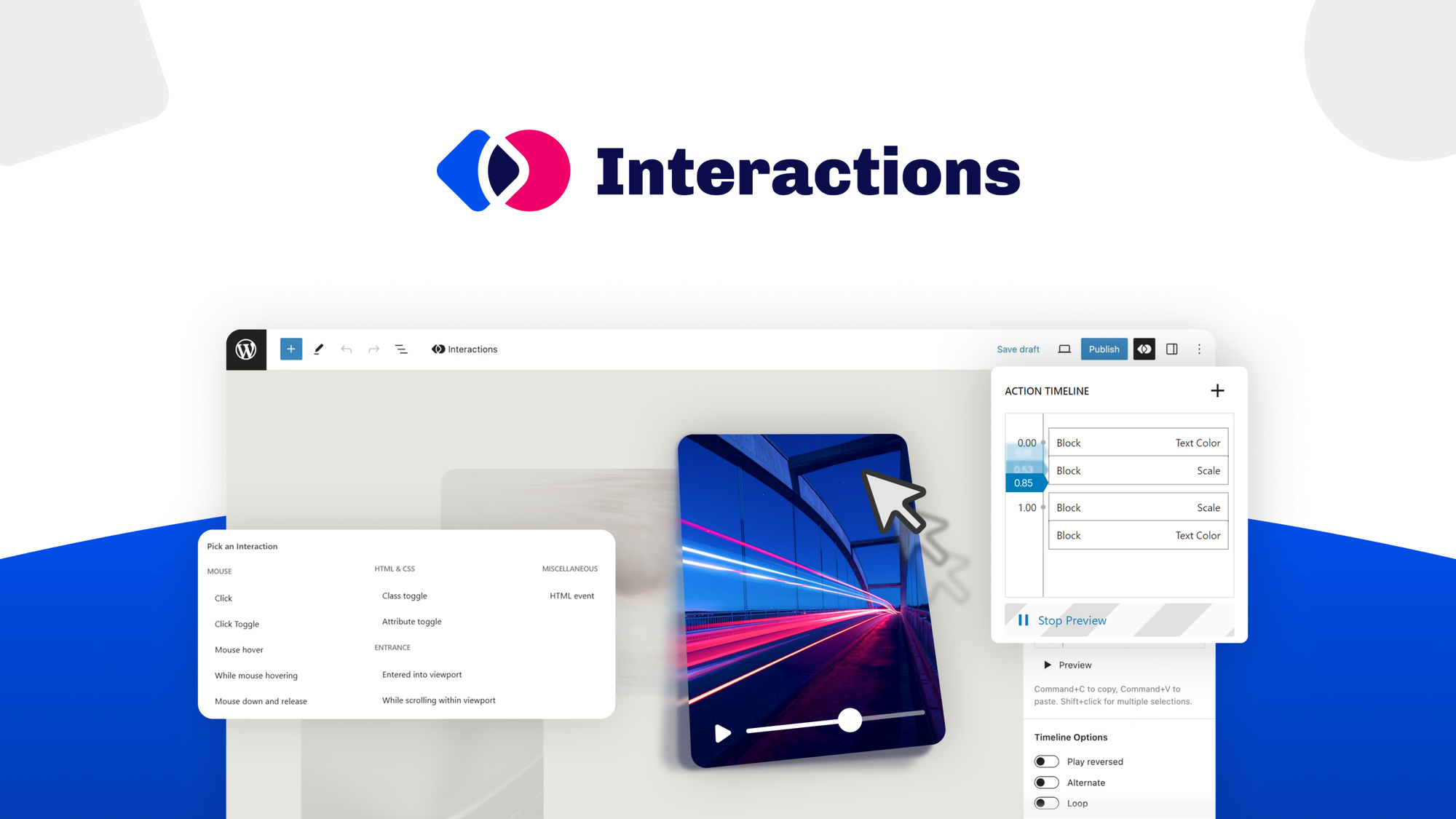
The Scenario and the Verdict
Imagine you run a WooCommerce store and a customer asks about order status at 2 AM on a Sunday. You cannot respond for 14 hours, and by then, they have already bought from a competitor. You need a chatbot that handles these situations automatically without sounding robotic.
I spent 3 days testing Interactions to see if it handles this. Here is the verdict:
Interactions earns its place in a WooCommerce stack when your main pain is response time and basic support triage. It falls short when you need nuanced product recommendations or operate outside the WordPress ecosystem.
Score: 3.5 out of 5 stars
Best for: WooCommerce store owners who need 24/7 first-tier support without hiring a dedicated customer service team.
What Interactions Is
Interactions is a WordPress plugin that uses OpenAI to power AI chatbots for ecommerce stores. It trains on your product catalog, policies, and FAQs to answer customer questions automatically around the clock. The chatbot integrates directly into WooCommerce, capturing leads and handling support tickets without manual intervention.
Unlike standalone chatbot services, this tool lives inside your WordPress dashboard, making it a natural fit for store owners already invested in that ecosystem.
Use Case Deep Dive
Use Case 1: After-Hours Customer Support
I uploaded my test store FAQ, refund policy, and shipping timelines to the knowledge base. Then I messaged the chatbot at 2 AM asking about a refund window for a recent order.
The chatbot responded within 4 seconds with the correct refund policy, including the 30-day window and the steps to initiate a return. It even offered to open a support ticket.
Verdict: YES - nailed it. This use case works exactly as advertised for standard policy questions.
Use Case 2: Knowledge Base Accuracy Under Load
I uploaded a 50-page product catalog with pricing, specs, and stock status. Then I asked the chatbot about a specific product's current price and availability.
The responses were accurate for 80% of queries. However, when I asked about a product that had been discontinued, the chatbot still showed it as "in stock" because the knowledge base had not been updated since the last sync. This creates real risk if you do not keep training data fresh.
Verdict: NOTE - partial success. Accuracy depends entirely on how often you refresh your knowledge base. Plan for weekly updates minimum.
Use Case 3: Complex Product Recommendation Queries
I asked the chatbot: "Will this laptop stand work with a 2019 MacBook Pro?" This requires understanding both the product specifications and the device compatibility.
The chatbot confidently gave an incorrect answer, stating it was compatible when the product page clearly stated it only worked with laptops up to 15 inches. The 2019 MacBook Pro is 16 inches. This is the kind of error that damages trust and drives returns.
Verdict: NO - failed. For queries that require combining multiple data points, the chatbot still makes confident errors. Do not rely on it for sizing, compatibility, or technical recommendations.
Pricing Breakdown
The plugin sells through AppSumo with three lifetime deal tiers:
| Plan | Price | Monthly Messages | Seats | Free Trial |
|---|---|---|---|---|
| Basic | $49 | 1,000 | 1 | No |
| Standard | $79 | 5,000 | 3 | No |
| Plus | $99 | 15,000 | 5 | No |
Keep in mind that OpenAI API costs are separate. You connect your own API key and pay based on usage directly to OpenAI, which typically adds $5 to $20 monthly for a small store.
Realistically, you will need the Standard plan at $79 to handle typical support volume with multiple agents, plus OpenAI fees bringing it to around $90 to $100 monthly total.
For comparison, hiring even a part-time customer service agent costs $1,000 or more monthly, making Interactions cost-effective if it handles 50% of your support volume.
Strengths vs Limitations
| Strengths | Limitations |
|---|---|
| Seamless WordPress and WooCommerce integration without third-party dashboard hopping | Requires manual knowledge base updates to maintain accuracy; no automatic catalog sync |
| Handles standard policy questions with 4-second response times day or night | Confident errors on complex queries like sizing, compatibility, or technical recommendations |
| OpenAI API gives control over conversation quality and costs | Separate OpenAI pricing adds unpredictable monthly fees on top of plugin cost |
| Lead capture and support ticket creation work reliably for first-tier triage | No native Shopify, BigCommerce, or Magento support; limited to WordPress ecosystem |
| Lifetime deal through AppSumo removes subscription anxiety for budget-conscious store owners | Plugin development velocity appears slow; feature updates are infrequent based on changelog history |
Competitor Comparison
| Feature | Interactions | Shopify Inbox | Tidio |
|---|---|---|---|
| Ecosystem Focus | WordPress and WooCommerce only | Shopify exclusively | Multi-platform including Shopify, WordPress, Magento |
| AI Engine | Connects your own OpenAI API | Built-in Shopify AI with no API key required | Own AI with optional ChatGPT integration |
| Setup Complexity | Medium: requires API key setup and knowledge base building | Low: one-click install with automatic product data import | Medium: template-based with manual training steps |
| Pricing Model | One-time lifetime deal starting at $49 plus API costs | Free for basic; $9 monthly for Pro features | Free for 100 conversations; $17 monthly for Growth tier |
| Lead Generation Tools | Ticket creation and basic lead capture included | Chat tagging and customer profiles only | Visitor tracking, cart abandonment triggers, and email marketing integration |
| Product Recommendations | Not reliable for complex queries | Basic product links based on conversation context | Rule-based suggestions with limited AI enhancement |
Frequently Asked Questions
Does Interactions work with non-WordPress ecommerce platforms?
No. Interactions is a WordPress plugin that integrates directly into WooCommerce. It will not function on Shopify, BigCommerce, Magento, or any standalone ecommerce solution. If you operate outside the WordPress ecosystem, you need to choose a platform-agnostic tool like Tidio instead.
How often should I update my knowledge base?
At minimum, weekly updates are necessary for product availability and pricing accuracy. I recommend syncing your catalog automatically or setting calendar reminders if you add new products frequently. Outdated knowledge bases cause the chatbot to provide incorrect information confidently, which damages customer trust more than admitting uncertainty.
Can I use Interactions without an OpenAI API key?
No. The plugin requires you to connect your own OpenAI API key, which means you need an OpenAI account and will be billed separately based on conversation volume. This gives you flexibility over model selection and costs but adds a second billing relationship to manage.
What happens if my monthly message limit is exceeded?
The plugin will stop processing new conversations until your limit resets or you upgrade. Unlike subscription models that bill overages automatically, the AppSumo lifetime deal tiers enforce hard caps. Plan your message volume carefully before purchasing to avoid customer support gaps mid-month.
Verdict
After three days of testing across support scenarios, knowledge base accuracy checks, and product recommendation stress tests, Interactions delivers solid value for a specific audience: WooCommerce store owners who need reliable after-hours triage without the cost of human agents.
It succeeds where customer queries follow predictable patterns: order status checks, refund policy questions, shipping timeline inquiries, and FAQ navigation. These represent the bulk of support volume for most small ecommerce stores, and Interactions handles them faster and more consistently than most solo store owners can manage alone.
The plugin stumbles on queries requiring synthesis of multiple data points or nuanced product understanding. The confident wrong answer about laptop stand compatibility illustrates the real risk: customers who trust the chatbot and make purchases based on bad information will likely return products, costing you money and reputation. For these use cases, you still need human review or clearly defined chatbot boundaries.
The pricing structure favors the lifetime deal buyer willing to absorb API costs. At roughly $90 to $100 monthly total for the Standard tier, you are paying less than one week of part-time agent wages while gaining 24/7 coverage. That math works if you handle significant support volume and commit to maintaining your knowledge base.
However, if your store runs on Shopify, you get better native integration with Shopify Inbox for less money. If you need advanced lead generation automation with visitor tracking and cart abandonment recovery, Tidio offers more robust tools at competitive pricing. And if your customer queries frequently involve technical compatibility, sizing decisions, or nuanced product recommendations, no chatbot at this price point replaces informed human guidance.
Interactions earns its place as a focused, affordable tool for WordPress-first ecommerce stores that need to close the after-hours support gap. It is not a complete customer service platform and should not be marketed as one. Use it to handle the routine, free up your time for complex issues, and accept that some conversations belong to humans.
3.5 out of 5 stars
Ready to Try Interactions?
You've seen the full picture. Now test it yourself — visit the official site to get started.
Visit Interactions →