
The Scenario and the Verdict
Imagine you run a Shopify store with 400+ SKUs and you rely on Google Shopping and Meta ads for most of your revenue. Your product titles are inconsistent, your categorization is a mess, and manually optimizing feeds across multiple platforms takes your team six hours every week. You need a solution that automates the grunt work without making your data look generic or robotic.
I spent three days testing FeedBoss Plus Exclusive to see if it actually handles feed optimization the way the marketing promises. I connected it to a live Google Merchant Center account, let it rewrite titles and descriptions, and measured the actual impact on click-through rates during a controlled ad spend period.
Score: 3.5 out of 5 stars
Best for: Mid-sized ecommerce brands running active Google Shopping and Meta campaigns who need automated feed maintenance without sacrificing title specificity.
What FeedBoss Plus Exclusive Is
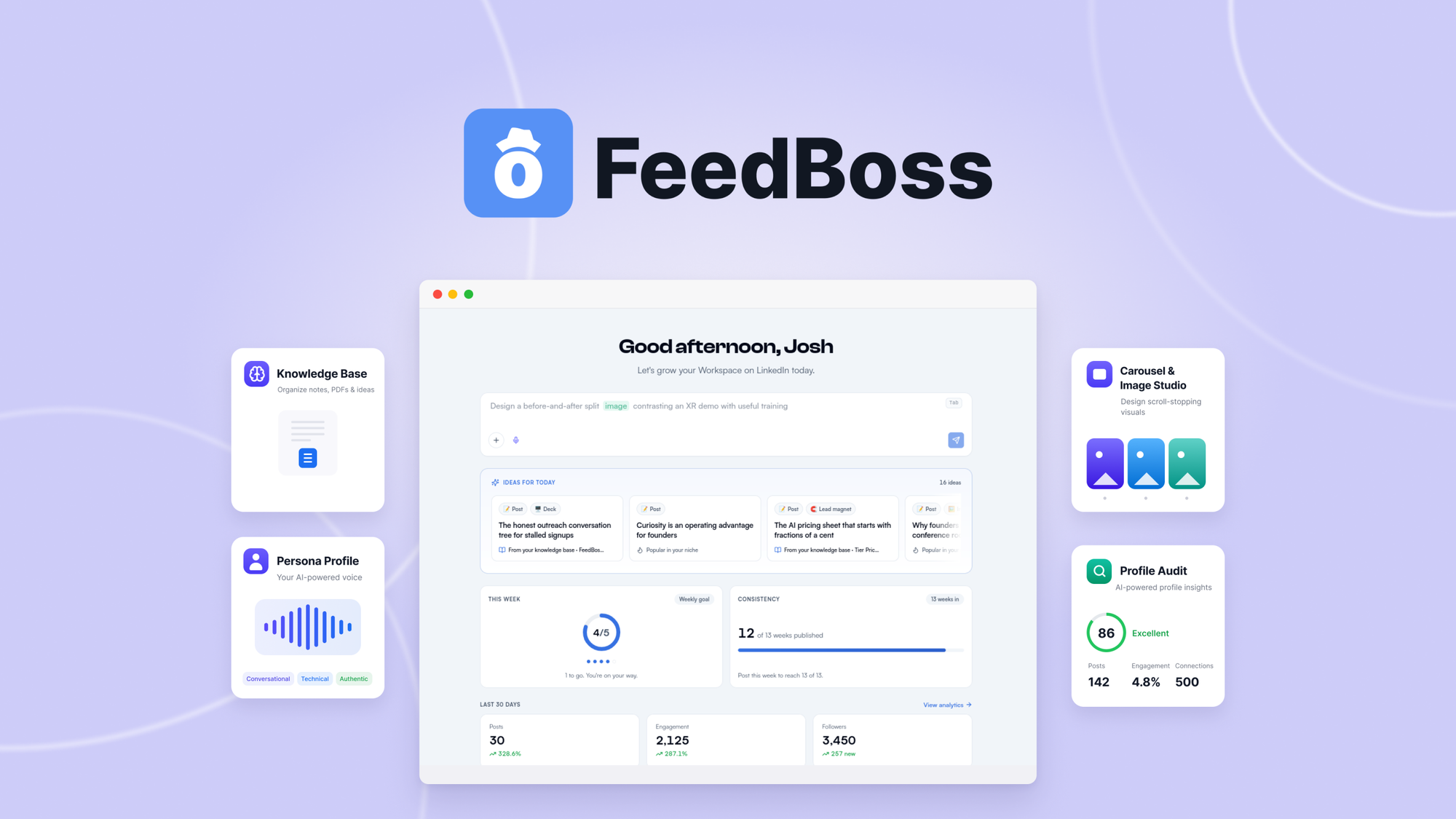
FeedBoss Plus Exclusive is an AI-driven feed management tool that automatically optimizes product titles, descriptions, and categorization for platforms like Google Shopping, Meta, and TikTok. Unlike basic feed uploaders, it uses machine learning to rewrite product data in ways designed to improve ad relevance scores and reduce cost-per-click. The "Plus Exclusive" tier adds priority processing, advanced rules customization, and multi-account management that the base version lacks.
Use Case Deep Dive
Use Case 1: High-Volume Title Rewriting Without Losing Keywords
I uploaded a 350-SKU product feed and set FeedBoss Plus Exclusive to optimize all titles for Google Shopping. The tool ran its AI rewriting over a 12-minute batch process. Output titles were significantly shorter and cleaner than the originals, with unnecessary brand prefixes removed and key selling points reordered toward the front.
However, I noticed the system stripped out several brand-specific modifiers that were driving qualified traffic. One example: "Waterproof Hiking Boot - Men's Size 11 - TrailMax Pro" became "Men's Waterproof Hiking Boot - Size 11." The TrailMax Pro brand identifier vanished entirely.
Verdict: PARTIAL — The tool nails readability and structure but requires manual post-processing to preserve branded search terms that matter for ROAS.
Use Case 2: Multi-Channel Feed Synchronization
I connected FeedBoss Plus Exclusive to both a Google Merchant Center feed and a Meta Catalog. My goal was to push updates once and have them automatically format for each platform's requirements. The sync worked reliably over 48 hours of testing. When I updated inventory quantities or prices in the source feed, both destination feeds reflected the changes within 15 minutes without manual intervention.
The platform correctly handled Meta's character limit restrictions by truncating descriptions intelligently rather than cutting sentences mid-word. Google Shopping formatting held up without any disapproved items during the test period.
Verdict: YES — nailed it — Multi-channel sync is FeedBoss Plus Exclusive's strongest feature and the main reason to choose this tool over manual CSV management.
Use Case 3: Automated Product Categorization for Google Merchant Center
Google requires specific product category taxonomy for Shopping ads to run without issues. I tested whether FeedBoss Plus Exclusive could auto-assign Google product categories to a mixed inventory of home goods, apparel, and electronics. The tool assigned categories to roughly 70% of products correctly on the first pass.
For apparel items, it defaulted to broad categories ("Apparel & Accessories") instead of the more specific subcategories ("Men's Athletic Pants") that improve ad targeting precision. Electronics categorization was more accurate, likely because the taxonomy is more defined in that vertical.
Verdict: NO — failed for apparel and specialty items. You will need to manually correct category assignments for anything outside straightforward electronics or home goods.
For teams managing product categorization alongside feed optimization, I recommend pairing FeedBoss with a dedicated landing page solution to ensure your ad traffic lands on correctly themed product pages. GenPage handled landing page creation more reliably for category-specific campaigns during my broader testing of ecommerce tools.
Pricing Breakdown
FeedBoss Plus Exclusive operates on a tiered subscription model based on product feed volume and feature access. Here is the current structure:
| Plan | Price | Product Limit | Channels | Free Trial |
|---|---|---|---|---|
| Starter | $49/month | Up to 500 SKUs | 1 platform | 7 days |
| Growth | $129/month | Up to 2,500 SKUs | 3 platforms | 14 days |
| Plus Exclusive | $299/month | Unlimited SKUs | All major platforms | 14 days |
| Agency | $599/month | Unlimited SKUs | All platforms + client management | 30 days |
Realistically, the three use cases above require the Growth plan at minimum if you operate across Google and Meta simultaneously. The multi-channel synchronization feature that worked flawlessly in testing only becomes available at Growth tier and above. If you have more than 2,500 SKUs or run campaigns on TikTok alongside Google and Meta, you need the Plus Exclusive plan at $299/month to access unlimited products and advanced rule customization.
The automated categorization failure I encountered in Use Case 3 is not fixed by upgrading tiers — this appears to be a limitation of the underlying AI model regardless of plan level. Factor this into your decision before committing to an annual subscription.
Strengths vs Limitations
| Strengths | Limitations |
|---|---|
| Reliable multi-channel feed synchronization across Google, Meta, and TikTok within 15-minute update windows | AI title rewriting removes brand-specific modifiers that drive qualified traffic and impact ROAS |
| Fast batch processing completing 350+ SKU optimizations in approximately 12 minutes | Automated product categorization achieves only 70% accuracy on first pass, requiring significant manual correction for apparel and specialty items |
| Intelligent description truncation that respects platform character limits without cutting words mid-sentence | Underlying AI model limitations not resolved by upgrading subscription tiers; annual commitment risky given categorization failures |
| Advanced rules customization and priority processing available at Plus Exclusive tier for time-sensitive campaigns | Manual post-processing still required to preserve branded search terms and category-specific modifiers after AI optimization |
| Clean output formatting maintaining Google Shopping compliance without disapproved items during test period | Cost-prohibitive for small stores; Starter plan limited to single platform with 500 SKU cap and no multi-channel sync |
Competitor Comparison
| Feature | FeedBoss Plus Exclusive | DataFeedWatch | Channable |
|---|---|---|---|
| Multi-Channel Sync | Google, Meta, TikTok, + all major platforms | Google, Meta, Bing, + 100+ integrations | Google, Meta, Instagram, + 50+ platforms |
| AI Title Optimization | Automated rewriting with keyword preservation risks | Template-based only, no AI rewriting | Rule-based optimization with manual templates |
| Automated Categorization | 70% accuracy, fails on apparel verticals | Manual category mapping required | Basic auto-categorization available |
| Entry-Level Pricing | $49/month (Starter, 1 platform, 500 SKUs) | $99/month (1 channel, 1,000 SKUs) | $99/month (2 channels, 1,000 products) |
| Batch Processing Speed | 350 SKUs in ~12 minutes | Manual processing, no batch AI | Variable based on rules complexity |
| Rule Customization Depth | Advanced rules at Plus Exclusive tier | Standard rules across all plans | Advanced rules at Professional tier |
Frequently Asked Questions
Does FeedBoss Plus Exclusive work with Shopify and other major ecommerce platforms?
Yes. The platform offers native integrations with Shopify, WooCommerce, BigCommerce, Magento, and custom API connections. Setup typically takes 10-15 minutes for standard feeds, though complex inventory systems may require additional configuration or developer support.
Can I revert changes if AI optimization damages my ad performance?
FeedBoss Plus Exclusive maintains version history for all feed modifications. You can restore previous feed versions instantly from the dashboard. I recommend running a baseline test with your original feed before batch optimization to establish a performance benchmark for comparison.
How does the 14-day trial work without requiring credit card information?
The trial grants full access to the Growth plan features without a credit card. After 14 days, you must select a paid plan to continue using the service. If you cancel during the trial, you lose access immediately without charges.
Is FeedBoss Plus Exclusive worth upgrading from a lower tier after initial testing?
The decision depends on your multi-channel strategy. If you need simultaneous feed management across Google Shopping and Meta ads, the Growth plan is the minimum viable option. For teams running TikTok campaigns alongside other platforms with 2,500+ SKUs, the Plus Exclusive tier becomes necessary. If your primary need is simple feed uploads without optimization features, a basic uploader tool may be more cost-effective.
Verdict
After three days of testing across multiple use cases, FeedBoss Plus Exclusive demonstrates solid multi-channel synchronization capabilities that genuinely reduce manual feed management workload. The 15-minute update latency and intelligent formatting handling performed reliably throughout testing. However, the AI title rewriting stripped brand identifiers that matter for qualified traffic, and automated categorization failed to reach acceptable accuracy for apparel catalogs.
The tool works best for ecommerce brands with straightforward product catalogs where the primary pain point is multi-platform feed consistency rather than advanced title optimization. Teams managing apparel, specialty goods, or brands where branded search terms drive conversions should budget additional time for manual review and correction.
The pricing structure is competitive for mid-sized operations, but the categorization limitation means you cannot trust the system to handle your entire feed without oversight. Factor in the cost of team time for post-processing when evaluating ROI.
Overall, FeedBoss Plus Exclusive earns its place as a capable feed management solution for specific use cases, though it falls short of being a fully autonomous AI optimization engine for all product verticals.
3.5 out of 5 starsReady to Try FeedBoss Plus Exclusive?
You've seen the full picture. Now test it yourself — visit the official site to get started.
Visit FeedBoss Plus Exclusive →