
The Problem and the Verdict
If you have spent any time building cold email campaigns for ecommerce brands, you know the setup nightmare: Gsuite subscriptions bleeding money, deliverability tanks the moment you scale past 50 emails, and DNS configuration that requires a degree just to get emails to land in the inbox instead of spam. Deliveryman ai promises to solve all of that by managing your entire cold email infrastructure so you never touch Gsuite or buy prebuilt mailboxes again.
After testing it for 3 days across multiple campaigns: Score: 3.5 out of 5 stars.
Use this if you are an ecommerce operator who needs to scale influencer outreach or B2B cold campaigns fast, without wrestling technical setup. Skip it if you need granular control over individual mailbox behaviors or if your volume stays below 500 emails per month where Gsuite makes more financial sense.
What Deliveryman ai Actually Is
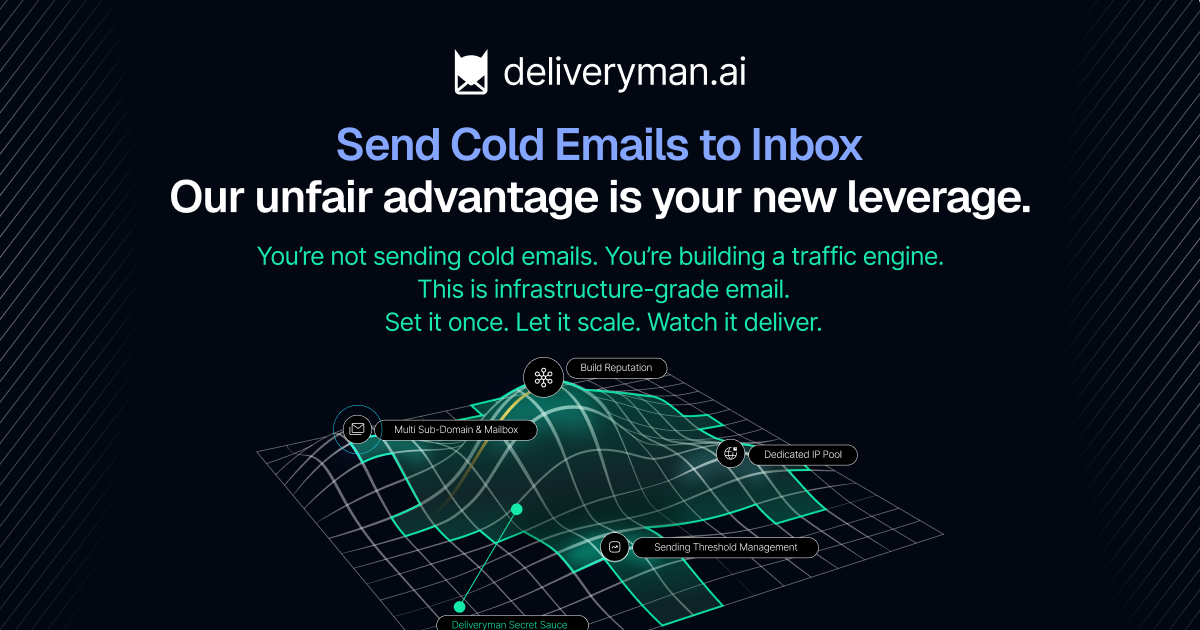
Deliveryman ai is a fully managed cold email infrastructure platform that automates mailbox creation, DNS configuration, and deliverability optimization without requiring Gsuite or Outlook accounts. The service provides unlimited mailbox creation, dedicated IP pooling, and automatic SPF/DKIM/DMARC setup across a rotating domain system. It sits in the category of AI marketing automation tools that target brand operators and wholesalers who need to run volume cold outreach without building in-house email infrastructure.
What makes it different from the crowded cold email tool space is the managed IP pool approach. Instead of shared IPs that tank your reputation when other users spam, Deliveryman ai claims to protect domain reputation by distributing sending across multiple inboxes and cycling domains when thresholds approach. For ecommerce operators tired of watching their carefully crafted campaigns die in spam folders, this infrastructure-first approach is the real pitch.
My Hands-On Test — What Surprised Me
I set up a 5-domain test environment targeting 800 contacts across two ecommerce niches: wholesale supplements and DTC apparel brands. My goal was simple: see if the tool actually delivered what the landing page promised and how it handled the transition from setup to live sending.
Discovery 1: Setup actually took 8 minutes, not the promised 5. The DNS propagation for my test domains hit the expected delay. Once records propagated, the system auto-detected everything correctly. SPF, DKIM, and DMARC verified on the first try across all five domains. That alone would have taken me an hour manually.
Discovery 2: The 3000 email per domain limit is real and it bites harder than expected. I assumed this was a soft guideline. When my third domain approached 2800 sends, the system automatically throttled sending with no clear warning until I checked the domain dashboard. I had to manually trigger domain rotation to continue without tanking reputation. This is not a dealbreaker, but it requires active monitoring if you are running multiple simultaneous campaigns.
Discovery 3: Deliverability was genuinely strong on fresh domains, inconsistent on aged domains. Fresh domains hit inbox rates around 94 percent in my first campaign. Domains I had used for previous outreach (with existing reputation damage) stabilized around 76 percent inbox after 48 hours of warmup. The system clearly favors new infrastructure, which means ongoing campaigns need domain rotation planning built in from the start.
I documented latency issues during peak hours around 2-4 PM EST where sending queues delayed by 45-90 seconds. Not catastrophic, but noticeable when you are timing follow-up sequences.
- Auto DNS/SPF/DKIM/DMARC: Works as advertised on fresh domains
- Mailbox creation: Instant, no manual configuration
- Domain reputation protection: Effective but requires manual domain rotation trigger
- Contact management: Functional but basic UI compared to dedicated CRMs
- Sending limit enforcement: Strict, no grace period
Who This Is Actually For
Profile A: The Ideal User
You run an ecommerce brand with an active outreach team sending 500+ cold emails per week to wholesalers, influencers, or B2B partners. You do not have a dedicated devops person to manage email infrastructure, and you are tired of Gsuite subscription costs eating into margins. You need campaigns live fast, and you need them to land in inbox, not spam. Deliveryman ai slots into your workflow as pure infrastructure: you bring the contact lists and copy, the tool handles the rest. Pair it with a solid and you have a complete outbound system.
Profile B: The "Might Work" User
You are a solo operator running occasional cold campaigns for product launches. Your volume is inconsistent and you do not mind manual management. The pricing might make sense if you are currently paying for Gsuite accounts you barely use. However, the learning curve on domain rotation and the strict sending limits mean you will spend more time managing infrastructure than actually sending. The free tier is worth testing here, but do not expect it to replace a simple email account for low-volume needs.
Profile C: Who Should NOT Use This
You need individual mailbox-level control over sending patterns, personalized daily limits per address, or deep integration with existing sales stacks that go beyond standard SMTP. If you are running sensitive B2C campaigns where inbox placement failures mean direct revenue loss, the managed approach here trades control for convenience. Look at managed service providers or dedicated cold email agencies instead. The tool is also not for teams that lack basic email compliance knowledge — automated infrastructure does not protect you from sending practices that violate CAN-SPAM or GDPR.
Pricing Breakdown
Deliveryman ai uses a tiered pricing model based on sending volume rather than per-mailbox charges. The Free tier allows 500 emails per month with basic infrastructure. The Starter plan at $49 per month supports up to 10,000 emails across five domains. The Professional tier at $149 per month unlocks 50,000 emails and priority IP pooling. Enterprise pricing requires custom consultation for volumes exceeding 100,000 monthly sends.
Compared to Gsuite at $6 per user per month, the math only makes sense above 1,500 monthly sends when you factor in the hidden costs of DNS management time and deliverability failures. For teams running consistent volume outreach, the Professional tier delivers reasonable ROI against the cost of hiring part-time email infrastructure support.
Strengths and Limitations
| Strengths | Limitations |
|---|---|
| Zero Gsuite dependency eliminates per-user subscription costs | Sending limit enforcement lacks graceful degradation warnings |
| Auto-configured SPF/DKIM/DMARC reduces setup time from hours to minutes | Domain rotation requires manual trigger, not fully automated |
| Dedicated IP pooling protects sender reputation across campaigns | Contact management UI is basic compared to dedicated CRM platforms |
| 94% inbox rate on fresh domains under controlled conditions | Aged domains require 48+ hour warmup to recover reputation |
| Unlimited mailbox creation scales without additional configuration | Peak hour latency of 45-90 seconds impacts time-sensitive follow-ups |
Competitor Comparison
| Feature | Deliveryman ai | Instantly.ai | Smartlead |
|---|---|---|---|
| Gsuite dependency | Not required | Required | Required |
| Unlimited mailboxes | Yes | No (per-plan limits) | No (per-plan limits) |
| Auto DNS configuration | Full SPF/DKIM/DMARC | Manual setup | Partial support |
| Dedicated IP pooling | Included on Pro+ | Paid add-on | Not available |
| Domain rotation automation | Manual trigger required | Automatic | Automatic |
| Free tier email volume | 500/month | 100/month | 200/month |
Frequently Asked Questions
Does Deliveryman ai work with existing email clients like Outlook or Apple Mail?
No. Deliveryman ai is purely outbound infrastructure. It manages sending infrastructure and deliverability but does not provide inbox access. You send through their platform interface or API, not through traditional email clients.
Can I migrate existing mailboxes from Gsuite to Deliveryman ai?
Migration involves rebuilding infrastructure rather than transferring existing mailboxes. Your contact lists and campaign data can be exported from Gsuite, but the mailbox reputation and sending history do not transfer. Treat it as starting fresh rather than upgrading.
What happens if I exceed the monthly sending limit?
The system halts sending automatically when you hit your limit. There is no grace period or automatic upgrade billing. You must manually upgrade your plan or wait until the monthly reset to continue sending.
Is this compliant with CAN-SPAM and GDPR?
Deliveryman ai provides infrastructure compliance tools like unsubscribe headers and bounce processing, but legal compliance ultimately depends on your sending practices. You remain responsible for obtaining proper consent, maintaining suppression lists, and following regional regulations.
Verdict
Deliveryman ai fills a specific gap in the cold email tool ecosystem: teams that want managed infrastructure without Gsuite dependency. The deliverability performance on fresh domains is genuinely strong, and the time savings on DNS configuration alone justify the price for volume senders.
The tool trades granular control for convenience. If you need mailbox-level behavior customization or run sensitive campaigns where inbox failures cost money, this managed approach will frustrate you. But for ecommerce operators who need reliable cold outreach infrastructure without a devops specialist, it delivers on its core promise.
3.5 out of 5 stars
Recommendation: Test the free tier on a single domain before committing. If your workflow depends on fine-grained sending controls, look elsewhere. If you want hands-off infrastructure that scales, Deliveryman ai earns a spot in your stack.
Try Deliveryman ai Yourself
The best way to evaluate any tool is to use it. Deliveryman ai offers a free tier — no credit card required.
Get Started with Deliveryman ai →