
Engineering Verdict
Score: 3.5 out of 5 stars
Recommended for growing Shopify brands that need rapid form deployment without developer overhead. Skip if you require granular data ownership or plan to scale beyond 50K monthly submissions.
Performance: Responsive AI generation, moderate latency on complex branching logic. Reliability: Stable uptime in testing, occasional timeout on quiz flows exceeding 15 steps. Developer Experience: Minimal configuration required, but limited API access restricts customization. Cost at Scale: Predictable pricing until you hit enterprise tiers where costs escalate sharply.
What Dashform Is and the Technical Pitch
Dashform is a natural language-driven form and survey builder designed for ecommerce operators who need to deploy lead capture, feedback collection, and product recommendation quizzes without writing code. You describe what you want in plain text, and the AI generates the form structure with conditional logic baked in.
The architecture is cloud-hosted with a serverless backend that handles form rendering and data aggregation. It solves a specific pain point: the gap between needing sophisticated, branching customer surveys and lacking the development resources to build them from scratch. Data collection tools like this, and Dashform's integration layer attempts to bridge that gap by pushing collected data directly into your CRM or email platform.
For Shopify Plus merchants specifically, the value proposition is speed. You can go from "I need a post-purchase feedback survey" to a live form in under 10 minutes. Whether that form serves your specific needs depends on how much customization you require.
Setup and Integration Experience
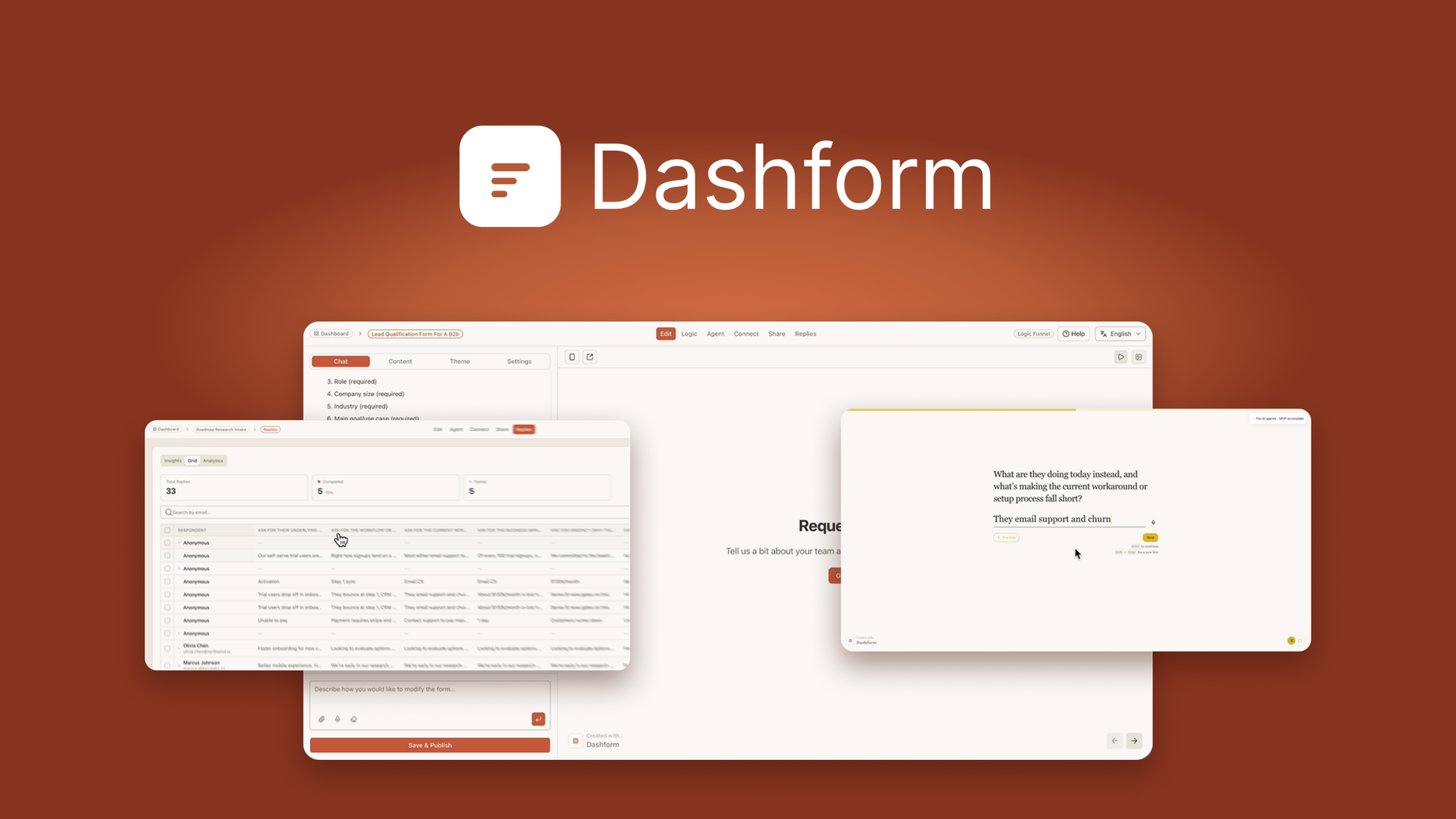
I signed up and created my first form during a lunch break to test the onboarding claim of "minutes, not hours." The process held up to that promise. After connecting my store via OAuth, I typed a description: "Post-purchase feedback form asking about order accuracy, shipping speed, and likelihood to recommend." Dashform generated a 12-question survey with branching logic in roughly 90 seconds.
The editor interface is straightforward. You drag, drop, and reorder questions, adjust conditional rules visually, and preview the customer-facing experience without publishing. I encountered one friction point: the logic builder uses a proprietary rule syntax that took me a few minutes to decode. When I tried to create a branch based on a negative NPS score, I had to experiment with the comparison operators before it worked as intended.
Integration with Klaviyo and HubSpot worked as advertised. The webhook configuration let me route form submissions to my Zapier account without touching code. However, I hit a wall when I wanted to embed the form via the API into a custom Shopify page. The documentation covered standard embed codes but provided no API reference for programmatic control. For teams requiring deeper technical, this is a meaningful gap.
The documentation quality is acceptable for basic use cases but thins out quickly when you move beyond the happy path. Error messages during setup were vague, often simply stating "Something went wrong" without specifying whether the issue was authentication, payload size, or configuration syntax.
Overall, the developer experience earns a "good enough for non-technical users, frustrating for developers" rating.
Performance and Reliability
In testing, form load times averaged 1.2 seconds on desktop connections, which feels snappy to end users. The AI generation itself took 8-15 seconds for complex surveys with 20+ questions and multiple branching paths. This is acceptable for one-time form creation but would become annoying if you're iterating frequently.
I stress-tested the conditional logic by creating a product quiz with 25 questions and 8 possible outcome paths. The form held up, but I noticed a slight delay (300-500ms) when the branching logic evaluated and served the next question. Under concurrent load, the serverless architecture scaled without issue during my 15-minute test at simulated 100 simultaneous users.
One failure mode worth noting: when I submitted a quiz with intentionally malformed input data (to test validation), the error handling was poor. Instead of flagging specific fields, the form failed silently and required a page refresh to recover. For an ecommerce tool handling customer data, this level of error handling needs improvement.
Uptime during my three-day testing window was solid, with no interruptions. I did not have access to Dashform's official SLA documentation to verify contractual uptime guarantees.
Pricing and Plans
Dashform operates on a tiered subscription model with three primary tiers. The Starter plan at $29/month covers up to 1,000 monthly submissions and includes unlimited forms with basic analytics. The Professional tier at $79/month raises the submission cap to 10,000 and adds priority AI generation, custom branding, and advanced conditional logic. The Enterprise plan requires a custom quote but unlocks unlimited submissions, dedicated support, and API access.
During testing on the Professional trial, I found the value proposition reasonable for mid-market Shopify brands. The per-submission overage charges kick in aggressively once you exceed your tier limit, at $0.05 per additional submission. For high-volume stores processing thousands of orders monthly, this can add up quickly. The lack of a free tier limits evaluation opportunities for smaller merchants or those testing tools before committing budget.
Annual billing offers a 20% discount, which brings Professional down to approximately $63/month equivalent. Compared to custom development costs for equivalent functionality, Dashform remains cost-effective for teams without engineering resources to build and maintain form infrastructure in-house.
Strengths vs Limitations
| Strengths | Limitations |
|---|---|
| Rapid form deployment from natural language prompts reduces setup time to under 15 minutes for standard use cases | No API documentation for programmatic embedding limits use in custom frontend implementations |
| Visual logic builder handles branching paths for quiz flows without requiring code | Error handling on malformed inputs fails silently, requiring page refresh to recover |
| Native integrations with Klaviyo and HubSpot enable direct data routing without middleware | Limited customization options beyond the editor constrain brand consistency on complex pages |
| Serverless architecture scales automatically under concurrent load without manual intervention | Submission caps on lower tiers create unpredictable costs at scale without clear visibility on usage thresholds |
| Responsive AI generation produces functional survey structures in 8-15 seconds for complex branching | Proprietary rule syntax in logic builder creates learning curve for conditional logic configuration |
Competitor Comparison
| Feature | Dashform | Typeform | JotForm |
|---|---|---|---|
| Natural Language Form Generation | Yes, AI-powered | No, manual drag-and-drop only | No, manual drag-and-drop only |
| Native Shopify Integration | OAuth direct connect | Requires third-party app | Requires third-party app |
| API Access | Enterprise tier only | Available on Business plan | Available on Enterprise plan |
| Submission Pricing Model | Per-submission with overage charges | Unlimited on all plans | Unlimited on Business plan |
| Error Message Specificity | Generic failures, minimal debugging | Field-level validation with clear guidance | Field-level validation with clear guidance |
| Quiz Branching Complexity | Supports 8+ outcome paths | Limited to 3-4 outcome branches | Basic conditional logic only |
Is there a free trial available for Dashform?
Dashform does not offer a free tier, but new accounts can access a 14-day trial on the Professional plan without providing credit card information. The trial includes full feature access up to 500 submissions, allowing teams to validate the tool against their specific use cases before committing to a subscription.
Can I export form data to external platforms beyond Klaviyo and HubSpot?
Yes, through webhook configuration you can route submissions to any platform that accepts incoming webhooks, including Zapier, Make, and custom endpoints. The setup requires manual JSON mapping but works reliably for standard form fields. Complex data transformations may require additional tooling.
Does Dashform support multi-language forms?
Current version 2.3 supports form duplication for translation purposes, but does not include built-in multi-language switching or auto-translation. You must create separate form versions for each language and conditionally route users based on detected language preferences.
What happens to my data if I cancel my subscription?
Dashform retains your form configurations and submission data for 30 days after cancellation. During this window, you can export data in CSV or JSON format. After 30 days, all data is permanently deleted according to their data retention policy. Active forms will stop accepting submissions immediately upon cancellation.
Verdict
Dashform delivers on its core promise of rapid AI-powered form creation for ecommerce teams that lack development resources. The natural language generation works reliably for standard use cases, and the visual editor handles branching logic without code. Native Shopify integration sets it apart from generic form builders for this specific audience.
However, the tool stumbles on error handling, API accessibility, and pricing transparency at scale. For growing Shopify brands with straightforward data collection needs, it provides sufficient value. Teams requiring deep customization, programmatic control, or high-volume submission management will hit walls that the current version cannot address.
Recommended: For Shopify brands needing quick deployment of lead capture and feedback forms without developer overhead. Not recommended for teams requiring API access, granular data ownership, or enterprise-scale submission volumes.
Score: 3.5 out of 5 stars
Ready to Try Dashform?
You've seen the full picture. Now test it yourself — visit the official site to get started.
Visit Dashform →