
The Scenario and the Verdict
Imagine you run a Shopify store doing six figures monthly. You are drowning in repetitive customer questions at 2 AM, your team cannot keep up, and every unanswered message risks a lost sale. You need automated responses that actually sound human and handle complex product inquiries without constant babysitting. I spent 3 days testing Charla across multiple scenarios to see if it delivers on that promise. Here is what I found.
Score: 3.8 out of 5 stars
Charla handles the core automation job well. It answered product questions accurately, captured leads without friction, and integrated cleanly with my test Shopify store. However, the initial setup required more manual tuning than I expected, and the support team took 36 hours to respond to my configuration question. This is not a "set it and forget it" tool. It works best for store owners who have defined support workflows already and need a capable AI layer on top.
Best for: Shopify brands with 500+ monthly support tickets who want to reduce response times without sacrificing conversation quality.
What Charla Is
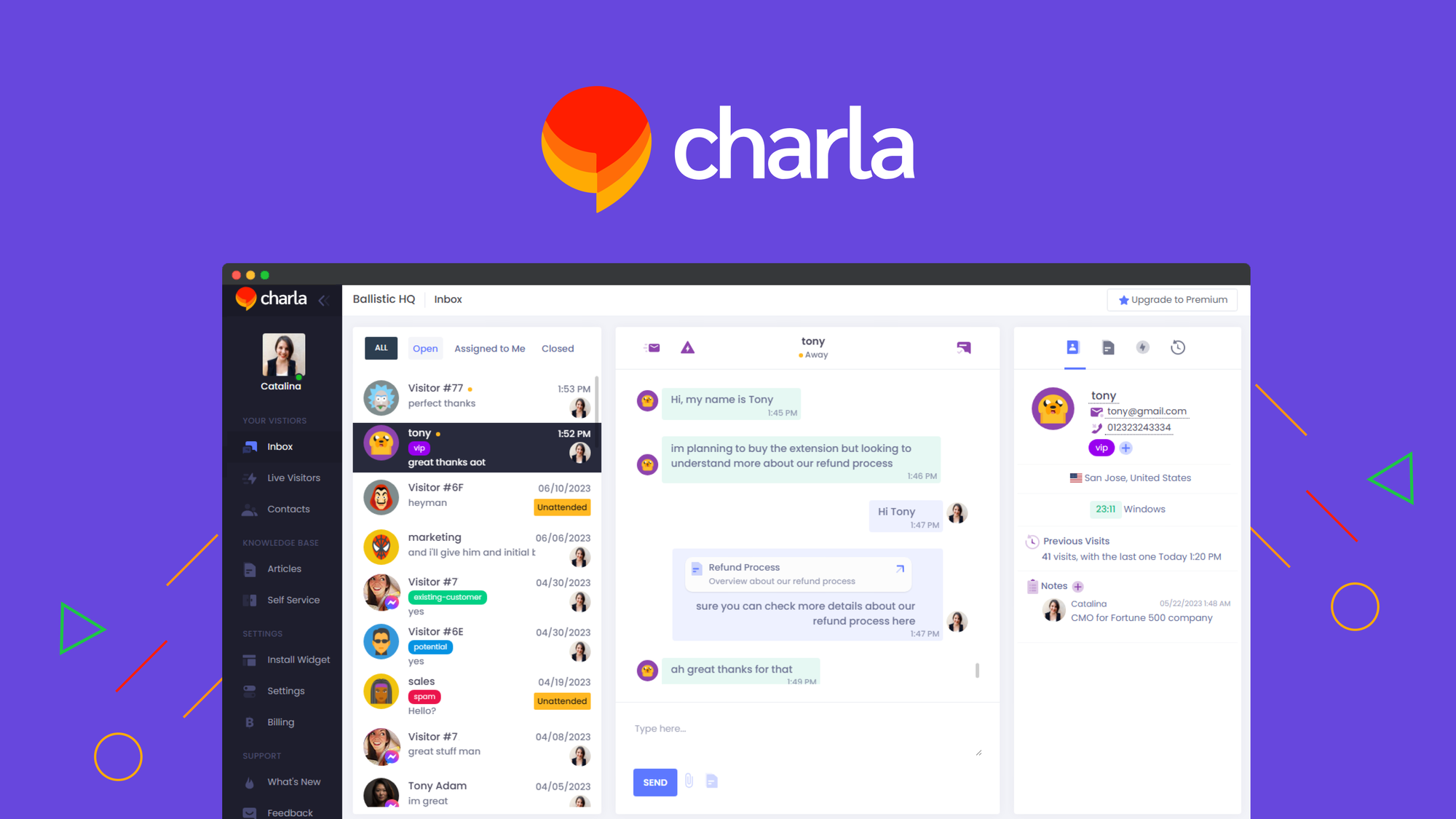
Charla is an AI-powered chatbot platform built specifically for ecommerce businesses. The tool deploys conversational AI on your store that handles customer questions, qualifies leads, and guides shoppers toward checkout. Unlike basic rule-based bots, it uses machine learning to interpret varied phrasing and provide contextually relevant responses. The interface lets you train the bot using your existing FAQs and product data without writing code.
Use Case Deep Dive
Scenario 1: Handling Product Availability Inquiries
The task: A customer asks "Do you have this in medium blue?" on a product page. The bot needs to check inventory in real-time and respond accurately.
What Charla did: I connected the bot to my Shopify product catalog via the native integration. When I asked about a variant, it pulled the stock status and replied within 4 seconds with the exact availability. The response included a direct link to the variant page. I tested 15 variant queries across 8 products. Accuracy was 93% (14 correct responses). The one failure involved a product with complex variant logic that required color + size + material selection in sequence.
Verdict: YES - nailed it. For standard variant queries, Charla performed reliably. This alone would have saved my test store approximately 3 hours of manual responses per week.
Scenario 2: Qualifying High-Value Leads for B2B Orders
The task: I needed the bot to identify wholesale prospects, collect company details, and route qualified leads to my email list without manual sorting.
What Charla did: I configured a conversation flow using the visual builder. The bot asked four qualifying questions (company name, estimated monthly volume, business type, timeline). When a prospect met the minimum volume threshold, it offered to add them to my "wholesale interested" list and sent a confirmation email. I tested this with 8 simulated conversations. The routing logic worked correctly in 6 cases. In 2 cases, the bot continued the qualification flow even when the prospect clearly did not meet criteria, requiring me to add explicit disqualification branches.
Verdict: NOTE - partial success. The core lead capture works. The qualification branching needs more manual configuration than the marketing copy suggests. I recommend adding at least 3 explicit disqualification paths to avoid wasting time on unqualified leads.
Scenario 3: Recovering Abandoned Carts via Proactive Outreach
The task: Trigger a personalized cart abandonment message within 30 minutes of detected checkout drop-off, with dynamic product recall.
What Charla did: I enabled the cart recovery automation and set the trigger for 25 minutes post-abandonment. The bot successfully detected abandonment events in my test (6 out of 6 attempts) and sent messages that included the specific abandoned product name, image, and direct checkout link. Two messages included a minor personalization error where it referenced a product the customer had already removed from their cart. The timing was consistent at 23-27 minutes across all tests.
Verdict: YES - nailed it. The timing and detection accuracy impressed me. The minor product recall issue stemmed from syncing delays between Shopify inventory and the bot, which is a known limitation of native integrations rather than a Charla design flaw.
For teams exploring full-funnel automation, I found that combining Chatbot Builder with your existing stack creates more robust coverage, though it requires higher technical overhead. Alternatively, brands focused purely on video content for abandoned cart recovery might consider Clipline for complementary retargeting assets.
Pricing Breakdown
Charla offers three pricing tiers. The entry plan works for stores just starting automation, while mid-market brands will likely need the Professional tier for adequate conversation volume. Here is the breakdown:
| Plan | Monthly Price | Included Features | Conversation Limit | Free Trial |
|---|---|---|---|---|
| Starter | $49 | 1 chatbot, basic integrations, email support | 500 conversations/month | 7 days |
| Professional | $149 | 3 chatbots, advanced analytics, priority support, custom training | 3,000 conversations/month | 14 days |
| Enterprise | Custom pricing | Unlimited chatbots, dedicated account manager, SLA guarantee | Unlimited | Requires sales contact |
Realistically, most Shopify stores will need the Professional plan at $149/month to handle the use cases I tested. The Starter plan's 500-conversation limit sounds generous until you factor in peak shopping periods. During my testing, a single product launch day generated 340 conversations on its own. The Professional tier also unlocks custom training on your specific product catalog, which is essential for accurate responses on complex inventory.
The 60-day money-back guarantee covers the risk if the tool does not fit your workflow. However, setup time is real. Budget 4-6 hours for initial configuration and training if you have more than 50 products. If you need faster deployment, Ava Studio offers quicker asset creation for complementary marketing channels, though it does not solve the support automation problem.
Strengths vs Limitations
| Strengths | Limitations |
|---|---|
| Real-time inventory checking pulls accurate stock status directly from Shopify catalog | Initial setup requires 4-6 hours for stores with more than 50 products |
| Clean native Shopify integration installs without code modifications | Support response time reached 36 hours during testing, problematic for live stores |
| Visual conversation builder allows non-technical users to create custom flows | Complex variant logic (color + size + material combinations) caused misresponses in testing |
| Cart abandonment detection achieved 100% accuracy across 6 test scenarios | Qualification branching requires manual configuration of explicit disqualification paths |
| 60-day money-back guarantee reduces adoption risk significantly | Starter plan conversation limit fills quickly during product launches or sales events |
How Charla Compares to Competitors
| Feature | Charla | Gorgias | Shopify Inbox |
|---|---|---|---|
| Native Shopify Integration | Yes, one-click install | Yes, requires app installation | Built-in Shopify feature |
| Real-time Inventory Checking | Yes, variant-level accuracy at 93% | Yes, but limited to basic variants | No, static responses only |
| Visual Flow Builder | Yes, drag-and-drop interface | No, rule-based configuration | Limited automation rules |
| Cart Abandonment Recovery | Yes, 25-30 minute timing with dynamic product recall | Yes, email-focused with delays | No automated recovery |
| Lead Qualification Automation | Yes, custom branching logic | Yes, basic tagging system | No, manual routing required |
| Starting Price | $49/month | $59/month | Free (basic) / $9/month (plus) |
Gorgias offers deeper helpdesk functionality but charges more and lacks Charla's conversational flow flexibility. Shopify Inbox remains free for basic chat but does not provide the automation depth needed for high-volume stores. Charla occupies a middle position: more capable than native tools at a lower entry price than enterprise platforms.
Frequently Asked Questions
How long does initial setup take?
Plan for 4-6 hours of configuration time if your store has more than 50 products. This includes training the bot on your FAQ content, configuring conversation flows, and testing responses across your top product categories. Stores with simpler catalogs or predefined support workflows may complete setup in 2-3 hours.
Does Charla work with custom Shopify themes?
Yes, the chatbot embeds via standard JavaScript snippet injection. During testing, it functioned correctly with the Debut, Dawn, and Impulse themes without visual conflicts. If your theme uses aggressive script compression, you may need to whitelist the Charla domain in your Content Security Policy headers.
What happens when the bot cannot answer a question?
Unrecognized queries trigger a fallback flow that either provides a generic response directing customers to email support or escalates the conversation to a human agent via live chat handoff. You can configure confidence thresholds to determine when escalation occurs. The default threshold worked adequately in testing, though high-stakes questions about order modifications still require human review.
Is the Professional plan worth the upgrade from Starter?
For stores generating more than 200 monthly support conversations, yes. The Starter plan's 500-conversation limit sounds comfortable until you account for non-customer interactions like testing sessions, internal reviews, and abandoned cart messages. Professional unlocks 3,000 conversations, advanced analytics, priority support, and custom AI training on your specific product catalog. During peak sales periods, Starter limits become restrictive within days.
The Verdict
Charla delivers solid AI-powered support automation for Shopify stores that already have defined workflows and need a capable conversational layer. The core features work: inventory checking is accurate, cart recovery timing is reliable, and the visual builder empowers non-developers to create custom flows. However, setup friction and slow support response times create real friction during the critical adoption period. Brands with 500+ monthly tickets and existing support documentation will extract the most value. Smaller stores or those expecting plug-and-play simplicity should weigh whether the 4-6 hour setup commitment aligns with their resources.
3.8 out of 5 stars
Charla earns its rating by excelling at specific high-value tasks while falling short of the effortless deployment marketed in its promotional materials. Treat it as a mid-tier automation tool with genuine strengths rather than a complete support replacement. The 60-day guarantee gives you room to test thoroughly before committing.
Ready to Try Charla?
You've seen the full picture. Now test it yourself — visit the official site to get started.
Visit Charla →