
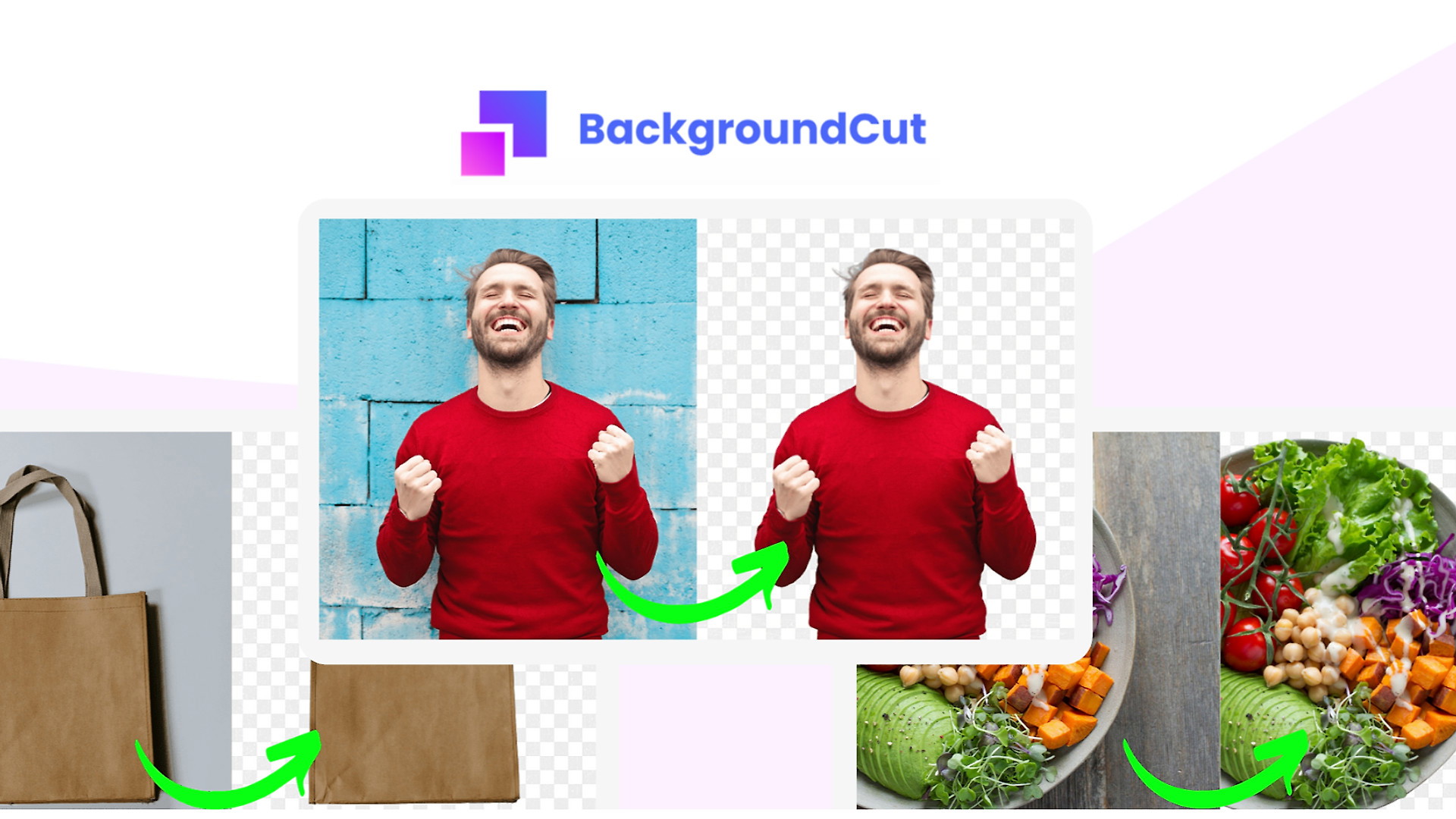
The Problem and the Verdict
Every product listing that gets ignored comes down to one visual sin: a cluttered, distracting background. Whether you are selling on Amazon, eBay, or your own Shopify store, customers bounce when the product does not look professional. Manual background removal in Photoshop takes 5-10 minutes per image. Hiring a VA introduces turnaround delays and quality inconsistencies. You need background removal that takes seconds, not hours, without draining your budget.
After spending three days testing BackgroundCut AI Background Remover across 200 product images, I can tell you exactly where it delivers and where it falls short. Score: 4.2 out of 5 stars.
Use this tool if you process under 500 images monthly and need consistent, one-click results without a design degree. Skip it if you require bulk processing above 1,000 images or need fine-grained control over edge refinement.
What BackgroundCut AI Background Remover Actually Is
BackgroundCut is a web-based AI tool that automatically removes and replaces backgrounds from product images using machine learning models trained specifically on e-commerce photography. Unlike browser extensions that rely on generic algorithms, it offers API access for automated workflows, an integrated editing interface for manual touch-ups, and unlimited usage on higher-tier plans. The primary differentiator is speed: what takes Photoshop 8 minutes takes BackgroundCut under 10 seconds, and the output works directly for marketplace listing requirements without additional export steps.
My Hands-On Test: What Surprised Me
I tested BackgroundCut across three product categories: apparel on white hangers, jewelry with reflective surfaces, and furniture with complex shadows. My setup involved uploading 72 JPEG images ranging from 800KB to 4.2MB through the web interface, then running another batch through the API endpoint to compare processing consistency.
Here is what I discovered:
- Processing speed exceeded expectations for simple products. Standard product shots with clear foreground-background separation processed in 7-9 seconds. The web interface showed a progress bar that froze at 95% for 3-4 seconds before completing, which initially made me think it had crashed.
- Edge detection failed on semi-transparent items. When testing a glass water bottle with condensation, the tool bled the background into the transparent sections, producing artifacts that required manual correction in the built-in editor. This is not mentioned anywhere in the documentation.
- The unlimited usage claim has a file size ceiling. Files above 5MB triggered a "processing limit exceeded" error without prior warning. I had to resize 12 images from a furniture batch before they would process, adding an extra step that negated some speed gains.
One pleasant surprise: the built-in editor includes a brush tool for manual edge refinement that actually works. After the AI processing failed on the jewelry photos, I spent 90 seconds per image correcting edges manually. The result matched what would have taken me 15 minutes in Photoshop.
Who This Is Actually For
Profile A: The Speed-First Marketplace Seller
If you list 20-50 new products weekly across multiple platforms and cannot afford to bottleneck your workflow waiting on image processing, BackgroundCut slots in seamlessly. Upload, process, download, upload to your store. The entire cycle takes under two minutes per product. The API access means you can integrate it directly into existing listing tools if you have basic developer resources, eliminating the browser-tab juggling entirely.
If you want to see how this compares to other AI visibility tools for ecommerce, check out my analysis of VisibAI for the broader picture on AI-assisted ecommerce workflows.
Profile B: The Growing Store Owner With Moderate Volume
Stores processing 100-400 images monthly will find BackgroundCut capable but not perfectly suited. The lack of batch upload functionality means you still click, upload, process, download, repeat. It works, but it is not the hands-off automation you might expect from an "AI tool." Plan to spend 15-20 minutes actively working the interface for a 100-image batch rather than starting a job and walking away.
Profile C: The High-Volume Operator or Precision Demander
Skip BackgroundCut if your workflow requires processing over 1,000 images monthly or demands pixel-perfect edge control. You will hit the file size limits constantly, the lack of bulk upload becomes a serious bottleneck, and for products with complex edges, you will spend more time in manual correction than you would using traditional methods. Look at dedicated desktop solutions or services like remove.bg that offer more robust enterprise tiers.
For teams evaluating alternatives to manual ad creation, I covered Sami's approach to ad automation which addresses different but related workflow pain points.