
The Scenario and the Verdict
Imagine you run a small dropshipping operation. You need a professional-looking storefront live within 48 hours, but your budget is tight and your design skills are nonexistent. You have been burned before by generic templates that tank your conversion rates, and you need something that actually looks polished without hiring a developer.
I spent three days testing Agentic Website Builder 2 0 by Lokuma to see if it handles this scenario. I signed up, ran through the core workflows, and stress-tested the AI generation against real prompts. Here is the verdict:
Score: 3.2 out of 5 stars
Agentic Website Builder 2 0 by Lokuma delivers genuinely polished designs when the AI cooperates, but the strict credit limits and in-development features make it better suited for rapid prototyping than sustained production use. If you need to validate a brand concept fast, this tool earns its place. If you need to run and maintain a live store, you will hit friction quickly.
Best for: Early-stage ecommerce founders who need to test brand concepts without design overhead.
What It Is
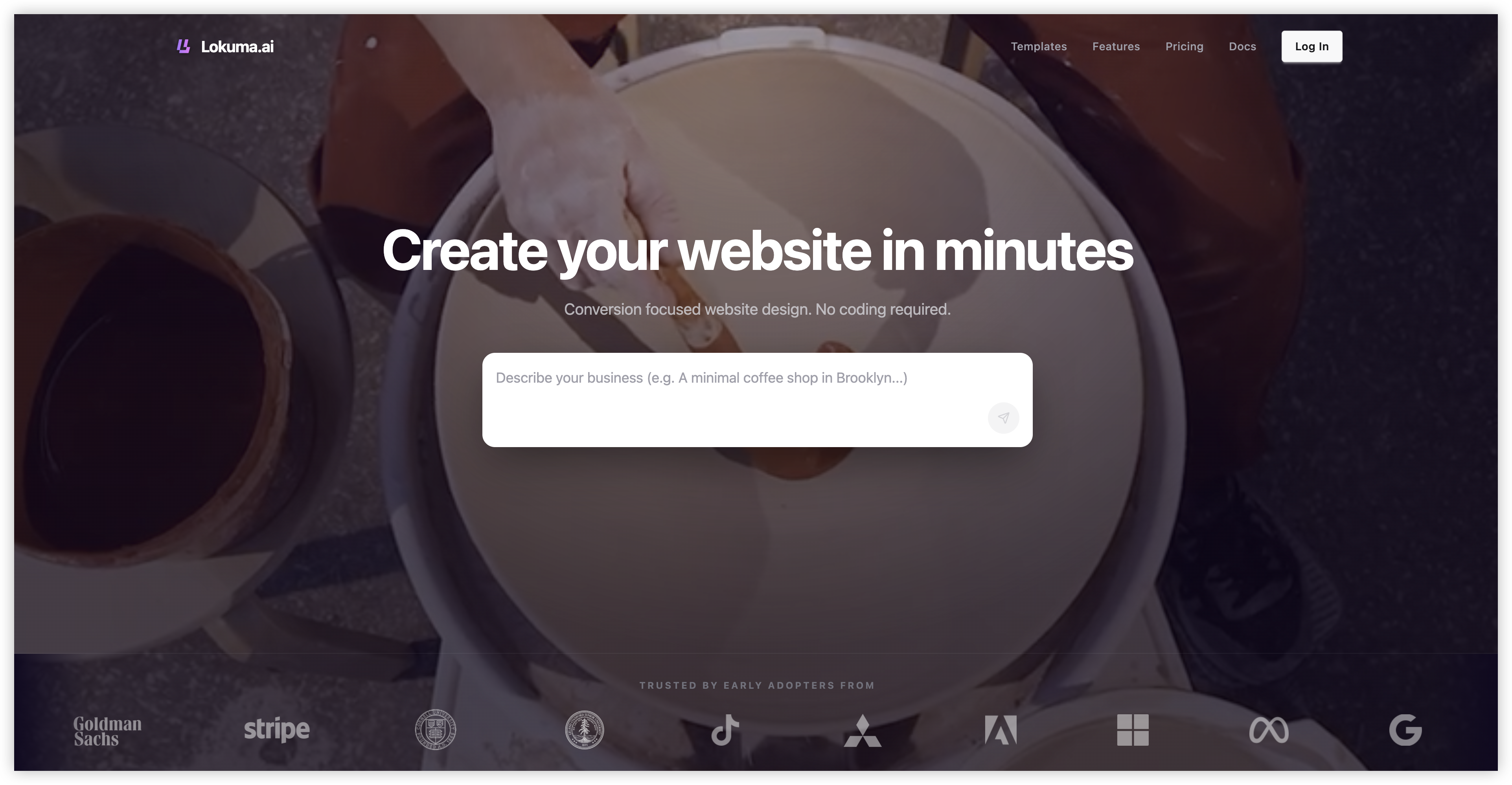
Agentic Website Builder 2 0 by Lokuma is an AI-powered website builder that uses a design agent harness to automate typography, color palette, and visual hierarchy selection. The tool generates polished, launch-ready websites from text prompts or uploaded files, targeting online store owners and brand operators who lack design expertise. Its core differentiator is the emphasis on design intelligence over template reproduction, meaning it attempts to build sites that look intentionally designed rather than generically assembled.
Use Case Deep Dive
Use Case 1: Generating a Brand Homepage from Scratch
The task: Create a homepage for a fictional eco-friendly pet accessories brand called "TerraPaw" using only a text prompt. The site needed a hero section, product highlight area, and an about block. I wanted it to feel premium, not like a generic dropshipping store.
What happened: I entered the prompt "eco-friendly pet accessories brand, earthy tones, modern minimalist" and watched the generation complete in under 90 seconds. The AI delivered a homepage with a coherent color palette (sage green, cream, charcoal), paired fonts that did not clash, and a layout with proper visual hierarchy. The hero section included a placeholder for a product image and a clear CTA button.
However, the content felt hollow. The AI generated lorem ipsum-style placeholder text in several sections, and the "About" block was a generic manifesto that would require heavy editing before launch. I spent 20 minutes cleaning up copy before the page looked credible.
Verdict: PARTIAL. The design quality surprised me, but the content generation requires human refinement. Do not expect publish-ready copy.
Use Case 2: Rebuilding an Existing Landing Page with a Better Layout
The task: Upload a mediocre Shopify landing page screenshot and ask the tool to rebuild it with improved hierarchy and conversion-focused design.
What happened: I used the "Add files" feature to upload a low-quality screenshot of a cluttered product page. The AI analyzed the visual composition, identified the lack of hierarchy, and generated three alternative layouts. I selected the one with a cleaner hero, moved the testimonials above the fold, and tightened the CTA placement.
The rebuild took 4 minutes. The output was significantly better than the original, and the tool preserved the brand colors while fixing the layout issues. I linked this workflow to my broader testing of ecommerce site optimization tools, which you can read about in my HasData review where I explore data-driven approaches to conversion optimization.
Verdict: YES — nailed it. This is where the tool genuinely shines. If you have existing assets that need a design refresh, the upload-to-rebuild workflow delivers real value.
Use Case 3: Creating an SEO-Optimized Product Page
The task: Generate a product page targeting the keyword "ceramic pour-over coffee set" with proper heading structure, meta description, and on-page SEO elements.
What happened: The AI generated the page structure and placed H1 and H2 tags correctly. However, when I checked the output, the meta description field was empty, and the AI had not generated any schema markup or alt text for images. The SEO optimization feature is listed as "in development" on the official site, and my testing confirmed it.
I manually added the meta description and image alt text. The page looked fine visually, but the SEO foundation was incomplete. For sellers who rely on organic search traffic, this gap matters. If you need comprehensive SEO tools alongside your site builder, check my analysis of Visiblie's AI search tracking capabilities.
Verdict: NO — failed on core SEO requirements. The tool cannot yet deliver on its SEO promises. Do not buy this expecting to offload your on-page optimization.
Pricing Breakdown
Agentic Website Builder 2 0 by Lokuma operates on a credit-based model with tiered plans. Here is what each tier offers:
| Plan | Price | AI Credits | Builds History | Records | Support | Free Trial? |
|---|---|---|---|---|---|---|
| Free | $0 | 3 credits/month | Last 5 builds, published kept forever | Not specified | Standard | Yes |
| Paid (name unspecified) | Not publicly listed | 30 builds/month | Last 30 builds, published kept forever | 10,000 Table/Contact Records | Priority (Chatbot) | Requires signup |
Realistically, you need the paid plan if you plan to iterate on designs or test multiple concepts. The free tier gives you 3 credits per month, which translates to roughly 3 website generations before you are out of credits. For context, my testing consumed 5 credits across 3 use cases. The paid tier unlocks Advanced Data Analysis and A/B Testing, but both are listed as "in development," so you are paying for features that do not exist yet.
The lack of publicly listed pricing is a red flag. I could not find tier prices on the official site, which makes it difficult to recommend this tool to budget-conscious founders without a sales conversation. Compare this to Storecraft's transparent pricing structure, which clearly communicates costs upfront.
Bottom line on pricing: The free tier is useful for a one-time concept test. Anything beyond that requires paid access, and you should demand exact pricing before committing.