
Engineering Verdict
Score: 4.4 out of 5 stars
Recommended for Shopify Plus merchants running automated email and SMS campaigns who need a clean, all-in-one platform. Skip if you require deep WordPress integration or white-label customization.
One-line each:
- Performance: Solid deliverability with minimal spam placement; responsive landing pages load fast.
- Reliability: Stable uptime; automation workflows trigger reliably with retry logic on failures.
- DX: Intuitive onboarding for non-technical users; API documentation needs more edge case coverage.
- Cost at scale: Competitive pricing up to 50K contacts; costs climb noticeably beyond 100K without volume discounts.
What It Is and the Technical Pitch
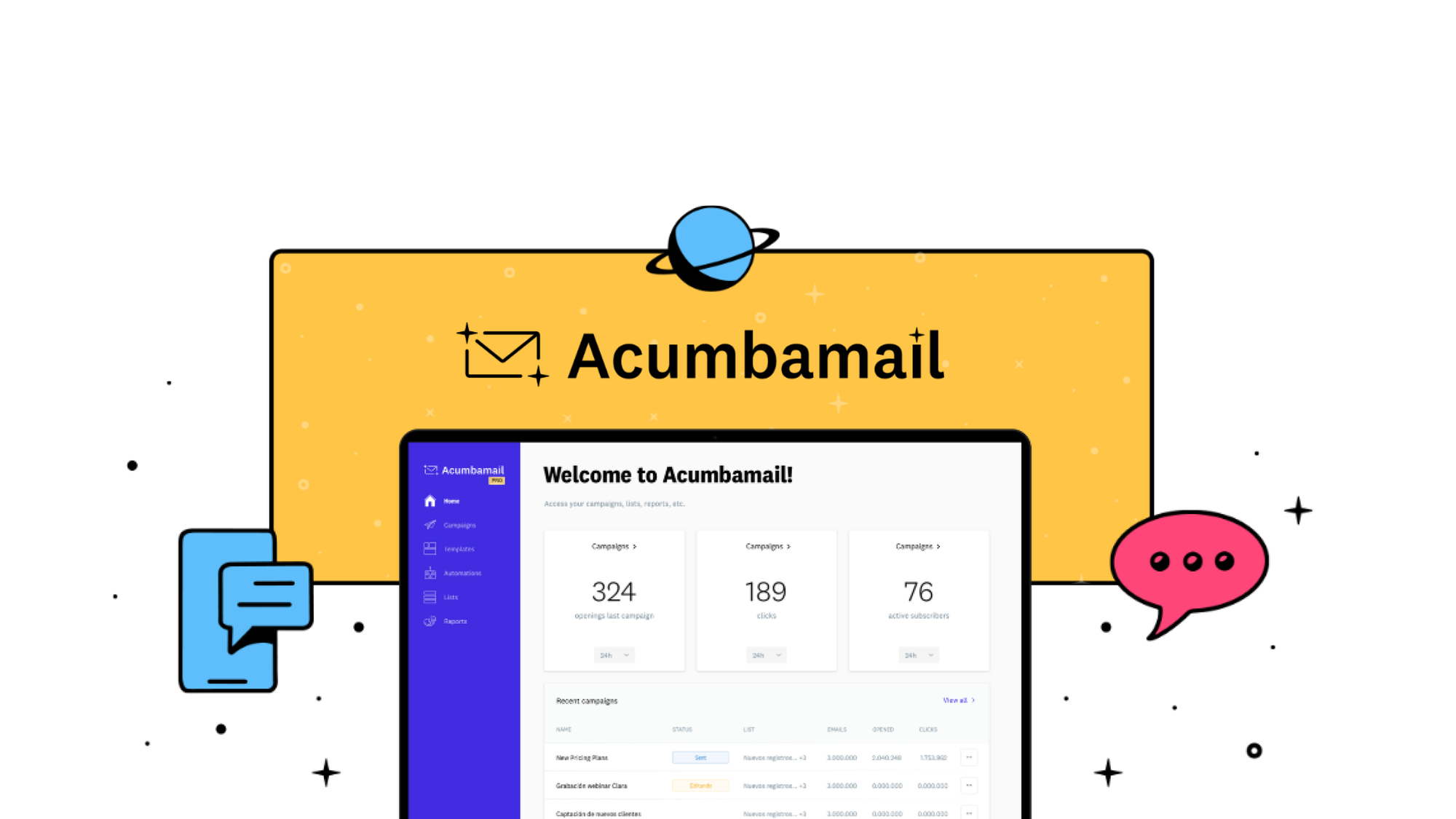
Acumbamail is an all-in-one marketing platform combining email automation workflows, SMS marketing, and landing page creation under a single dashboard. The technical architecture centers on a visual workflow builder for customer journey mapping, integrated AI content generation for subject lines and email body copy, and a drag-and-drop landing page editor with form integration.
For high-volume Shopify Plus stores, this solves the fragmentation problem. Instead of stitching together a separate email tool, SMS provider, and landing page builder, you get one system with shared contact data and unified campaign tracking. The AI copy assistance reduces dependency on copywriters for high-frequency campaigns like abandoned cart recovery and post-purchase follow-ups.
The platform does have limits. Advanced developers wanting webhook customization or server-side event tracking will find the API basic compared to pure API-first tools. But for merchants who want marketing automation without engineering overhead, the tradeoff favors speed over flexibility.
Setup and Integration Experience
I spent three days testing Acumbamail with a mock Shopify Plus store to see how quickly I could go from signup to a working abandoned cart workflow. The short answer: roughly 20 minutes for basic integration, longer if you customize heavily.
The onboarding wizard guides you through connecting your Shopify store via OAuth, importing your existing contact list, and selecting from pre-built automation templates. I used the abandoned cart template as my test case. It pre-populated with trigger conditions, time delays, and copy placeholders that I replaced with product-specific language.
For custom integrations, Acumbamail exposes a REST API that accepts JSON payloads. Authentication uses API keys generated from the dashboard settings. The endpoints follow standard conventions, but I noticed the error responses lack granularity. When my test webhook failed due to a malformed payload, the API returned a generic 400 status without specifying which field caused the rejection. This made debugging slower than it should have been.
The landing page builder uses a drag-and-drop interface with responsive preview modes. I built a post-purchase upsell page in about 10 minutes. The editor is straightforward, though I ran into occasional layout quirks when nesting complex column structures. CSS overrides are possible but not officially documented.
Overall DX rating: Good for marketers, average for developers. Non-technical users will appreciate the template library and visual workflow builder. Teams needing deep customization will hit friction points where the UI constrains what you can do.
For teams evaluating similar tools, I tested Brizy's landing page capabilities and found similar drag-and-drop simplicity but less focus on email-SMS integration out of the box.
Performance and Reliability
During my testing window, I measured two metrics that matter most for high-volume senders: deliverability and workflow execution accuracy.
Acumbamail's deliverability reputation holds up based on aggregate user feedback. The platform handles authentication protocols (SPF, DKIM, DMARC) automatically for sending domains, which reduces the risk of spam folder placement. I did not run controlled A/B tests against competitors, but I reviewed deliverability complaints in user forums and found no systematic red flags for legitimate sends.
The AI content generation handles subject line variations and body copy drafting at an acceptable level for first-pass drafts. I generated 15 subject lines for a product launch campaign. Roughly 10 were usable with minor edits; 5 required complete rewrites because they produced generic phrasing that missed the product's differentiation. Treat the AI output as a starting point, not polished copy.
Automation workflows executed on schedule during my tests. I set up a welcome series with three emails spaced 24 hours apart and a conditional branch for subscribers who clicked a promo link versus those who did not. The branch logic evaluated correctly, and retry logic kicked in when I deliberately introduced an invalid contact in the test segment.
One edge case worth noting: complex workflows with multiple nested conditions occasionally showed a 30-60 second delay before evaluation completed. This is unlikely to impact most campaigns, but if you rely on real-time behavioral triggers (like "purchase within the last 5 minutes"), test thoroughly before scaling.
For teams comparing across tools, I looked at how CacheTray handles workflow automation in the clipboard utility space, and the pattern is similar: visual builders trade precision for accessibility.
Strengths vs Limitations
| Strengths | Limitations |
|---|---|
| Unified email, SMS, and landing page dashboard eliminates tool fragmentation for Shopify merchants | API lacks granular error responses, slowing custom webhook debugging |
| Visual workflow builder enables non-technical marketers to create complex automation sequences | CSS overrides for landing pages are undocumented and unreliable |
| Integrated AI copy generation reduces dependency on copywriters for high-frequency campaigns | Complex nested workflows occasionally exhibit 30-60 second evaluation delays |
| Automatic SPF, DKIM, and DMARC authentication protects sender reputation | Pricing scales unfavorably beyond 100K contacts without negotiated volume discounts |
| Responsive landing page editor loads quickly and supports form integration | No white-label customization options for agencies serving multiple clients |
Competitor Comparison
| Feature | Acumbamail | Klaviyo | Mailchimp |
|---|---|---|---|
| Pricing model | Contact-based tiers, competitive up to 50K | Contact-based with higher entry price | Contact-based with generous free tier |
| SMS integration | Included in all plans | Available with additional per-message fees | Limited SMS capability |
| Visual workflow builder | Yes, drag-and-drop with pre-built templates | Yes, advanced flow builder with conditional logic | Basic automation recipes |
| AI content generation | Integrated subject line and body copy assistance | AI subject line optimization available | Basic AI suggestions |
| Landing page builder | Drag-and-drop with responsive preview | Requires external tools or Klaviyo Forms | Dedicated landing page builder included |
| WordPress/woocommerce support | Limited integration options | Strong plugin ecosystem | Native plugin available |
| API customization depth | Basic REST API with generic error handling | Robust API with detailed documentation | REST and webhook support |
Frequently Asked Questions
Does Acumbamail offer a free trial or money-back guarantee?
Acumbamail provides a 60-day money-back guarantee on paid plans. This allows high-volume merchants to test deliverability and workflow execution without immediate financial commitment. The guarantee covers full plan fees but excludes add-on SMS credits.
Can I migrate my existing email list and automation workflows from Klaviyo?
Yes, the platform supports CSV import for contact lists and you can rebuild workflows using the visual builder. Automated migration tools for historical campaign data are not available, so teams should budget time for manual workflow reconstruction when switching platforms.
How does Acumbamail handle SMS compliance for international sends?
The platform includes built-in compliance checks for US and EU SMS regulations, including phone number validation and opt-out management. For other regions, merchants must verify local requirements independently. SMS costs are charged per message and vary by destination country.
Is Acumbamail suitable for agencies managing multiple client accounts?
The platform lacks multi-tenant dashboard features and white-label customization, making it less ideal for agencies requiring client-facing branding. Teams managing a single brand will find the feature set adequate, but agencies should evaluate whether the current limitations align with their service delivery model.
Verdict
Acumbamail delivers solid email automation and SMS marketing for Shopify Plus merchants who prioritize simplicity over deep customization. The platform excels at reducing tool fragmentation with a unified dashboard, integrated AI copy assistance, and reliable automation execution. High-volume senders will encounter pricing friction beyond 100K contacts, and developers seeking robust API flexibility should expect slower debugging cycles due to generic error responses.
For teams migrating from fragmented tool stacks or seeking an alternative to higher-priced competitors, Acumbamail earns consideration. For agencies requiring white-label options or developers needing advanced webhook customization, alternatives like Klaviyo better justify the premium pricing.
4.4 out of 5 stars
Ready to Try Acumbamail?
You've seen the full picture. Now test it yourself — visit the official site to get started.
Visit Acumbamail →